Website Cost Calculator
Website Cost Calculator (How much does it cost to make a website)
How Much Does It Cost to Make a Website?
Estimate your website creation cost, see what is included for free, and get a beginner-friendly launch checklist.
Tell Us About Your Website
Recommended Setup
A website cost calculator helps you estimate how much a website will cost before you start building it. It is useful for bloggers, business owners, affiliate marketers, and anyone planning a new WordPress site because it gives a clearer view of hosting, domain, SSL, design, plugins, and maintenance expenses.
What is a Website Cost Calculator?
A website cost calculator is an online tool that estimates the total cost of creating and running a website.
It usually asks a few questions, such as what type of website you want, how many websites you plan to build, whether you need hosting, and if you want premium design or plugins.
Based on your answers, it calculates the expected first-term cost and renewal cost.
This type of tool is especially helpful for beginners who want to understand website development costs without guessing.
It can also compare the cost of buying everything separately versus choosing a bundled hosting plan.
Why Website Cost Matters
Many people assume a website is cheap to launch, but the real cost can vary a lot. A simple blog may cost much less than an eCommerce website or business website with premium features. That is why a website budgeting tool is valuable before making a decision.
The total cost of a website can include website hosting, domain name, SSL certificate, WordPress theme, premium plugins, business email, and website maintenance. If you skip planning, the renewal price may surprise you later.
Main Factors That Affect Website Cost
Several elements influence the final price of a website. The biggest ones are the hosting plan, domain registration, and the level of design customization you need.
Premium tools and advanced functionality can increase the budget quickly. Here are the most common cost components:
- Web hosting cost.
- Domain name cost.
- SSL certificate cost.
- WordPress theme or website builder cost.
- Premium plugin cost.
- Business email cost.
- Website security and backup cost.
A website cost estimator should include all these parts so the final result is realistic.
Typical Website Types and Cost Range
Different website types require different budgets. A blog website usually costs less because it needs fewer advanced features.
A business website or eCommerce website usually needs stronger hosting, better design, and more tools.
Common examples include:
- Blog website cost: lower budget, simple setup, and basic plugins.
- Business website cost: medium budget, premium theme, and professional email.
- Portfolio website cost: moderate budget with design-focused pages.
- eCommerce website cost: higher budget due to payments, product pages, and performance needs.
- Agency website cost: medium to high budget depending on branding and client features.
A website pricing calculator makes it easier to compare these options side by side.
How a Website Cost Calculator Works
Most website cost calculators use selectable options instead of manual entry. The user chooses the website type, hosting period, domain need, design level, and plugin requirements. The tool then estimates the first-term cost and monthly or yearly renewal cost.
For example, if you select a blog website with free theme support and basic tools, the calculator may show a lower estimated website creation cost.
If you choose an eCommerce setup with premium plugins and a custom design, the total will be higher.
This makes the calculator practical for planning both startup costs and ongoing website renewal costs.
WordPress Website Cost Breakdown
If you are building a WordPress website, the total cost depends on the setup you choose. A basic WordPress website may only need hosting, a domain, SSL, and a free theme.
A professional WordPress site may also need premium plugins, a custom design, and business email.
A WordPress cost calculator can help you estimate the following:
- WordPress hosting cost.
- Domain renewal cost.
- SSL certificate cost.
- Theme purchase cost.
- Plugin subscription cost.
- Email hosting cost.
- Long-term maintenance cost.
This is especially useful for bloggers and SEO professionals who want to build multiple websites at a controlled cost.
Hosting and Renewal Pricing
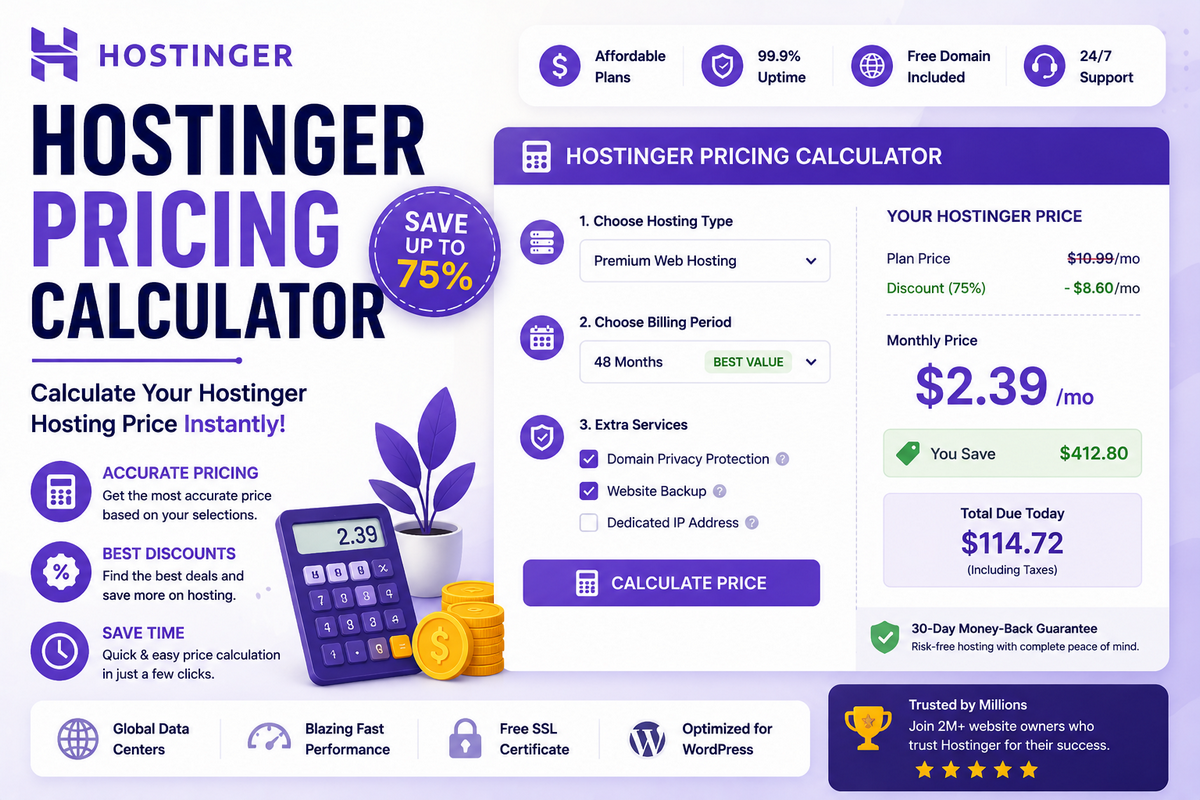
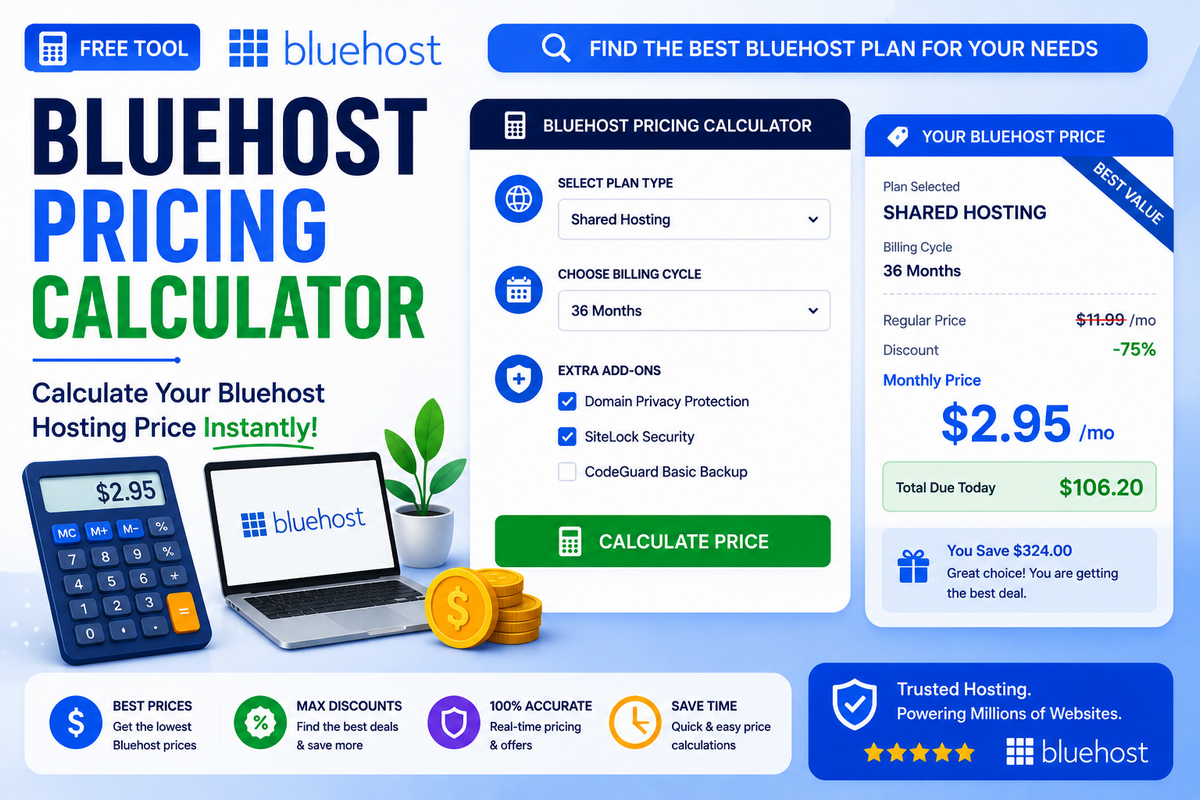
Hosting is usually the largest recurring cost in any website budget. Many hosting providers offer low introductory prices, but renewal prices can be higher.
That is why a website cost calculator should show both first-term pricing and yearly renewal pricing.
When evaluating hosting, consider:
- Initial discount price.
- Renewal price.
- Number of websites allowed.
- Storage space.
- Backup features.
- Free domain availability.
- SSL and email inclusion.
A smart website planning tool helps you understand whether a low-cost hosting plan is truly affordable in the long run.
Benefits of Using a Website Cost Estimator
Using a website cost estimator gives you a more accurate budget before you buy anything. It prevents overspending and helps you compare different hosting plans and website setup options. It also makes it easier to choose the right platform for your goals.
Key benefits include the following:
- Better budget planning.
- Faster decision-making.
- Clear comparison of costs.
- More realistic renewal expectations.
- Suitable for beginners and professionals.
If you run a blog or affiliate site, this can help you pick a setup that balances performance and cost.
How to Reduce Website Cost
You do not always need a large budget to launch a good website. Choosing a free theme, using essential plugins only, and selecting bundled hosting can reduce expenses significantly.
You can also start with a smaller hosting plan and upgrade later.
To lower website costs:
- Start with a basic hosting plan.
- Use a free WordPress theme.
- Install only necessary plugins.
- Choose annual hosting if it includes a free domain.
- Avoid unnecessary premium tools in the beginning.
A website cost calculator for WordPress helps you test these options before paying.
FAQs: Website Cost Calculator
How much does it cost to make a website?
A basic website can cost as little as the price of hosting and a domain, often under a few thousand rupees per year. Costs increase with premium themes, plugins, business email, and eCommerce features. A website cost calculator helps estimate this total based on your specific choices and requirements.
Is website hosting free?
Website hosting is not free in most cases, though some providers offer very low introductory pricing for the first term. Free hosting options exist but usually come with limited storage, ads, or no custom domain. For a professional website, paid hosting is recommended for better speed, security, and support.
Do I need to buy a domain separately?
Not always. Many hosting providers include a free domain name when you choose an annual or multi-year hosting plan. If you select monthly hosting or already own a domain, you may need to purchase or renew it separately, which is reflected in most website cost calculators.
How much does a WordPress website cost?
A WordPress website’s cost depends on hosting, theme, and plugins chosen. A basic setup with a free theme and essential plugins costs less, while a custom-designed site with premium tools and business email costs more. Most beginner-friendly WordPress websites can be launched affordably with shared hosting plans.
What is included in website hosting cost?
Website hosting cost usually includes server space, bandwidth, and sometimes a free SSL certificate. Many plans also bundle a free domain for the first year, basic security, and backups. Premium hosting plans may add extra features like daily backups, more storage, and dedicated resources for better performance.
Why does website renewal cost differ from the first-term price?
Hosting providers often offer discounted pricing for the first billing cycle to attract new customers. After that period, the plan renews at the standard rate, which is usually higher. This is why checking the renewal cost, not just the first-term price, is important when budgeting for a website.
Is an SSL certificate necessary for a website?
Yes, an SSL certificate is important because it encrypts data and builds visitor trust. It also affects search engine rankings, since browsers flag non-secure sites. Many hosting plans now include a free SSL certificate, which reduces the overall cost of securing a website.
How can I reduce my website cost?
You can reduce website cost by choosing a longer hosting term with a free domain, using free themes, and avoiding unnecessary premium plugins in the beginning. Starting with a smaller hosting plan and upgrading later, as your website grows, is also an effective way to control expenses.
Is an eCommerce website more expensive than a blog?
Yes, an eCommerce website is generally more expensive because it needs stronger hosting, payment processing, product management, and security features. A blog website usually requires simpler hosting and fewer tools. This cost difference is clearly reflected in most website cost calculators when comparing website types.
Can I use a website cost calculator before choosing a hosting plan?
Yes, using a website cost calculator before selecting hosting is a smart approach. It helps you compare the first-term cost, renewal price, and included features across different plans. This makes it easier to choose a hosting provider that fits both your budget and long-term website goals.
Conclusion
A website cost calculator is one of the most useful planning tools for anyone building a new site. It helps you estimate the true website development cost, compare hosting plans, and prepare for renewal expenses.
Whether you are creating a blog, business site, or eCommerce store, using a website budgeting tool can save both time and money.
If your goal is to launch a website with confidence, start by calculating the full cost, not just the hosting price. That way, you can build a website that fits your budget and your long-term goals.