There are many CDN services available for WordPress websites, including several reliable free options that bloggers can start with.
Before exploring the best CDN for WordPress, it is important to understand what a CDN is and why it matters for your site’s speed and security.
As internet usage grows every year, users expect websites to load quickly and feel secure on every device.
If your WordPress blog or WooCommerce store loads slowly, visitors will leave within seconds and may never return.
Slow pages and insecure connections increase bounce rate, reduce user trust, and hurt your search engine rankings.
This is where a Content Delivery Network (CDN) becomes essential. A CDN is a distributed network of servers located around the world that store and serve cached versions of your site’s static content, such as images, CSS, JavaScript, and sometimes HTML.

Instead of every user loading files directly from your main hosting server, a CDN delivers these assets from the server location closest to them.
Most CDN providers operate data centers (also called edge locations or PoPs) in multiple regions across the globe.
When someone visits your WordPress site, the CDN serves cached content from the nearest server, reducing latency and improving page load time.
This leads to a faster, more consistent experience for visitors from different countries and devices.
Typically, you buy hosting from a web hosting company and store your website’s files on their server. When traffic is low, a single server might be enough.
But as your audience grows, especially if you serve global traffic, that server can become overloaded. High load can cause slow responses, timeouts, or even temporary downtime for your website.
By integrating a CDN with your WordPress site, you share the load between your origin hosting server and the CDN’s global network.
The CDN caches and delivers static content, while your main server focuses on dynamic content such as WordPress, PHP, and database queries.
This not only improves speed and performance but can also enhance security features like DDoS protection and better HTTPS handling.
How to Know if a CDN Is Good?
Not all CDN services are equal, even if they advertise similar features. When choosing the best CDN services for WordPress, you should compare more than just price and brand name.
Focus on the core factors below to find a service that truly improves your site’s performance, security, and reliability.
1. Bandwidth and Pricing
Most CDN providers allocate a fixed amount of bandwidth per month based on your plan. Small bloggers might be fine with a few hundred gigabytes, while high‑traffic or media‑heavy sites may require terabytes of data transfer. Always check:
- How much bandwidth is included in the base plan
- The cost per additional GB when you exceed the limit
- Whether there are fair‑use policies or hidden caps
Many managed WordPress hosts now bundle free CDN bandwidth with their plans, but it is still important to understand the limits and overage costs.
2. SSL Certificates and HTTPS Support
Any modern CDN for WordPress should support SSL certificates and full HTTPS delivery. This is critical for security, trust, and SEO. Look for:
- Free SSL (Let’s Encrypt or similar) or easy custom certificate integration
- Full support for HTTPS, including redirects and HSTS
- No mixed‑content issues when enabling HTTPS via the CDN
If a CDN does not support secure connections properly, it is better to avoid it.
3. DDoS Protection and Security Features
A good CDN does more than just speed up your site—it should also help protect it. Distributed Denial of Service (DDoS) attacks and malicious traffic can overwhelm your origin server. A quality CDN offers:
- Built‑in DDoS mitigation at the network edge
- Basic firewall or rules to block suspicious traffic
- Options to enable “under attack” or high‑security modes
If a provider lacks robust DDoS protection, it may not be ideal for sites that handle sensitive data or large traffic spikes.
4. Image Optimization and Compression
Images are often the biggest contributors to page size and loading time. An effective WordPress CDN should include image optimization features or integrate easily with image optimization tools. Look for:
- Automatic image compression (lossy or lossless)
- Support for modern formats like WebP or AVIF
- On‑the‑fly resizing or responsive image delivery
These features help reduce file size, improve Core Web Vitals, and keep your bounce rate low, especially on mobile devices.
5. Global Network and Performance
Check how many points of presence (POPs) or edge locations the CDN has and where they are distributed.
If you serve a global audience, you need a provider with strong coverage in your key regions (for example, North America, Europe, Asia, and India).
Faster response times from local servers translate directly into better user experience.
6. Customer Support and Documentation
Even though a CDN runs mostly in the background, technical issues can still occur—DNS problems, cache conflicts, or SSL errors. Good customer support is essential. Ideally, your CDN should provide:
- 24/7 support via email, chat, or ticket system
- Clear documentation and setup guides for WordPress
- Helpful dashboards and error logs to troubleshoot issues
If support is slow, unresponsive, or limited to business hours in another time zone, you may struggle during critical outages or migrations.
Best CDN for WordPress
There are many CDN providers that can speed up your WordPress site, from generous free plans to powerful enterprise solutions.
To help you choose the best CDN for WordPress, this list focuses on performance, ease of use, pricing, and WordPress integration.
Some CDNs are ideal for beginners and bloggers, while others are better for high‑traffic, global sites and WooCommerce stores.
Review the introduction, features, pros, cons, and pricing of each service, then pick the one that matches your current traffic, budget, and technical comfort level.
1. Hostinger CDN

Hostinger CDN is a built‑in content delivery network provided with many of Hostinger’s managed WordPress and premium hosting plans.
Instead of configuring a separate third‑party CDN, you can enable it directly from the Hostinger control panel, which makes it ideal for beginners and non‑technical bloggers.
Once activated, Hostinger routes your site’s static content through its distributed network, improving load times and reducing server load.
Combined with their LiteSpeed‑based caching and free SSL, Hostinger’s CDN offers a simple, all‑in‑one performance solution for users who prefer a fully managed hosting environment over complex manual setups.
Key Features
- Integrated CDN within Hostinger’s hosting dashboard
- One‑click enable/disable from performance settings
- Works alongside built‑in caching and free SSL
- Automatically distributes static assets across multiple locations
- Optimized specifically for Hostinger WordPress hosting environments
Pros
- Extremely easy to enable—no separate CDN account needed
- Good choice for beginners using Hostinger WordPress hosting
- Simplifies performance and security setup (CDN + SSL + caching together)
- Reduces dependency on additional plugins or external dashboards
Cons
- Only available if you host your site with Hostinger
- Less configurable than dedicated standalone CDNs
- Advanced users may still prefer Cloudflare or other external options
Pricing
- Included with many Hostinger premium and managed WordPress plans
- No separate CDN subscription required beyond hosting fees
- Best value when you already plan to use Hostinger as your main host
Related posts: Hostinger Review | How to install WordPress | Hostinger Coupon Code
2. Cloudflare

Cloudflare is one of the most popular and widely used CDN services for WordPress. It operates a massive global network with hundreds of data centers and offers a generous free plan, making it an excellent starting point for bloggers and small business sites.
Cloudflare not only delivers static content through its CDN but also provides security features like DDoS protection, Web Application Firewall (WAF) on higher plans, and automatic HTTPS. Cloudflare CDN for WordPress is a great choice for new bloggers.
With an easy‑to‑use dashboard, quick setup, and official WordPress plugin, Cloudflare is often the first recommendation for anyone looking to improve performance and security without a complex configuration.
Key Features
- Global CDN network with many edge locations
- Free plan with CDN, caching, and basic security
- Automatic HTTPS and free SSL certificates
- DDoS protection and security rules
- Page Rules and cache‑control options
- Official WordPress plugin and APO (on paid plans)
Pros
- Generous free plan suitable for most blogs
- Very easy to integrate with WordPress and most hosts
- Strong security features on higher tiers
- Improves speed and resilience for global traffic
Cons
- Advanced features (WAF, APO) require paid plans
- Misconfigured Page Rules can cause caching issues
- Some hosts already bundle Cloudflare, which may limit direct control
Pricing
- Free plan available
- Pro plan: typically low monthly fee per site
- Business and Enterprise plans for high‑traffic and mission‑critical sites
3. Photon (Image CDN) by Jetpack
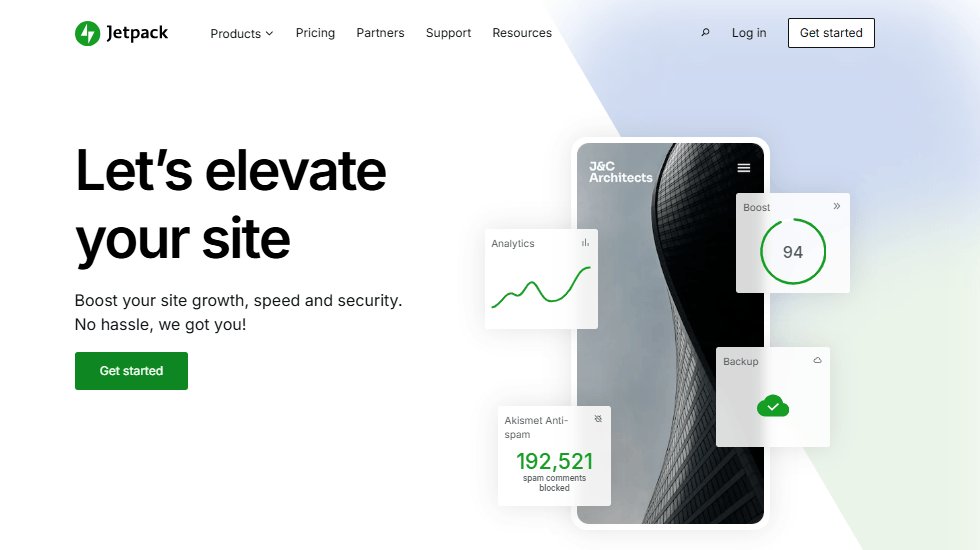
Photon is the image CDN component included in Jetpack (now called Jetpack Site Accelerator) for WordPress.
It is designed primarily for image optimization and delivery rather than a full static asset CDN.
When enabled, Jetpack offloads your images to WordPress.com’s global infrastructure and serves them from their edge servers.
This reduces the load on your origin hosting, speeds up image delivery, and can significantly improve performance on image‑heavy blogs.
Photon is a great option if you already use Jetpack for analytics, security, or backups and want a simple, free way to accelerate images without complex setup.
Key Features
- Free image CDN via Jetpack plugin
- Automatic image offloading and caching
- On‑the‑fly image resizing and optimization
- Integrated with WordPress.com’s global servers
- Easy activation from the Jetpack dashboard
Pros
- Very simple to enable for existing Jetpack users
- Offloads image bandwidth from your main server
- No separate account needed beyond Jetpack/WordPress.com
- Great for blogs with lots of images or galleries
Cons
- Focused mainly on images (not a full asset CDN)
- Requires Jetpack, which some users consider heavy
- Less control over image processing compared to dedicated image CDNs
Pricing
- Photon image CDN is free as part of Jetpack’s Site Accelerator
- Additional Jetpack features may require paid plans
4. Swarmify

Swarmify is a performance‑focused CDN solution that started with video delivery and later expanded into broader content acceleration.
It is known for its peer‑to‑peer (P2P) assisted delivery approach, which reduces the load on your origin server by leveraging connected users as part of the distribution network.
Swarmify is particularly useful for video‑heavy sites and media blogs that need consistent playback and reduced buffering.
While it offers a limited free tier for testing, its real strength lies in premium plans that provide robust video CDN capabilities and better control over bandwidth, analytics, and performance.
Key Features
- CDN support for both static assets and videos
- Peer‑to‑peer assisted delivery to reduce server load
- Global network for faster content distribution
- WordPress integration via plugin or script
- Analytics and performance reporting on higher plans
Pros
- Excellent for video‑heavy WordPress sites
- P2P approach can reduce origin bandwidth usage
- Designed to improve streaming and playback quality
- Can complement an existing CDN setup for video content
Cons
- Setup is more complex than simple “plug‑and‑play” CDNs
- The best features are on paid plans
- Not necessary for simple blogs with minimal video
Pricing
- Limited free plan or trial options
- Paid plans based on bandwidth and video usage
- Pricing tailored to video traffic and resource needs
5. Google Cloud CDN
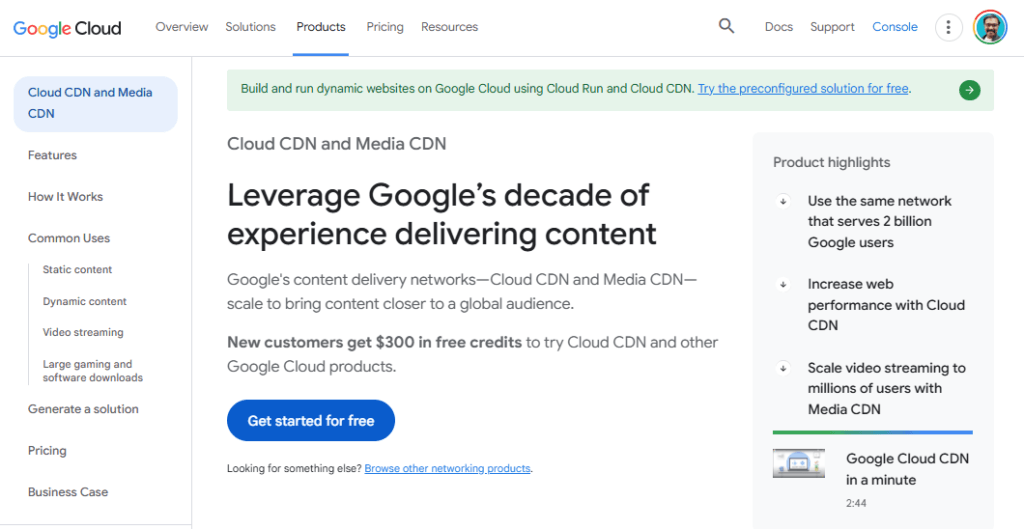
Google Cloud CDN is an enterprise‑grade content delivery network built on Google’s global infrastructure.
It integrates tightly with Google Cloud Platform services, making it a strong choice for high‑traffic WordPress sites, SaaS applications, and businesses already hosting on Google Cloud.
With edge locations worldwide, advanced caching, and support for HTTP/2 and QUIC, Google Cloud CDN is designed for performance and reliability.
However, it is more technical than consumer‑level CDNs, so it suits developers or agencies comfortable with cloud configurations rather than complete beginners.
Key Features
- Global CDN integrated with Google Cloud Platform
- HTTP/2 and QUIC support for faster delivery
- Advanced caching and load balancing options
- Strong analytics and monitoring tools
- Integration with Google Cloud Storage and Compute Engine
Pros
- Extremely powerful and scalable
- Ideal for large, high‑traffic or enterprise WordPress sites
- Deep integration with other Google Cloud services
- Flexible and configurable for complex architectures
Cons
- Setup and management require technical knowledge
- Pricing can be confusing for beginners
- Overkill for small blogs or simple sites
Pricing
- Pay‑as‑you‑go based on bandwidth and requests
- New Google Cloud users often get promotional credits
- Best used when you already host on Google Cloud
6. Cloudinary
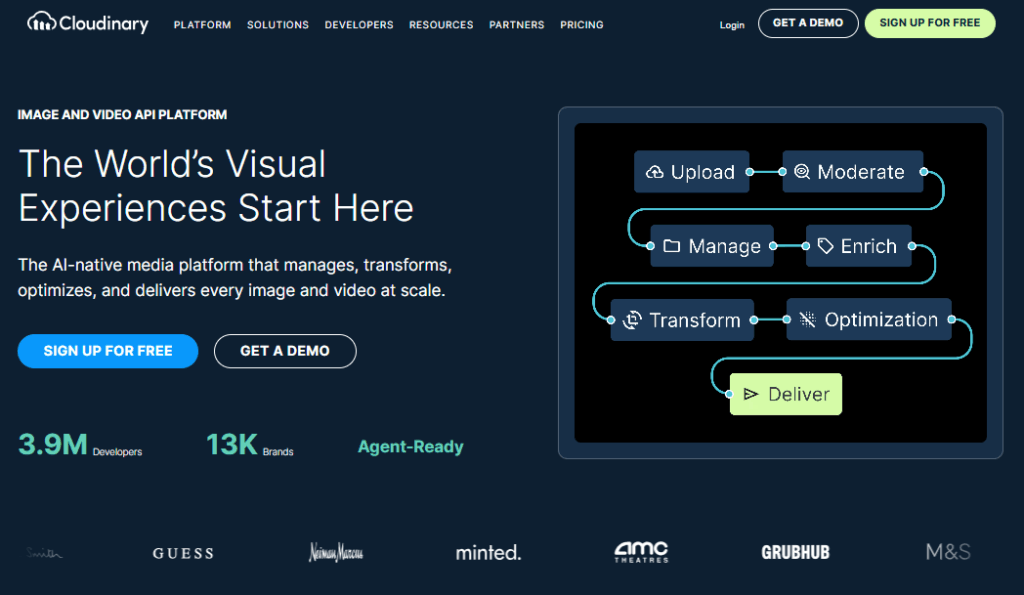
Cloudinary is a cloud‑based image and media management platform that also functions as a powerful image CDN.
Instead of storing all images on your WordPress hosting, you upload them to Cloudinary and serve them through its global delivery network.
Cloudinary can transform, resize, compress, and convert images on the fly, making it ideal for visually rich blogs, portfolios, and eCommerce sites.
By offloading media storage and processing, Cloudinary helps reduce server load, improve page speed, and maintain consistent image quality across devices and screen sizes.
Key Features
- Global image CDN and media management platform
- On‑the‑fly image resizing, cropping, and transformations
- Automatic optimization and format conversion (e.g., WebP)
- WordPress integration via plugin or API
- Detailed media analytics and management dashboard
Pros
- Great for image‑heavy and visual WordPress sites
- Significantly reduces storage and bandwidth usage on your host
- Advanced transformation features for design flexibility
- Reliable global delivery for media assets
Cons
- Requires additional setup and account management
- The free tier has limited storage and bandwidth
- A full feature set may be more than simple blogs need
Pricing
- Free tier with limited storage and bandwidth (e.g., a few GB)
- Paid plans based on storage, transformations, and bandwidth usage
- Scales with site growth and media requirements
7. Amazon CloudFront
Amazon CloudFront is a high‑performance CDN service from Amazon Web Services (AWS).
It is built for secure, low‑latency content delivery and integrates deeply with other AWS products such as S3, EC2, and WAF.
CloudFront is a strong choice for WordPress sites that already use Amazon S3 for media storage or rely on AWS infrastructure.
With edge locations worldwide and advanced security features, it’s suitable for high‑traffic blogs, membership sites, and eCommerce stores that need fine‑grained control over caching, access, and performance.
Key Features
- Global CDN integrated with AWS ecosystem
- Works seamlessly with S3, EC2, and other AWS services
- Support for dynamic and static content
- Strong security features, including AWS WAF integration
- Detailed reporting and logging
Pros
- Highly scalable and reliable
- Excellent choice for sites already using AWS
- Fine control over caching, headers, and access
- Suitable for both static and dynamic WordPress content
Cons
- Setup can be complex for beginners
- The pricing structure may be confusing initially
- Requires additional configuration for WordPress (e.g., S3 + plugin)
Pricing
- Pay‑as‑you‑go based on data transfer and requests
- AWS Free Tier may include limited CloudFront usage for new accounts
- Costs scale with traffic and geographic distribution
8. BunnyCDN

BunnyCDN (now branded as bunny.net) is a fast, budget-friendly CDN that has become very popular among WordPress users.
It offers a large global network with more than 100 edge locations, simple pricing, and an easy‑to‑use dashboard.
BunnyCDN focuses on speed and affordability, making it ideal for bloggers, small businesses, and agencies that want predictable, low‑cost performance.
It integrates smoothly with WordPress via the official bunny.net plugin, which rewrites static asset URLs and handles caching automatically.
For site owners who want more control than a host‑bundled CDN but don’t need enterprise complexity, BunnyCDN is one of the best choices in 2026.
Key Features
- Global network with 100+ edge locations
- Simple, low pay‑as‑you‑go pricing
- Official bunny.net WordPress plugin for quick setup
- Perma‑Cache and smart routing for faster delivery
- Image optimization and storage add‑ons (optional)
- Detailed cache rules, SSL support, and HTTP/2
Pros
- Very affordable for most WordPress sites
- Easy integration with WordPress via official plugin
- Fine control over cache behavior and performance
- Scales well from small blogs to high‑traffic sites
Cons
- Requires separate account and basic configuration
- A pay‑as‑you‑go model needs occasional billing monitoring
- Fewer “all‑in‑one security” features than Cloudflare
Pricing
- Pay‑as‑you‑go pricing based on bandwidth (very low per GB)
- No long‑term contracts required
- Extra features (storage, image optimization) priced separately
9. KeyCDN
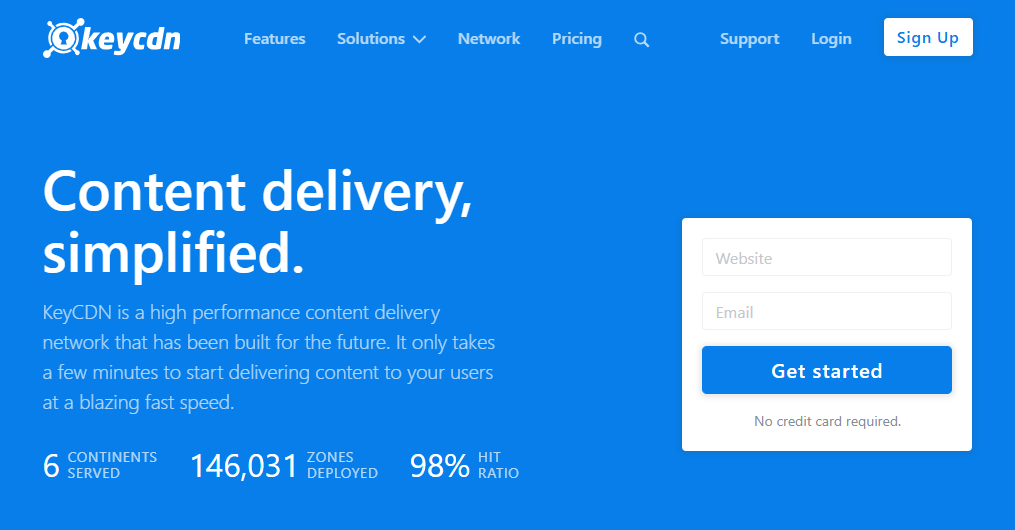
KeyCDN is a performance‑focused, developer‑friendly CDN that works seamlessly with WordPress.
It offers a large network of edge servers, straightforward pricing, and strong integration with popular caching and CDN plugins.
KeyCDN is designed for site owners who want reliable performance without complex enterprise setups.
It supports HTTP/2, Brotli compression, and modern security features, making it suitable for blogs, content sites, and eCommerce stores.
With support for plugins like WP Rocket, W3 Total Cache, and the native KeyCDN integrator, it’s a solid option for WordPress users looking for a balanced mix of speed, control, and cost efficiency.
Key Features
- Global CDN network with multiple PoPs
- HTTP/2, Brotli compression, and TLS support
- Seamless integration with common WordPress CDN plugins
- Real‑time analytics and reporting
- Origin shield and cache‑control options
- Support for both static and dynamic content
Pros
- Easy to integrate with existing caching plugins
- Transparent, competitive pricing
- Good balance of features and simplicity
- Reliable performance for global audiences
Cons
- Requires separate signup and configuration
- Not bundled with hosting, so it adds another service to manage
- Fewer edge add‑ons compared to larger enterprise CDNs
Pricing
- Pay‑as‑you‑go pricing based on bandwidth usage
- Volume discounts as your usage grows
- Free trial or test credit often available for new users
10. Fastly
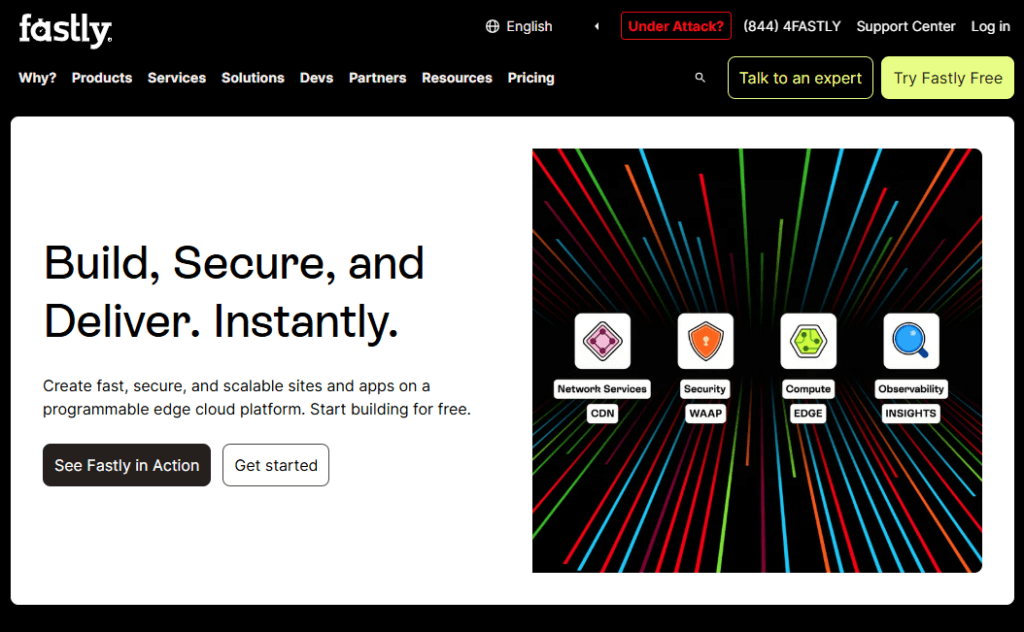
Fastly is an advanced, edge‑compute‑powered CDN used by many large websites and SaaS platforms.
It is designed for developers and enterprises that need granular control over caching, routing, and edge logic.
While not as beginner‑friendly as plug‑and‑play solutions, Fastly can be integrated with WordPress for high‑traffic, mission‑critical sites where performance and custom logic matter.
Its real‑time configuration, instant cache purging, and powerful security tools make it a strong option for complex setups, multi‑site architectures, or headless WordPress deployments.
However, it’s generally more suited to technical teams than solo bloggers or small business owners.
Key Features
- High‑performance global CDN with edge computing capabilities
- Real‑time cache purging and configuration changes
- Advanced security and WAF options
- HTTP/3 and modern protocol support
- Detailed logging and analytics
Pros
- Extremely powerful and flexible for complex WordPress deployments
- Instant cache updates and precise control
- Suitable for enterprise and large‑scale projects
- Integrates well with modern, decoupled architectures
Cons
- Not beginner‑friendly; requires strong technical knowledge
- Pricing and configuration can be complex
- Overkill for most small to medium blogs
Pricing
- Usage‑based pricing (requests, bandwidth, features)
- Typically aimed at mid‑size to enterprise‑level customers
- Best for sites with dedicated technical resources
FAQs About CDN Services for WordPress
What is the best CDN for WordPress blogs?
The best CDN for WordPress blogs depends on your needs, but Cloudflare, BunnyCDN, Hostinger’s built‑in CDN, and Jetpack Site Accelerator are great starting points. They are easy to integrate, affordable or free, and offer noticeable improvements in page speed, security, and user experience for most bloggers and small websites.
Do I really need a CDN for my WordPress site?
You should use a CDN if your WordPress site has global traffic, lots of images, or performance issues. A CDN reduces latency by serving content from servers closer to visitors. This improves loading speed, user experience, and Core Web Vitals, which can indirectly help with SEO and higher search rankings over time.
Which free CDN is best for WordPress beginners?
For beginners, Cloudflare’s free plan and Jetpack Site Accelerator (Photon) are excellent choices. Cloudflare accelerates and protects your entire site, while Jetpack optimizes and serves images via its own network. Both are easy to set up, require minimal configuration, and provide a noticeable speed boost without adding extra monthly costs.
How do I choose the right CDN for my WordPress site?
To choose the right CDN, consider your traffic volume, target regions, budget, and technical comfort level. Look at bandwidth pricing, number of locations, SSL support, DDoS protection, and WordPress integration. For most blogs, a simple option like Cloudflare, BunnyCDN, Hostinger CDN, or Jetpack Site Accelerator is more than enough.
Can I use more than one CDN with WordPress?
In most cases, you should rely on a single primary CDN to avoid conflicts. However, some setups combine a general CDN with a specialized one—for example, using Cloudflare for overall caching and Swarmify or Cloudinary for video or image delivery. If you combine services, configure them carefully and test thoroughly.
Does a CDN improve SEO for WordPress sites?
A CDN indirectly helps SEO by improving site speed, reducing latency, and stabilizing performance for visitors worldwide. Faster loading times can improve Core Web Vitals and user engagement metrics like bounce rate and session duration. While a CDN alone won’t guarantee top rankings, it supports better overall technical and on‑page SEO.
Is a CDN enough to speed up my WordPress site?
A CDN is a big improvement, but it’s not the only step. You should also use caching, image optimization, a fast theme, and good hosting. Combining a CDN with a caching plugin, optimized images, and lightweight plugins gives you the best chance of achieving fast, consistent performance across all devices and locations.
Which CDN is best for WooCommerce and eCommerce sites?
For WooCommerce and eCommerce sites, consider CDNs that handle dynamic content and offer strong security. Cloudflare, BunnyCDN, Amazon CloudFront, and Google Cloud CDN are popular choices. Managed WordPress hosts with built‑in CDNs, such as Hostinger’s CDN, are also attractive because they simplify setup, caching, and security in one package.
Conclusion on Best CDN Services for WordPress sites in 2026
Choosing the best CDN services for WordPress is one of the most effective ways to speed up your site, improve Core Web Vitals, and deliver a better experience for visitors worldwide.
Whether you are running a small blog, a WooCommerce store, or a high‑traffic content website, using a WordPress CDN helps reduce latency, stabilize performance, and protect your site from traffic spikes and attacks.
From beginner‑friendly options like Cloudflare, Hostinger CDN, Jetpack Site Accelerator, and BunnyCDN to advanced solutions such as Amazon CloudFront, Google Cloud CDN, KeyCDN, and Fastly, you now have a clear list of the best CDN for WordPress websites to choose from.