
Starting a blog no longer requires a large investment. Today, several free blogging platforms allow anyone to create a website, publish articles, share ideas, and even earn money online without paying for web hosting or expensive software.
Whether you are a student who wants to create an educational blog, a writer looking for readers, a business owner building an online presence, or a beginner exploring blogging for the first time, there is a free blogging platform designed for your needs.
However, not all free blogging websites are the same. Some platforms focus on simplicity, while others offer better SEO features, monetization options, design flexibility, or professional publishing tools.
To help you choose the right option, we tested and compared the best free blogging platforms based on ease of use, customization, SEO, monetization, and long-term growth.
Quick Comparison of the Best Free Blogging Platforms
| Blogging Goal | Recommended Platform |
|---|---|
| 🏆 Best Overall Free Blogging Platform | WordPress.com |
| 🌱 Best Free Blogging Platform for Beginners | Blogger |
| ✍️ Best Free Blogging Platform for Writers | Medium |
| 📧 Best Free Blogging Platform for Newsletters | Substack |
| 🏢 Best Free Blogging Platform for Businesses | Wix |
| 🔍 Best Free Blogging Platform for SEO | Ghost |
| 💻 Best Free Blogging Platform for Developers | Hashnode |
| 🎓 Best Free Blogging Platform for Students | Google Sites |
| 🚀 Best Long-Term Blogging Choice | Self-Hosted WordPress |
What Is a Free Blogging Platform?
A free blogging platform is a service or software that allows you to create and publish a blog without paying for hosting, website infrastructure, or content management tools.

Most free blogging sites provide everything required to start a blog, including a content editor, website hosting, templates, security, and basic customization options.
For example, platforms such as Blogger and WordPress.com allow you to create a blog within minutes using a free subdomain like yourblog.blogspot.com or yourblog.wordpress.com. Other platforms, such as Medium and Substack, focus more on publishing content and building an audience rather than creating a traditional website.
Free blogging platforms are perfect for beginners because they remove technical barriers such as purchasing hosting, installing software, managing updates, and securing a website.
Benefits of Starting With a Free Blog
Starting a free blog is one of the easiest ways to enter the world of blogging. It allows you to learn content creation, understand your audience, and experiment with different ideas before investing money.
Some major benefits of using a free blogging platform include:
- No Initial Investment: The biggest advantage of free blogging platforms is that you can start without spending money on web hosting, premium themes, or website development. This makes free blogs an excellent choice for students, hobby bloggers, and people testing a new niche.
- Easy Setup for Beginners: Most free blogging websites are designed for users with no technical experience. You can create an account, choose a design, and publish your first article within a few minutes without touching a single line of code.
- No Website Maintenance: With free platforms, the company handles technical tasks such as – Website hosting, security updates, software maintenance, server management, and performance optimization. This allows you to focus entirely on writing and growing your content.
- Opportunity to Learn Blogging: A free blog helps you understand important blogging concepts such as the following: Writing high-quality articles, Keyword research, Basic SEO, Audience building, Content promotion, Monetization methods, Many successful bloggers start with a free blog and later upgrade to a professional website.
- Useful for Testing Blog Ideas: If you are unsure about your niche, a free blogging platform lets you test different topics before committing to a paid website. You can experiment with subjects like technology, education, travel, finance, health, or personal development without financial risk.
How We Selected the Best Free Blogging Platforms
There are hundreds of blogging tools available online, but not every platform offers the same value.
For this list, we evaluated each blogging platform based on the following factors:
- Ease of Use: We considered how quickly a beginner can create a blog, publish articles, and manage content without technical knowledge.
- Design and Customization: A good blogging platform should provide attractive themes, layout options, and branding capabilities.
- SEO Features: We analyzed whether the platform offers SEO-friendly URLs, fast loading speed, mobile responsiveness, and other search optimization features.
- Monetization Opportunities: The ability to make money through Google AdSense, affiliate marketing, paid memberships, or other methods was an important factor.
- Long-Term Growth: We also considered whether the platform can grow with your goals, support a larger audience, and provide an upgrade path to a professional website.
After comparing these factors, we selected the top 20 free blogging platforms that offer the best combination of usability, features, and growth opportunities.
In the following sections, we will review each platform in detail, including its features, advantages, limitations, and whether it is the right choice for your blogging journey.
Best Free Blogging Platforms List 2026
Starting a blog has never been easier, thanks to the wide range of free blogging platforms available today. Whether you want to create a personal blog, share your expertise, build a business website, or make money online, there is a free blogging platform designed for your needs.
In this list, we have reviewed the best free blogging platforms of 2026 based on ease of use, customization, SEO features, monetization options, and long-term growth potential.
Explore the features, advantages, and limitations of each platform to find the best option for your blogging journey.
1. WordPress.com
Best Overall Free Blogging Platform
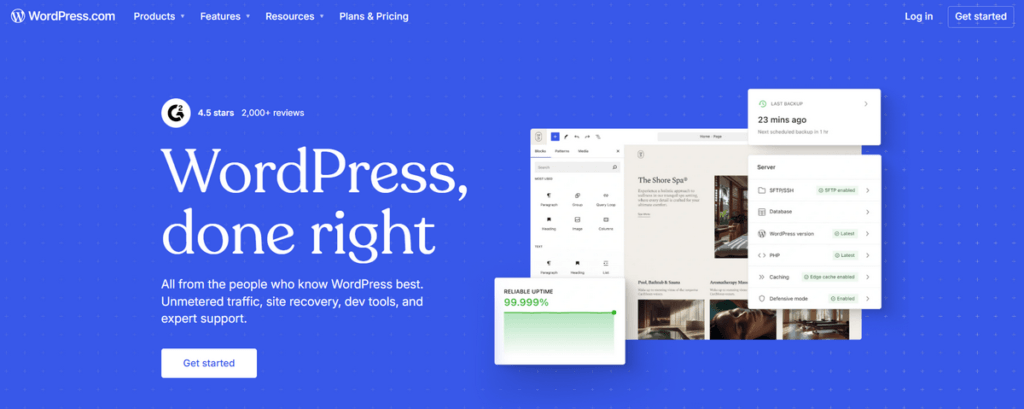
WordPress.com is one of the most popular and beginner-friendly free blogging platforms available today. It provides an easy way to create a professional-looking blog without purchasing web hosting, installing software, or managing website security.
Powered by the same WordPress technology used by millions of websites worldwide, WordPress.com offers a modern block editor, beautiful themes, reliable hosting, and a smooth blogging experience. It is an excellent choice for beginners, personal bloggers, students, writers, and small businesses that want to establish an online presence.
The biggest advantage of WordPress.com is its ability to grow with your needs. You can start with a free WordPress.com subdomain and later upgrade to a custom domain, additional customization options, and advanced features as your website expands.
Although the free plan has some limitations, it remains one of the best free blogging platforms because of its professional design, ease of use, and strong foundation for long-term growth.
Key Features of WordPress.com
- Completely free plan with managed hosting and security.
- Beginner-friendly block editor for creating blog posts and pages.
- Hundreds of professionally designed themes and website templates.
- Mobile-responsive designs optimized for all devices.
- Built-in SEO-friendly structure and performance optimization.
- Automatic updates, backups, and website maintenance.
- WordPress mobile app for writing and managing content on the go.
- Upgrade options for custom domains, additional storage, and premium features.
Pros and Cons of WordPress.com
Pros
- Easy to set up with no technical knowledge required.
- Professional-looking themes and modern website designs.
- Reliable hosting managed by WordPress.
- Good SEO foundation for ranking in search engines.
- Suitable for personal blogs, portfolios, and small websites.
- Simple upgrade path to more advanced WordPress plans.
Cons
- Free plan displays WordPress.com branding.
- Custom domains require a paid upgrade.
- Plugin installation is not available on the free plan.
- Monetization options are more limited compared with self-hosted WordPress.
- Advanced customization requires premium plans.
WordPress.com is the best overall free blogging platform for users who want a balance of simplicity, professional design, and future growth. It is an excellent starting point for beginners who plan to create a serious blog or website.
However, if your goal is to build a full-time blogging business with complete SEO control, unlimited plugins, advanced customization, and maximum monetization opportunities, moving to a self-hosted WordPress website is the better long-term solution.
While free blogging platforms are useful for beginners, serious entrepreneurs often use WordPress to create a job board website with advanced monetization features.
Best For: Beginners, professional bloggers, writers, students, and small businesses.
2. Blogger
Best Free Blogging Platform for Beginners
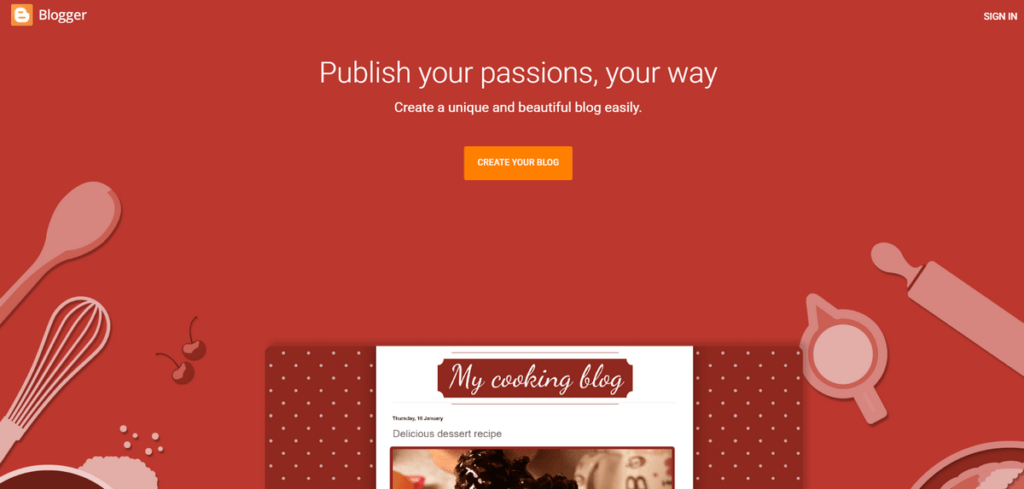
Blogger is one of the oldest and most trusted free blogging platforms, owned and managed by Google.
It allows anyone to start a free blog, publish articles, and build an online presence without paying for web hosting or website maintenance.
Because of its simple interface and seamless integration with Google services, Blogger is an excellent choice for beginners, students, hobby bloggers, and people who want to learn blogging with zero investment.
You can create a blog using a free Blogspot subdomain and later connect your own custom domain to make your website look more professional.
One of Blogger’s biggest advantages is its support for Google AdSense, making it one of the best free blogging platforms for users who want to make money through display advertisements. It also provides good website performance, basic SEO features, and reliable hosting powered by Google’s infrastructure.
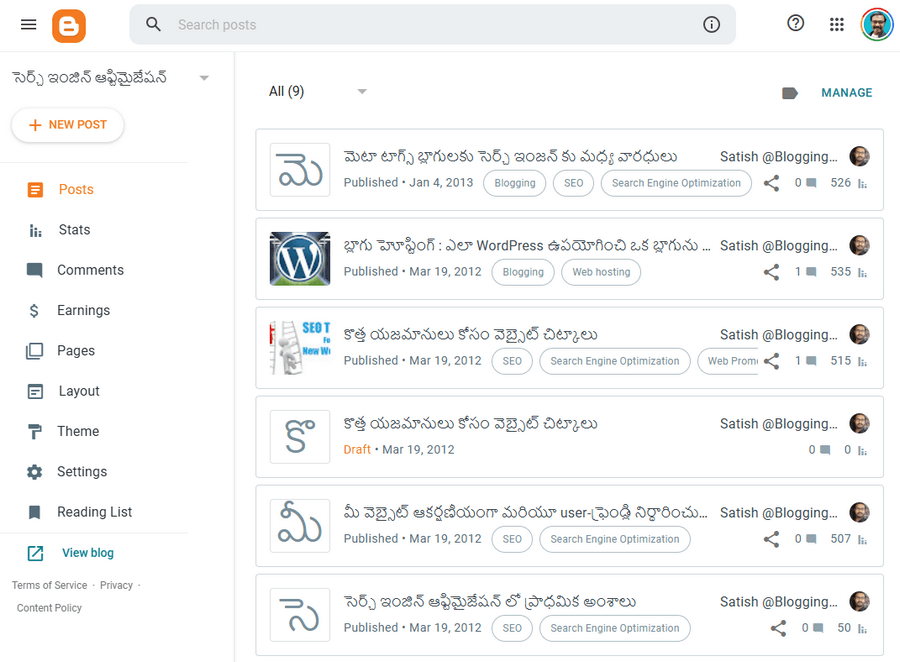
Although Blogger does not offer the same level of customization and advanced features as self-hosted WordPress, it remains one of the easiest ways to start a blog for free and gain practical blogging experience. But it has some limitations on this blogger platform.
Key Features of Blogger
- Completely free blogging platform with Google-hosted servers.
- Free blogspot.com subdomain to launch a blog instantly.
- Option to connect a custom domain for professional branding.
- Direct Google AdSense integration for monetization.
- Simple and beginner-friendly post editor.
- Free themes with basic customization options.
- Mobile-friendly blog designs.
- Integration with Google Analytics and Google Search Console.
- Free SSL security for all blogs.
Pros and Cons of Blogger
Pros
- 100% free with no hosting costs.
- Extremely easy to set up and manage.
- Backed by Google’s reliable infrastructure.
- Supports Google AdSense and affiliate marketing.
- Allows custom domains without additional platform fees.
- Good website speed and performance.
- Ideal for learning blogging and SEO.
Cons
- Limited themes and design customization.
- No plugin ecosystem like WordPress.
- Fewer advanced SEO and marketing tools.
- Not ideal for large professional websites.
- Development and feature updates are slower compared with modern website builders.
Blogger is the best free blogging platform for beginners who want a simple, reliable, and completely free way to start blogging. Its easy setup, Google integration, custom domain support, and AdSense compatibility make it a popular choice among new bloggers worldwide.
If you are a student, hobby blogger, or someone testing a blogging niche, Blogger is an excellent starting point. However, for building a large authority website, using advanced SEO tools, and maximizing your online income, self-hosted WordPress offers greater flexibility and long-term growth opportunities.
Best For: Beginners, students, hobby bloggers, and AdSense publishers.
3. Medium
Best Free Blogging Platform for Writers
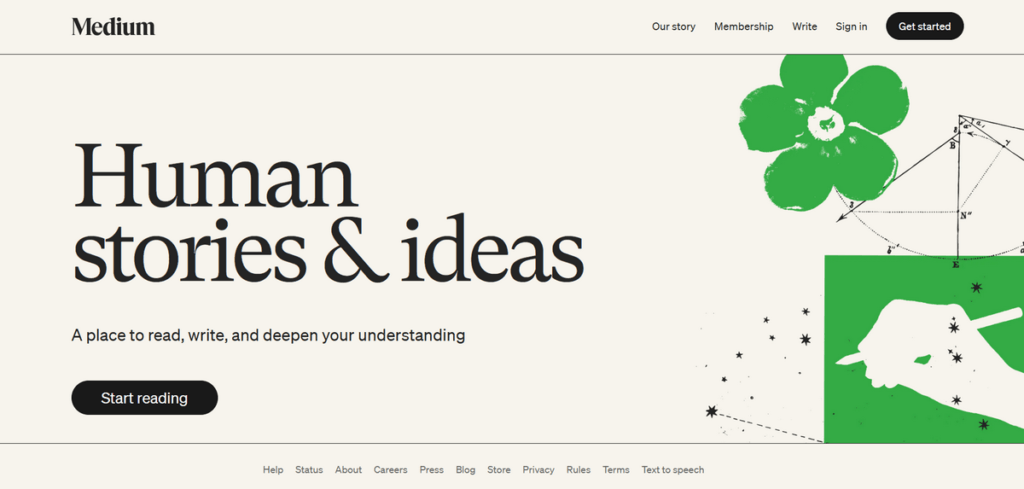
Medium is one of the best free blogging platforms for writers who want to focus on publishing high-quality content without worrying about website setup, hosting, or technical management. Unlike traditional free blog websites, Medium combines a simple writing experience with access to a large community of readers.
If you want to start a free blog and share your ideas with an existing audience, Medium is an excellent option. It is widely used by authors, journalists, industry experts, educators, and professionals who want to build authority through their writing.
One of Medium’s biggest advantages is its clean, distraction-free editor that allows writers to concentrate completely on creating valuable articles. Since Medium already has millions of readers, your content has the opportunity to reach a broader audience without spending time building a website from scratch.
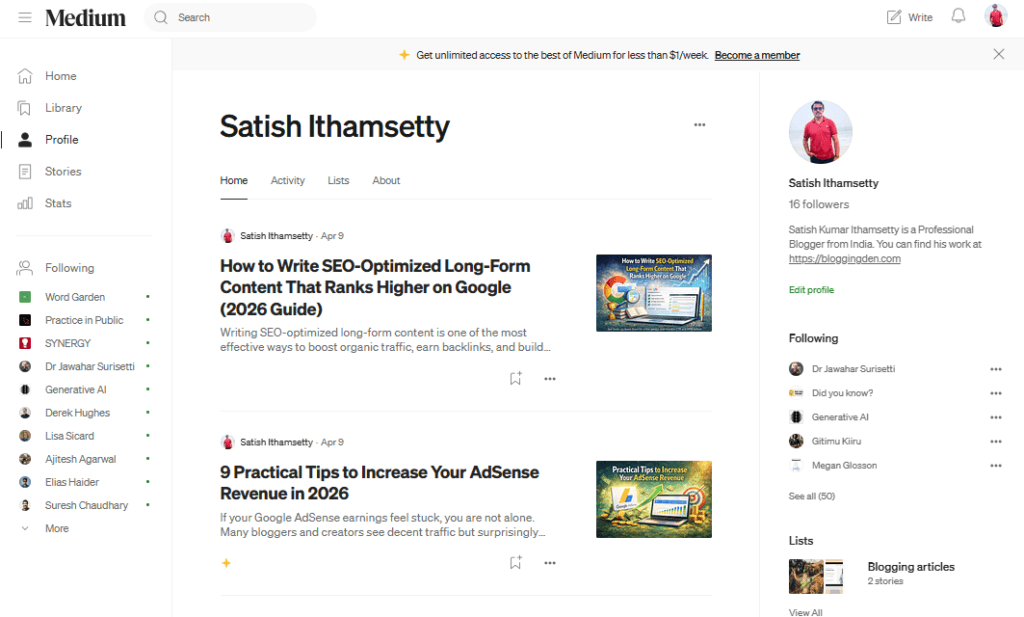
Medium also offers the Medium Partner Program, allowing eligible writers to earn money based on member engagement. This makes it one of the most attractive free blogging platforms to make money for writers and content creators.
However, Medium provides limited customization and branding compared with platforms like WordPress.com or a self-hosted WordPress website. You do not have complete control over your website design, SEO settings, or monetization methods.
Key Features of Medium
- Completely free blogging platform with no hosting costs.
- Simple and distraction-free writing editor.
- Access to a large built-in audience.
- Medium Partner Program for earning income.
- Mobile-friendly reading and writing experience.
- Built-in social engagement through comments and followers.
- Easy publishing without technical skills.
- Analytics to track article views and reader engagement.
Pros and Cons of Medium
Pros
- One of the easiest free blogging sites for writers.
- No need to manage hosting, security, or updates.
- Provides instant access to an established audience.
- Excellent platform for personal branding and thought leadership.
- Opportunity to earn money through the Medium Partner Program.
- Fast-loading and mobile-optimized articles.
Cons
- Limited website customization and branding.
- No custom domain support for individual profiles.
- Limited control over SEO optimization.
- Income depends on Medium’s rules and algorithm.
- Not ideal for creating a large independent blogging business.
Medium is the best free blogging platform for writers who want a simple way to create a free blog and reach readers around the world. It is especially suitable for authors, journalists, students, educators, and professionals who prioritize writing over website management.
If your goal is to build a personal brand, share knowledge, and possibly earn money through writing, Medium is one of the best free blog sites available. However, if you want complete ownership, advanced SEO features, affiliate marketing, and unlimited monetization opportunities, a self-hosted WordPress blog is a better long-term solution.
Best For: Writers, journalists, educators, professionals, and personal brands.
4. Wix
Best Free Blogging Platform for Businesses and Personal Brands
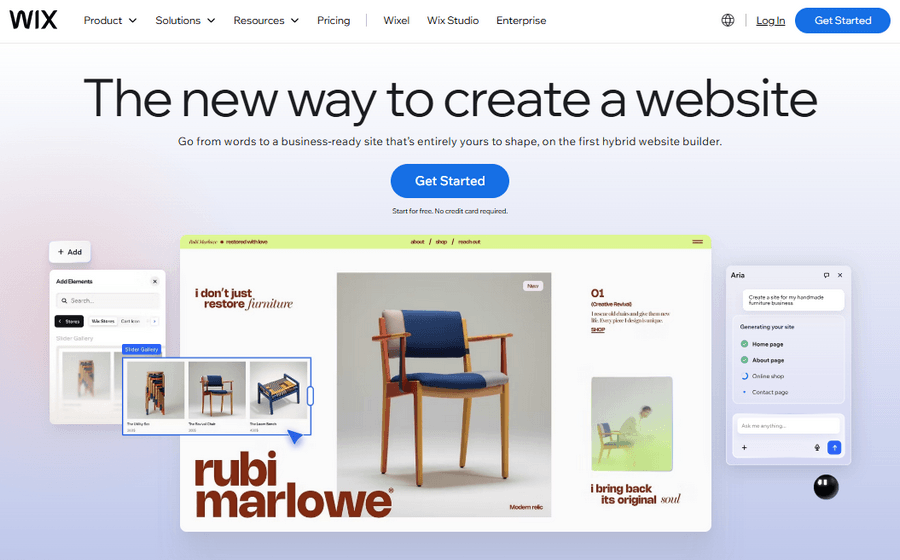
Wix is one of the best free blogging platforms for users who want to create a visually attractive blog or business website without coding knowledge. It combines a powerful drag-and-drop website builder with blogging features, making it a great choice for freelancers, entrepreneurs, small businesses, and personal brands.
Unlike many traditional free blogging sites that focus only on publishing articles, Wix allows you to build a complete online presence with professional templates, design customization, SEO tools, and business features. This makes it an excellent free blog website for users who care about branding and appearance.
Starting a free blog with Wix is simple. You can choose a template, customize your website using the visual editor, and publish content without dealing with web hosting, security updates, or technical maintenance.
Wix also includes built-in SEO tools, mobile-friendly designs, and an app marketplace that allows users to add additional functionality. Although the free plan displays Wix branding and uses a Wix subdomain, it is still one of the best free blogging platforms for beginners who want a professional-looking website.
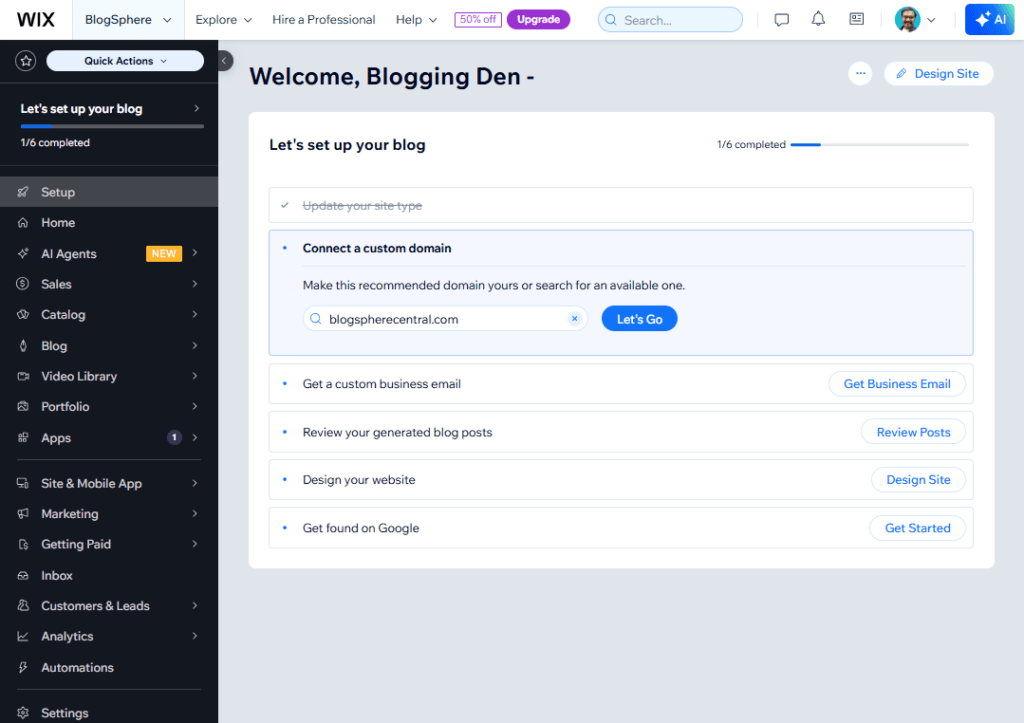
However, bloggers planning to build a large content-focused website with advanced SEO strategies and complete control may eventually prefer self-hosted WordPress.
Key Features of Wix
- Free website builder with hosting and security included.
- Easy drag-and-drop editor with no coding required.
- Hundreds of professionally designed templates.
- Built-in blogging tools for creating and managing articles.
- SEO features to improve search engine visibility.
- AI-powered website creation tools.
- Mobile-responsive designs for all devices.
- App marketplace for adding marketing and business tools.
- Social media and analytics integrations.
Pros and Cons of Wix
Pros
- One of the easiest free blogging platforms to use.
- Excellent design flexibility and customization options.
- Professional templates suitable for businesses and portfolios.
- No technical knowledge or coding skills required.
- Built-in SEO and marketing features.
- Suitable for creating blogs, portfolios, and business websites.
Cons
- Free plan displays Wix advertisements.
- Custom domains require upgrading to a premium plan.
- Limited flexibility compared with self-hosted WordPress.
- Advanced features can become expensive over time.
- Less suitable for very large content websites.
Wix is the best free blogging platform for businesses, freelancers, and personal brands that want an attractive website with minimal effort. Its drag-and-drop builder, professional templates, and beginner-friendly interface make it one of the best free blog sites for users who prioritize design and ease of use.
If your goal is to create a free blog for a portfolio, small business, or personal brand, Wix is an excellent choice. However, for long-term blogging growth, advanced SEO optimization, and unlimited monetization opportunities, moving to a self-hosted WordPress website will provide greater flexibility.
Best For: Small businesses, freelancers, entrepreneurs, portfolios, and personal brands.
5. Substack
Best Free Blogging Platform for Newsletter Creators
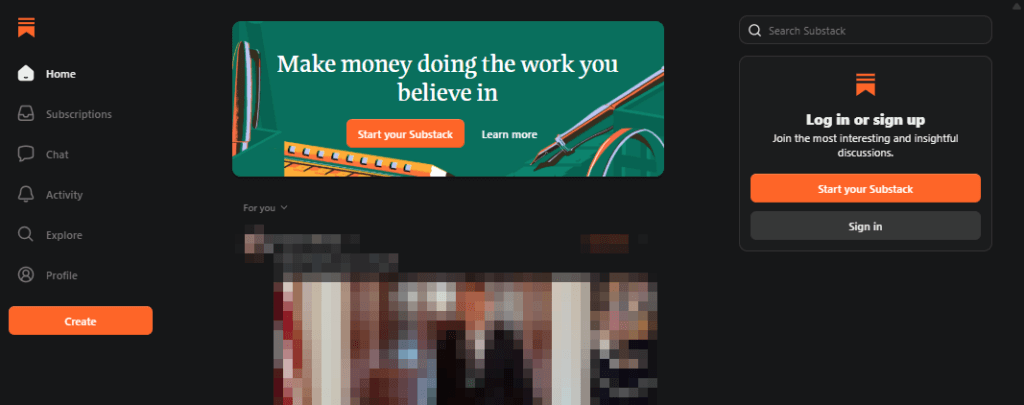
Substack is one of the fastest-growing free blogging platforms designed for writers, journalists, educators, and creators who want to build an audience through email newsletters. Unlike traditional free blog websites that mainly depend on search engine traffic, Substack focuses on helping creators develop a direct relationship with their readers.
If you want to start a free blog and build an email list without managing hosting, website design, or technical settings, Substack provides one of the easiest solutions available. You can write articles, publish newsletters, and send them directly to your subscribers from a single dashboard.
One of the biggest advantages of Substack is its built-in monetization system. Creators can offer free or paid newsletters, making it one of the most popular free blogging platforms to make money through subscriptions. This business model is especially valuable for experts, coaches, journalists, analysts, and niche content creators.
Substack also provides a clean writing interface, subscriber management tools, analytics, and podcast support. However, it offers fewer customization options compared with traditional blogging platforms like WordPress.com or self-hosted WordPress.
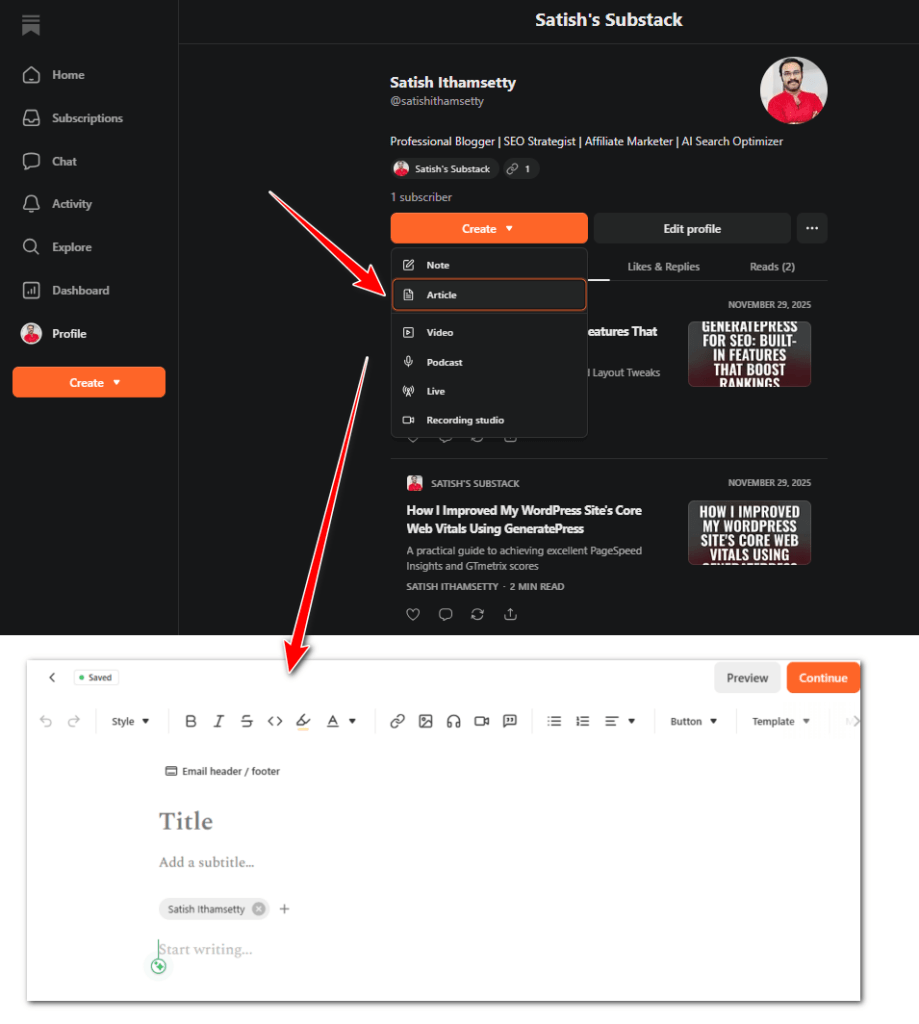
For creators who prioritize audience ownership and recurring income rather than advanced website design, Substack is one of the best free blogging platforms available today.
Key Features of Substack
- Completely free blogging platform with no upfront costs.
- Built-in email newsletter publishing system.
- Free and paid subscription options.
- Simple distraction-free writing editor.
- Subscriber management and email delivery tools.
- Analytics for tracking subscribers and engagement.
- Support for podcasts and multimedia content.
- Mobile apps for writers and readers.
- Community discovery and sharing features.
Pros and Cons of Substack
Pros
- One of the easiest free blogging sites for creating newsletters.
- Allows creators to earn money through paid subscriptions.
- You own your email subscriber list.
- No need to manage hosting or technical maintenance.
- Excellent for building a loyal audience.
- Simple and beginner-friendly publishing experience.
Cons
- Limited website design and customization options.
- Fewer advanced SEO features compared with WordPress.
- Substack takes a percentage of paid subscription revenue.
- Less suitable for large SEO-driven content websites.
- Limited eCommerce and business website functionality.
Substack is the best free blogging platform for newsletter creators who want to create a free blog, build an email audience, and generate recurring income. Its simple publishing tools and subscription model make it one of the best free blog sites for independent writers and content creators.
If your primary goal is to grow a newsletter business, Substack is an excellent choice. However, bloggers who want complete website ownership, advanced SEO control, affiliate marketing flexibility, and unlimited customization should consider moving to a self-hosted WordPress website in the long term.
Best For: Newsletter creators, writers, journalists, coaches, and independent content creators.
6. Ghost
Best Free Blogging Platform for Professional Publishers
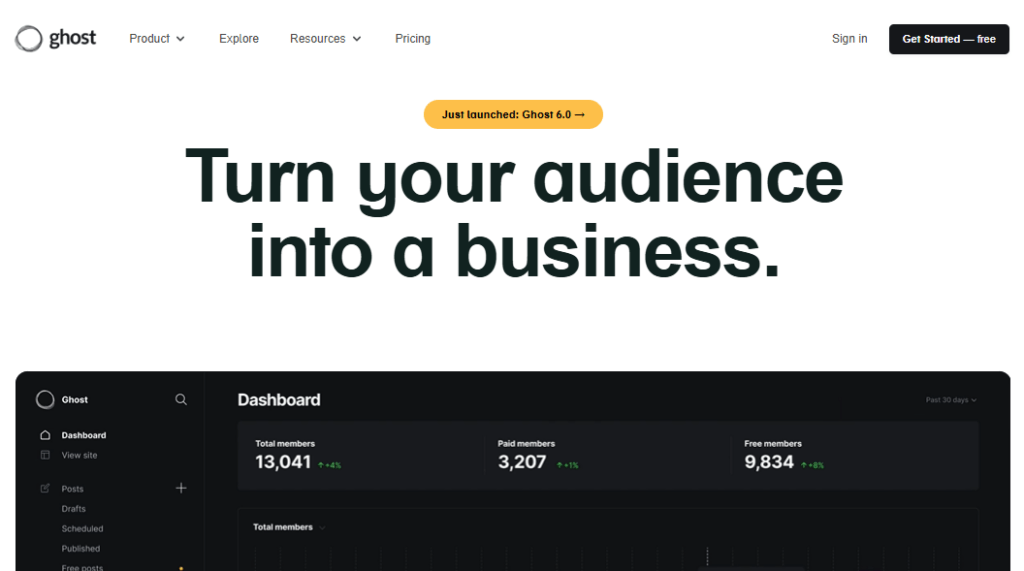
Ghost is a modern, open-source free blogging platform created specifically for professional bloggers, publishers, and content creators who need a fast, clean, and SEO-friendly website. Unlike traditional free blogging sites that focus only on basic publishing, Ghost is built around professional content creation, audience growth, newsletters, and memberships.
Ghost is available as free self-hosted software, allowing users to create a free blog with complete ownership and control. It provides a minimalist writing experience, excellent website performance, and powerful built-in SEO features without relying on multiple plugins.
One of the biggest advantages of Ghost is its focus on helping creators build sustainable online businesses. It includes membership functionality, email newsletter tools, and paid subscription options, making it one of the best free blogging platforms to make money through premium content and communities.
Ghost websites are also known for their fast loading speeds and clean code, which can contribute to a better user experience and strong search engine performance. However, setting up the free self-hosted version requires technical knowledge and separate web hosting, making it less beginner-friendly than platforms like Blogger, Medium, or Wix.
For experienced bloggers, developers, and professional publishers looking for a WordPress alternative, Ghost is one of the best free blogging platforms available.
Key Features of Ghost
- Free and open-source self-hosted blogging software.
- Fast and lightweight website architecture.
- Built-in SEO tools and optimization settings.
- Clean, distraction-free writing editor.
- Membership and paid subscription features.
- Integrated email newsletter functionality.
- Custom domain support.
- Professional themes and design options.
- API and third-party integrations.
Pros and Cons of Ghost
Pros
- Excellent website speed and performance.
- Powerful built-in SEO features.
- Great option for professional publishers.
- Supports memberships and recurring subscriptions.
- Complete ownership with self-hosting.
- Clean and modern writing experience.
- Less dependent on plugins compared with WordPress.
Cons
- Requires technical skills to self-host.
- Managed Ghost hosting is a paid service.
- Smaller theme and integration ecosystem than WordPress.
- Less suitable for complete beginners.
- Advanced customization may require coding knowledge.
Ghost is one of the best free blogging platforms for professional publishers, businesses, and serious bloggers who want complete control over their content. Its built-in SEO tools, excellent speed, newsletter features, and membership options make it a powerful choice for long-term growth.
If you are comfortable managing your own hosting, Ghost can help you create a free blog with professional-level features. However, beginners who need a simple setup may prefer Blogger, WordPress.com, or Wix, while advanced bloggers seeking the largest ecosystem may still choose self-hosted WordPress.
Best For: Professional publishers, advanced bloggers, businesses, developers, and membership-based websites.
7. Tumblr
Best Free Blogging Platform for Creative Blogs
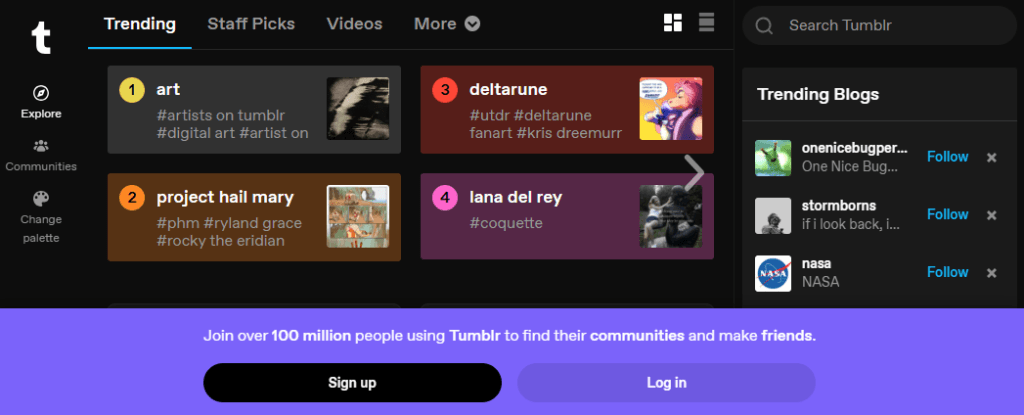
Tumblr is a popular free blogging platform that combines traditional blogging with social networking features. It allows users to create and share text posts, photos, videos, GIFs, quotes, and other multimedia content. Because of its creative community and easy publishing tools, Tumblr remains one of the best free blogging platforms for artists, photographers, designers, and hobby bloggers.
If you want to start a free blog quickly and connect with an existing community, Tumblr is a great option. Unlike many free blog websites that require users to focus on SEO and website growth, Tumblr emphasizes content discovery, sharing, and social interaction through likes, comments, and reblogs.
Tumblr provides free hosting, customizable themes, and a simple dashboard for publishing content from both desktop and mobile devices. It also allows users to connect custom domains, helping creators build a more professional online identity.
However, Tumblr is not designed for creating a large authority website or a professional blogging business. It has limited advanced SEO features and fewer monetization opportunities compared with platforms like WordPress, Ghost, or Blogger.
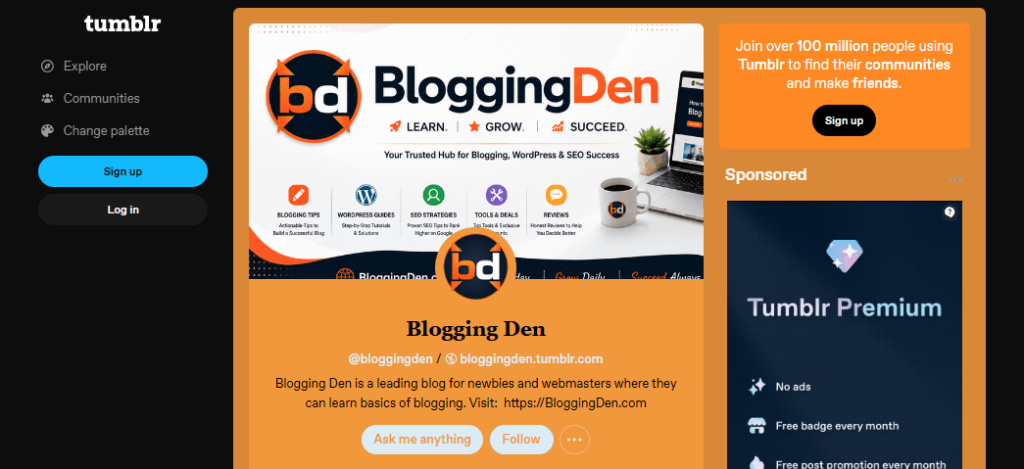
For users who prioritize creativity, community engagement, and multimedia storytelling, Tumblr remains one of the best free blogging sites available.
Key Features of Tumblr
- Completely free blogging platform with free hosting.
- Easy publishing of text, images, videos, audio, and GIFs.
- Built-in social community with followers and reblogs.
- Customizable blog themes and layouts.
- Custom domain support.
- Mobile apps for creating and managing posts.
- Content tagging and discovery features.
- Multiple blog management under one account.
Pros and Cons of Tumblr
Pros
- One of the easiest free blogging sites to use.
- Strong community and social sharing features.
- Excellent for visual and creative content.
- Free hosting with no technical setup.
- Supports custom domains.
- Simple mobile blogging experience.
Cons
- Limited advanced SEO and marketing tools.
- Not ideal for professional business blogs.
- Fewer monetization options compared with other platforms.
- Limited control over website functionality.
- Less suitable for long-form content strategies.
Tumblr is a good free blogging platform for creative individuals who want to create a free blog focused on art, photography, entertainment, fashion, or personal interests. Its social community and multimedia support make it one of the best free blog sites for casual creators.
However, if your goal is to build a professional blog, rank higher in search engines, use affiliate marketing, or create a long-term online business, platforms such as WordPress.com, Blogger, Ghost, or self-hosted WordPress offer better growth opportunities.
Best For: Artists, photographers, designers, creative creators, and hobby bloggers.
8. Google Sites
Best Free Blogging Platform for Students and Simple Websites
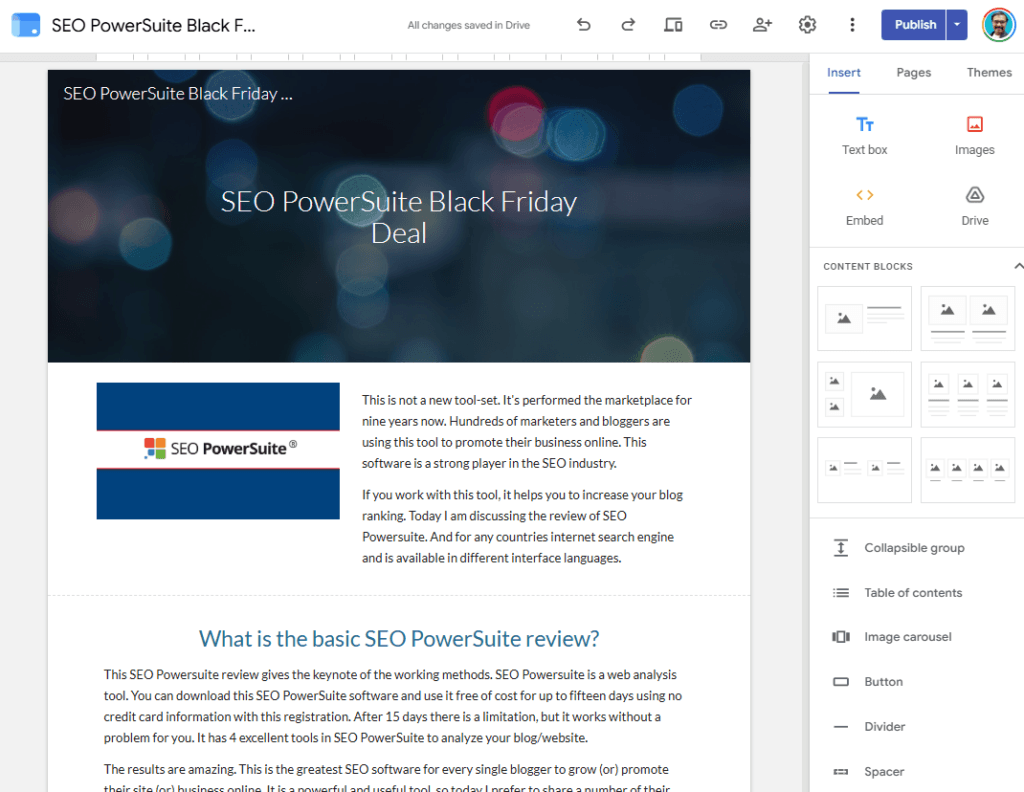
Google Sites is a simple free blogging platform and website builder that allows users to create basic websites without any coding or technical skills. Developed by Google, it integrates seamlessly with other Google services such as Google Drive, Google Docs, Google Sheets, and Google Calendar.
If you want to start a free blog for educational projects, class assignments, personal portfolios, or simple informational websites, Google Sites is one of the easiest options available. Its drag-and-drop editor makes it possible to create pages, add text, images, videos, and documents within minutes.
Unlike traditional free blogging sites such as Blogger or WordPress.com, Google Sites is designed more for creating simple websites than content-heavy blogs. It lacks advanced blogging features such as categories, comments, extensive themes, and built-in monetization tools.
However, Google Sites offers free hosting, responsive designs, and the reliability of Google’s infrastructure. It is an excellent free blog website for students, teachers, educators, and users who need a quick online presence without managing hosting or security.
For users who need a professional blog with advanced SEO, customization, and earning opportunities, platforms like Blogger, WordPress.com, or self-hosted WordPress are better choices.
Key Features of Google Sites
- Completely free website builder with Google hosting.
- Simple drag-and-drop editor with no coding required.
- Seamless integration with Google Workspace applications.
- Mobile-friendly and responsive website designs.
- Ability to embed documents, videos, maps, and presentations.
- Collaboration tools for multiple users to edit websites.
- Free SSL security and reliable Google infrastructure.
- Custom domain support for professional websites.
Pros and Cons of Google Sites
Pros
- One of the easiest free blogging platforms for beginners.
- Completely free with no hosting or maintenance costs.
- Excellent for educational projects and student portfolios.
- Simple interface suitable for non-technical users.
- Strong collaboration features through Google Workspace.
- Reliable hosting and security provided by Google.
Cons
- Limited blogging-specific features.
- Basic design customization and fewer templates.
- Limited SEO and marketing capabilities.
- Not suitable for large content websites.
- No built-in monetization options like AdSense or memberships.
Google Sites is one of the best free blogging platforms for students, teachers, and users who want to create a free blog or simple website quickly. Its ease of use, Google integration, and free hosting make it an excellent choice for portfolios, projects, and educational content.
However, if your goal is to build a professional blog, attract search engine traffic, or make money online, platforms like Blogger, WordPress.com, and self-hosted WordPress provide more powerful blogging, SEO, and monetization features.
Best For: Students, teachers, educators, project websites, and simple portfolios.
9. LinkedIn Articles
Best Free Blogging Platform for Personal Branding

LinkedIn Articles is a free blogging platform designed for professionals who want to share their expertise, build authority, and grow their personal brand. Unlike traditional free blogging sites that focus on creating standalone websites, LinkedIn Articles allows users to publish long-form content directly on their LinkedIn profiles and reach a professional audience.
If your goal is to start a free blog focused on career growth, business insights, industry trends, or professional knowledge, LinkedIn Articles is one of the best free blogging platforms available. It is especially useful for entrepreneurs, consultants, marketers, executives, freelancers, and B2B professionals.
One of the biggest advantages of LinkedIn articles is its built-in professional network. Your articles can be discovered by your connections, followers, and other LinkedIn users, helping you increase visibility without spending time building website traffic from the beginning.
LinkedIn also provides a clean writing editor, multimedia support, and engagement features such as comments and shares. However, it does not provide complete website ownership, advanced SEO customization, or extensive monetization options like a self-hosted WordPress website.
For professionals who want to establish credibility, attract business opportunities, and demonstrate expertise, LinkedIn Articles is one of the best free blog sites for personal branding.
Key Features of LinkedIn Articles
- Completely free blogging platform with no hosting costs.
- Direct access to LinkedIn’s professional audience.
- Simple editor for creating long-form articles.
- Supports images, videos, links, and embedded content.
- Built-in social engagement through comments and shares.
- Articles are displayed directly on your LinkedIn profile.
- Mobile-friendly reading and publishing experience.
- Analytics for tracking article views and audience engagement.
Pros and Cons of LinkedIn Articles
Pros
- Excellent platform for building professional authority.
- No need to manage a website or technical setup.
- Access to an existing professional audience.
- Ideal for B2B marketing and networking.
- Completely free to publish unlimited articles.
- Easy content creation and sharing process.
Cons
- Limited control over design and branding.
- No custom domain support.
- Limited SEO optimization compared with dedicated blogging platforms.
- Not suitable for building a full blogging business.
- Limited direct monetization opportunities.
LinkedIn Articles is one of the best free blogging platforms for professionals who want to create a free blog and establish their personal brand. It is an excellent choice for business leaders, freelancers, consultants, marketers, and job seekers who want to share expertise with a targeted audience.
However, if your objective is to build a long-term content website, rank higher in search engines, use affiliate marketing, or generate significant online income, platforms like WordPress.com, Blogger, or self-hosted WordPress are better options.
Best For: Professionals, entrepreneurs, consultants, marketers, freelancers, and B2B creators.
10. Hashnode
Best Free Blogging Platform for Developers
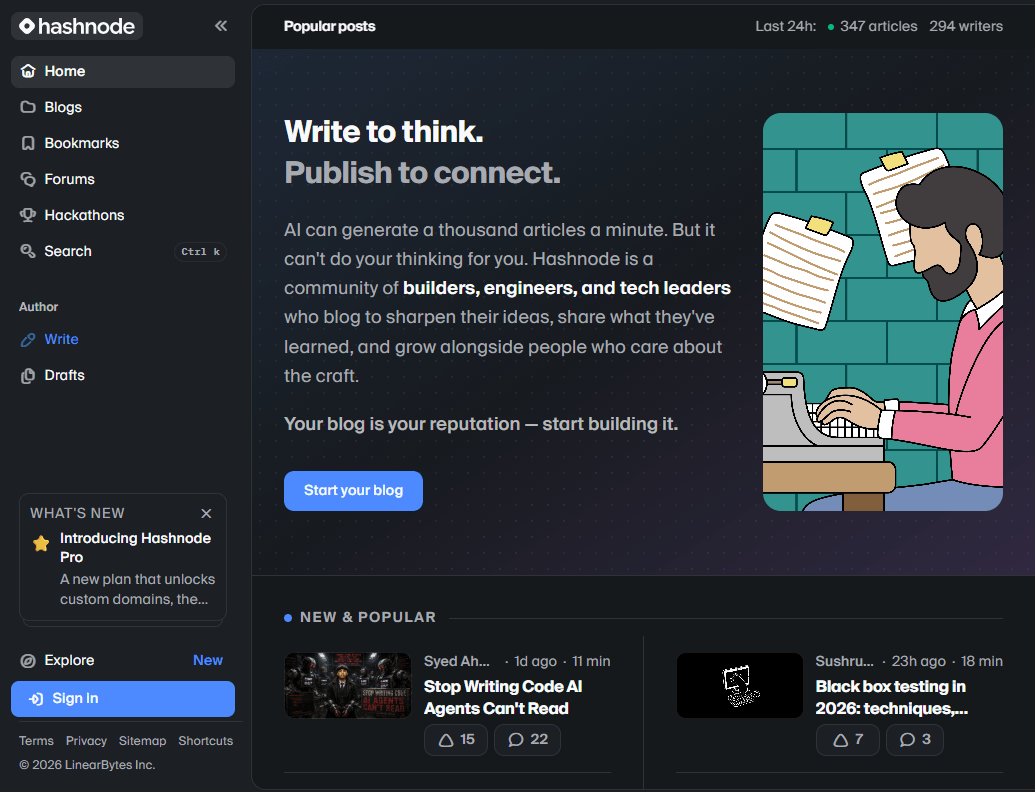
Hashnode is a modern free blogging platform created specifically for developers, programmers, software engineers, and technical writers who want to publish articles and build a professional online presence. Unlike many traditional free blogging sites, Hashnode focuses on technical content, offering developer-friendly features such as code formatting, custom domains, and built-in SEO tools.
If you want to start a free blog for programming tutorials, coding guides, software development tips, or technology-related articles, Hashnode is one of the best free blogging platforms available. It allows developers to focus on writing while Hashnode manages hosting, security, and website performance.
One of Hashnode’s biggest advantages is that it allows users to connect a custom domain for free, which is uncommon among many free blog websites. This feature helps developers create a professional brand without spending money on a blogging platform.
Hashnode also provides a clean writing experience, fast-loading websites, built-in analytics, and an active developer community where creators can discover and engage with other technical writers.
Although Hashnode offers excellent features for developers, it is not the ideal choice for every type of blogger. Lifestyle bloggers, businesses, and affiliate marketers may find platforms like WordPress.com or self-hosted WordPress more flexible for long-term growth and advanced monetization.
Key Features of Hashnode
- Completely free blogging platform with managed hosting.
- Free custom domain connection.
- Developer-friendly editor with code syntax highlighting.
- Built-in SEO optimization tools.
- Fast website performance and free SSL security.
- Clean and professional blog themes.
- Analytics to track visitors and article performance.
- AI-assisted writing and editing tools.
- Active developer community and content discovery.
Pros and Cons of Hashnode
Pros
- One of the best free blogging platforms for developers.
- Allows custom domains without additional platform charges.
- Excellent SEO foundation and fast-loading websites.
- Easy content publishing with code support.
- No need to manage hosting, updates, or security.
- Great for building a professional developer portfolio.
Cons
- Mainly designed for technical and programming content.
- Limited design flexibility compared with Wix or WordPress.
- Smaller audience compared with general writing platforms like Medium.
- Fewer marketing and business tools.
- Not suitable for creating complex business websites.
Hashnode is the best free blogging platform for developers, programmers, and technical writers who want to create a free blog with professional features. Its free custom domain support, excellent SEO capabilities, and developer-focused tools make it one of the best free blog sites for sharing technical knowledge.
However, if your goal is to build a general-purpose blog, large business website, or advanced affiliate marketing platform, WordPress.com or self-hosted WordPress provides more customization, plugins, and long-term growth opportunities.
Best For: Developers, programmers, software engineers, technical writers, and coding educators.
11. Write.as
Best Minimalist Free Blogging Platform
Write.as is a simple and privacy-focused free blogging platform designed for writers who want a distraction-free environment for publishing their ideas. Unlike many traditional free blogging sites that include complex themes, plugins, and customization options, Write.as focuses entirely on writing and delivering a clean reading experience.
If you want to start a free blog without dealing with website setup, design changes, or technical maintenance, Write.as is one of the easiest options available. It provides a minimalist editor that allows writers to focus on creating articles, personal journals, essays, and short-form content.
One of the biggest advantages of Write.as is its privacy-first approach. Users can publish content anonymously, maintain a simple online presence, and share their writing without distractions from advertisements or unnecessary design elements.
Write.as also supports Markdown formatting, making it a good choice for users who prefer a lightweight writing workflow. However, compared with other free blogging platforms like WordPress.com, Blogger, or Medium, it offers fewer customization options, limited SEO controls, and fewer opportunities for monetization.
For writers who value simplicity, privacy, and a clean writing experience over advanced website features, Write.as remains one of the best free blogging platforms available.
Key Features of Write.as
- Simple and distraction-free writing editor.
- Free blogging platform with quick publishing.
- Anonymous blogging options for privacy.
- Clean and ad-free reading experience.
- Markdown support for easy formatting.
- Mobile-friendly interface for writing on any device.
- Minimal design focused on content.
- Cross-posting options to share content elsewhere.
Pros and Cons of Write.as
Pros
- One of the easiest free blogging sites for writers.
- Clean and minimalist writing environment.
- No need to manage hosting, updates, or security.
- Supports anonymous and private-style publishing.
- Fast-loading pages with a good reading experience.
- Ideal for personal journals and simple articles.
Cons
- Very limited design and branding customization.
- Basic SEO features compared with WordPress or Ghost.
- Limited monetization opportunities.
- Not suitable for building a large professional blog.
- Fewer integrations and advanced website tools.
Write.as is one of the best free blogging platforms for writers who want to create a free blog focused purely on writing. Its simple editor, privacy features, and distraction-free experience make it an excellent choice for personal journals, essays, and minimal websites.
However, if you want to build a professional blog, improve SEO rankings, use affiliate marketing, or grow a long-term online business, platforms like WordPress.com, Blogger, Medium, or self-hosted WordPress provide greater flexibility and earning potential.
Best For: Writers, journal creators, privacy-focused users, and minimalist bloggers.
12. Bear Blog
Best Lightweight Free Blogging Platform
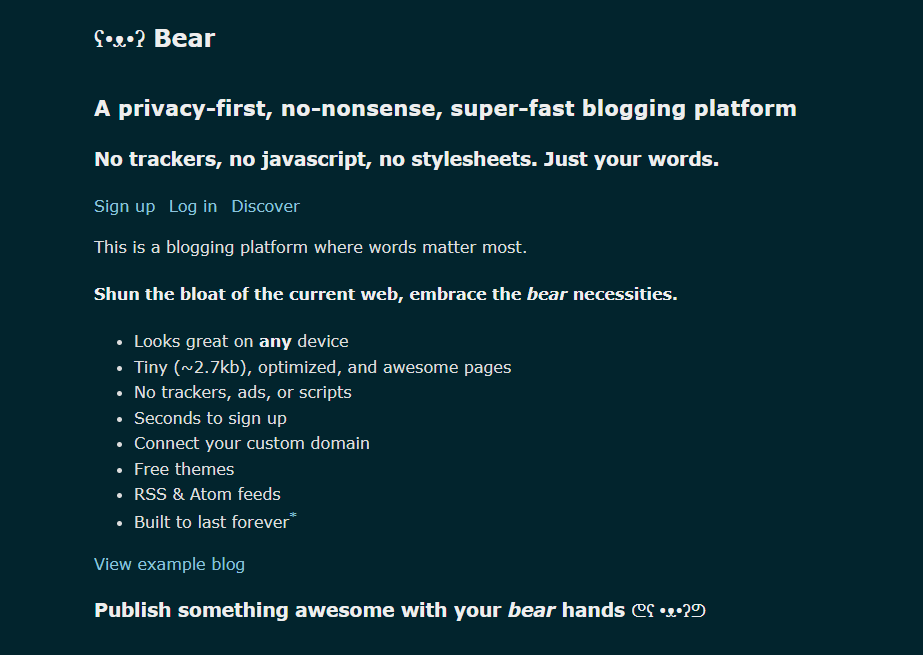
Bear Blog is a modern and minimalist free blogging platform built for users who prioritize speed, simplicity, and a distraction-free writing experience. Unlike traditional free blogging sites that offer complex customization options and numerous features, Bear Blog focuses on creating fast-loading websites with clean designs.
If you want to start a free blog without managing hosting, plugins, or technical settings, Bear Blog provides a simple solution. It allows writers, developers, students, and creators to publish content quickly while maintaining excellent website performance..
One of the biggest strengths of Bear Blog is its lightweight architecture. Websites created on Bear Blog load quickly, are mobile-friendly, and provide a smooth reading experience. Fast website speed is also beneficial for user experience and basic SEO performance.
Bear Blog supports Markdown writing, simple customization, and privacy-focused publishing. It removes unnecessary distractions and lets creators focus mainly on producing quality content. However, compared with other free blogging platforms like WordPress.com, Blogger, or Wix, it offers fewer design choices, limited marketing tools, and fewer monetization opportunities.
For users looking for a simple free blog website with excellent performance and minimal maintenance, Bear Blog is one of the best free blogging platforms available.
Key Features of Bear Blog
- Simple and lightweight free blogging platform.
- Fast-loading websites with clean code.
- Free hosting with no complicated setup.
- Markdown support for quick content creation.
- Mobile-friendly and responsive designs.
- Privacy-focused approach with minimal tracking.
- Simple customization options.
- Content export and migration capabilities.
- Custom domain support with premium plans.
Pros and Cons of Bear Blog
Pros
- One of the fastest free blogging sites available.
- Very easy to create a free blog.
- Clean and distraction-free writing environment.
- Good website performance and user experience.
- No need to handle hosting, security, or updates.
- Suitable for personal blogs, notes, and technical writing.
Cons
- Limited themes and visual customization.
- Fewer advanced SEO features compared with WordPress.
- Limited monetization options.
- Not suitable for large business websites.
- Smaller ecosystem compared with major blogging platforms.
Bear Blog is one of the best free blogging platforms for users who prefer simplicity, speed, and a clean publishing experience. It is a great choice for writers, students, developers, and personal bloggers who want to create a free blog without dealing with technical complexity.
However, if your goal is to build a professional website, grow organic traffic through advanced SEO, or make money with affiliate marketing and advertisements, platforms like WordPress.com, Blogger, Ghost, or self-hosted WordPress provide more powerful long-term solutions.
Best For: Minimalist bloggers, writers, developers, students, and personal websites.
13. Weebly
Best Free Blogging Platform for Simple Websites and Beginners
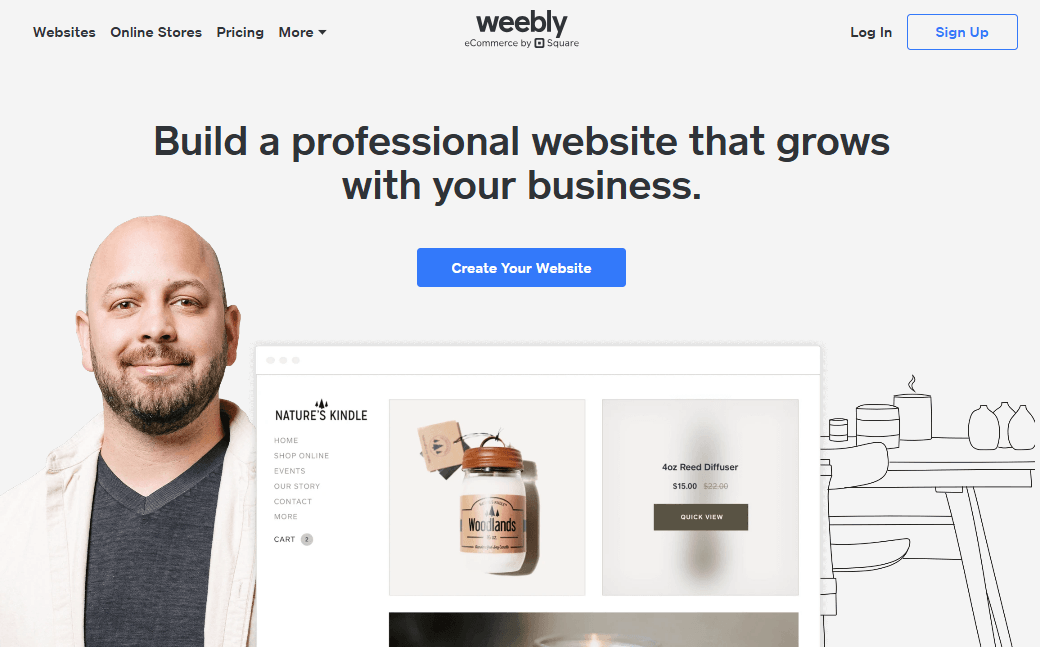
Weebly is a beginner-friendly free blogging platform and website builder that allows users to create blogs, portfolios, small business websites, and online stores without any coding skills. With its simple drag-and-drop editor and ready-made templates, Weebly makes it easy for anyone to start a free blog and establish an online presence.
Unlike some free blogging sites that focus only on writing articles, Weebly combines blogging features with website-building tools. This makes it a good choice for users who need a simple free blog website along with pages for services, portfolios, contact forms, or basic business information.
Weebly provides free hosting, SSL security, responsive templates, and a user-friendly dashboard. Beginners can create a free blog within minutes by selecting a design, customizing the layout, and publishing their content without worrying about hosting, software updates, or technical maintenance.
The platform also includes basic SEO tools, eCommerce functionality, and an app marketplace for adding extra features. However, the free plan displays Weebly branding and uses a Weebly subdomain. Compared with WordPress.com or self-hosted WordPress, Weebly provides fewer customization options and a smaller ecosystem of themes and integrations.
For beginners who want a simple and easy-to-manage website, Weebly remains one of the best free blogging platforms available.
Key Features of Weebly
- Free blogging platform with hosting and SSL security.
- Easy drag-and-drop website builder.
- Professionally designed responsive templates.
- Built-in blogging tools for publishing articles.
- Basic SEO settings and optimization options.
- App marketplace for additional functionality.
- Contact forms and simple marketing tools.
- Basic eCommerce features for online selling.
- Mobile-friendly website designs.
Pros and Cons of Weebly
Pros
- One of the easiest free blogging platforms for beginners.
- No coding or technical knowledge required.
- Simple drag-and-drop website editor.
- Good option for personal websites and small businesses.
- Free hosting and security included.
- Allows users to create a free blog quickly.
Cons
- Free plan includes Weebly advertisements.
- Custom domains require a premium subscription.
- Limited design flexibility compared with Wix or WordPress.
- Fewer advanced SEO and marketing features.
- Less suitable for large, content-focused websites.
Weebly is one of the best free blogging platforms for beginners, small business owners, and users who need a simple website with blogging capabilities. Its drag-and-drop editor, free hosting, and beginner-friendly interface make it a practical choice for creating a free blog without technical challenges.
However, bloggers who plan to grow a large website, implement advanced SEO strategies, or use extensive monetization methods may eventually find platforms like WordPress.com, Ghost, or self-hosted WordPress more suitable for long-term growth.
Best For: Beginners, small businesses, freelancers, portfolio websites, and hobby bloggers.
14. Webflow
Best Free Blogging Platform for Designers and Creative Professionals
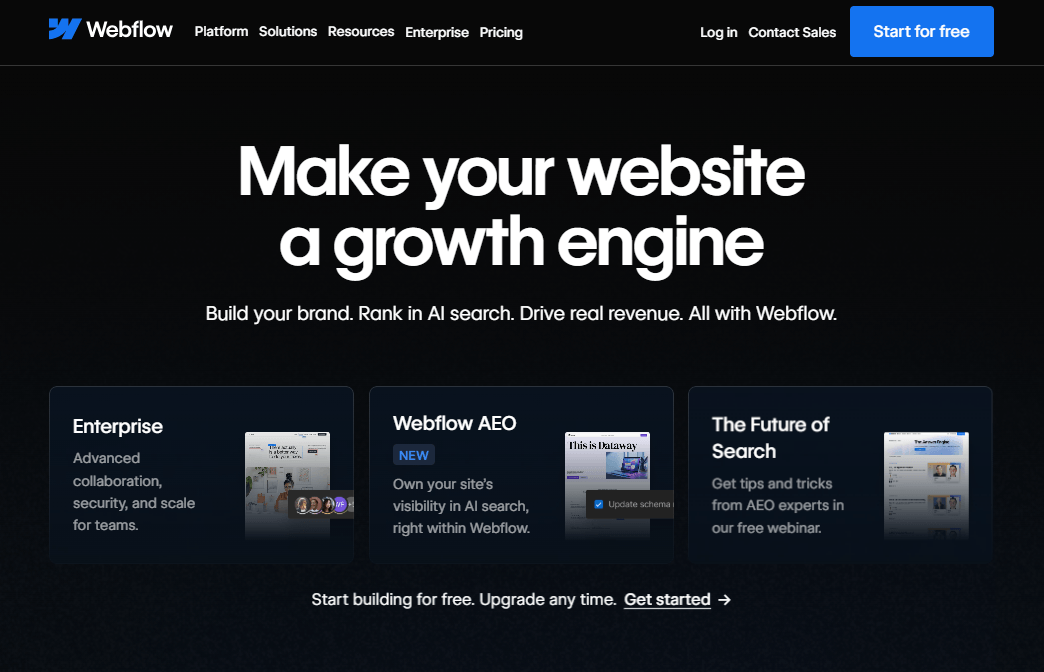
Webflow is a powerful visual website builder and CMS that allows users to create professional websites without relying heavily on coding. It is one of the best free blogging platforms for designers, freelancers, agencies, and creative professionals who want complete control over their website’s appearance.
Unlike many traditional free blogging sites that provide limited design flexibility, Webflow offers a highly customizable visual editor, modern templates, animations, and advanced layout controls. If you want to start a free blog with a unique design and professional branding, Webflow is an excellent choice.
The Webflow free plan includes hosting on a webflow.io subdomain, access to the visual editor, responsive design tools, and basic website features. It allows users to experiment with the platform and create a free blog website without managing servers, security updates, or technical infrastructure.
Webflow also provides strong SEO features, including customizable meta titles, descriptions, clean URLs, and fast-loading websites. Its built-in CMS makes it easier to organize and manage blog content.
However, Webflow has a steeper learning curve than beginner-focused platforms like Blogger or Wix. The free plan also includes Webflow branding and requires a paid upgrade for custom domains and advanced publishing features.
For users who prioritize professional design, branding, and creative freedom, Webflow remains one of the best free blogging platforms available.
Key Features of Webflow
- Free blogging platform with hosted websites.
- Advanced visual drag-and-drop website editor.
- Professional responsive templates and layouts.
- Built-in CMS for managing blog content.
- Powerful design customization and animations.
- SEO-friendly tools and clean website structure.
- Fast hosting and SSL security.
- Custom code support for advanced users.
- Integration with marketing and business tools.
Pros and Cons of Webflow
Pros
- Excellent design flexibility and creative control.
- Professional-looking websites without extensive coding.
- Strong built-in SEO features.
- Fast performance and mobile-friendly designs.
- Suitable for portfolios, agencies, and business websites.
- Allows designers to create unique online experiences.
Cons
- More difficult to learn compared with beginner platforms.
- Free plan displays Webflow branding.
- Custom domains require a paid subscription.
- Advanced features may become expensive.
- Less suitable for users who only want a simple blog.
Webflow is one of the best free blogging platforms for designers and creative professionals who need advanced customization and professional website designs. It is an excellent option for creating portfolios, agency websites, and visually impressive blogs.
If your goal is to create a free blog with maximum design freedom, Webflow is a great choice. However, beginners who need a simpler publishing experience may prefer Blogger or WordPress.com, while serious content publishers may choose self-hosted WordPress for greater flexibility and a larger ecosystem.
Best For: Designers, freelancers, agencies, creative professionals, and portfolio websites.
15. Notion Sites
Best Free Blogging Platform for Knowledge-Based Content
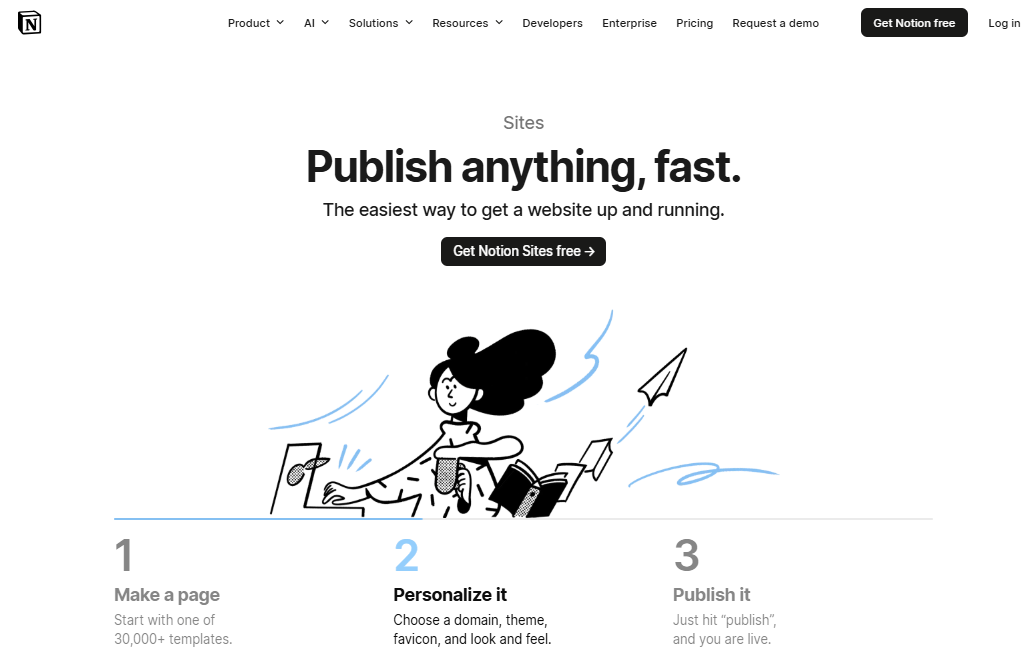
Notion Sites is a modern free blogging platform that allows users to transform their Notion pages into publicly accessible websites. It is an excellent choice for students, educators, creators, startups, and professionals who want to share knowledge, documentation, guides, or personal portfolios without dealing with complex website setup.
Unlike traditional free blogging sites that focus mainly on articles and themes, Notion Sites emphasizes organization, collaboration, and simple content publishing. If you want to start a free blog for tutorials, notes, educational resources, or company documentation, Notion Sites provides a fast and beginner-friendly solution.
One of the biggest advantages of Notion Sites is its familiar Notion editor. Users can create content using text blocks, images, videos, tables, databases, and embedded tools. The platform also supports real-time collaboration, making it useful for teams working on shared content.
Notion Sites offers free hosting, responsive layouts, and an easy way to publish content online. However, compared with dedicated free blogging platforms like WordPress.com, Blogger, or Ghost, it provides fewer traditional blogging features, limited design customization, and basic SEO controls.
For users who prioritize simplicity, collaboration, and knowledge sharing, Notion Sites is one of the best free blogging platforms available. However, creators who plan to build a large SEO-focused blog or generate significant income may eventually need a more powerful platform.
Key Features of Notion Sites
- Free blogging platform with simple website publishing.
- Clean block-based editor for creating content.
- Database support for organizing articles and resources.
- Real-time collaboration with team members.
- Ability to embed videos, documents, forms, and external tools.
- Mobile-friendly and responsive website design.
- Free hosting and automatic updates.
- Templates for blogs, portfolios, and documentation websites.
- Easy content management through the Notion workspace.
Pros and Cons of Notion Sites
Pros
- One of the easiest free blogging sites for creating knowledge-based websites.
- No coding, hosting, or technical maintenance required.
- Excellent collaboration features for teams and organizations.
- Clean and distraction-free content editor.
- Great for documentation, portfolios, and educational content.
- Allows users to create a free blog within minutes.
Cons
- Limited customization compared with WordPress or Webflow.
- Basic SEO and marketing capabilities.
- Not designed for large content-focused blogs.
- Limited monetization options.
- Some advanced branding features require third-party tools or upgrades.
Notion Sites is one of the best free blogging platforms for students, educators, startups, and professionals who want a simple way to create a free blog or knowledge website. Its ease of use, collaboration tools, and organized content structure make it a strong option for publishing tutorials, resources, and documentation.
However, if your goal is to rank competitively on Google, use advanced SEO strategies, run affiliate marketing campaigns, or build a full blogging business, platforms like WordPress.com, Blogger, Ghost, or self-hosted WordPress offer better long-term growth opportunities.
Best For: Students, educators, startups, professionals, documentation websites, and knowledge creators.
16. HubPages
Best Free Blogging Platform to Make Money Through Writing
HubPages is a community-based free blogging platform that allows writers to publish articles, share knowledge, and potentially earn money through its revenue-sharing system. Unlike traditional free blog websites where you create your own independent website, HubPages provides an established publishing network with built-in readers and search visibility.
If you want to start a free blog and explore online writing without investing in hosting or website management, HubPages is a beginner-friendly option. It supports various content categories, including technology, education, lifestyle, travel, health, finance, food, and hobbies.
One of HubPages’ biggest advantages is its earning potential. It is one of the few free blogging platforms to make money through display advertisements and affiliate programs. Writers can focus on creating useful articles while HubPages handles hosting, website maintenance, and technical updates.
The platform also provides a simple content editor, article statistics, and a community of writers who can offer feedback and inspiration. However, because your content is published under the HubPages ecosystem, you have limited control over branding, website design, and advanced SEO settings.
For beginners who want to learn online publishing and understand how content monetization works, HubPages remains one of the best free blogging sites available.
Key Features of HubPages
- Completely free blogging platform with free hosting.
- Revenue-sharing opportunities for eligible writers.
- Beginner-friendly article editor.
- Built-in writing community and audience.
- Support for multiple content categories and niches.
- Basic analytics to monitor article performance.
- Mobile-friendly article layouts.
- No need to manage hosting, security, or updates.
Pros and Cons of HubPages
Pros
- One of the best free blogging platforms to make money through writing.
- No upfront investment or technical setup required.
- Opportunity to earn from advertisements and affiliate programs.
- Access to an existing community of readers.
- Simple and beginner-friendly publishing experience.
- Good platform for testing different content niches.
Cons
- You do not own a personal website or brand.
- Limited design customization and website control.
- Advanced SEO options are restricted.
- Earnings depend on traffic and platform policies.
- Less suitable for building a long-term blogging business.
HubPages is a good free blogging platform for beginners, hobby writers, and content creators who want to create a free blog and experiment with earning money online. Its revenue-sharing model and built-in community make it one of the best free blog sites for learning how online publishing works.
However, if your goal is to build a professional brand, use advanced SEO strategies, maximize affiliate income, and gain complete ownership of your content, platforms like WordPress.com or self-hosted WordPress are better long-term choices.
Best For: Beginner writers, hobby bloggers, niche content creators, and users interested in earning money from writing.
17. Jekyll + GitHub Pages
Best Free Blogging Platform for Developers and Full Control
Jekyll + GitHub Pages is a powerful free blogging platform combination designed for developers, programmers, and technical users who want complete control over their websites. Jekyll is an open-source static site generator, while GitHub Pages provides free hosting for static websites.
Unlike traditional free blogging sites with drag-and-drop editors, Jekyll allows users to create websites using Markdown, templates, and code. This approach produces lightweight, secure, and extremely fast websites, making it one of the best free blogging platforms for developers who care about performance and customization.
If you want to start a free blog for programming tutorials, technical documentation, software projects, or a developer portfolio, Jekyll + GitHub Pages is an excellent option. You can create a professional free blog website with a GitHub subdomain or connect your own custom domain without paying additional platform fees.
One of the biggest advantages of Jekyll + GitHub Pages is complete ownership and flexibility. You can customize your website’s design, structure, and functionality without depending on a third-party blogging service. Its fast-loading static pages also provide excellent technical SEO benefits and a better user experience.
However, this platform requires knowledge of Git, Markdown, and basic web development. Beginners who want an easier way to create a free blog may prefer platforms such as Blogger, WordPress.com, or Medium.
Key Features of Jekyll + GitHub Pages
- Completely free blogging platform with free hosting.
- Open-source Jekyll static site generator.
- Free GitHub Pages subdomain.
- Custom domain support without platform charges.
- Fast-loading static websites with excellent performance.
- Markdown-based content creation.
- Free SSL certificates for secure websites.
- Version control using Git.
- Thousands of themes and templates from the open-source community.
Pros and Cons of Jekyll + GitHub Pages
Pros
- One of the best free blogging platforms for developers.
- Complete control over website files and design.
- Excellent website speed and technical SEO performance.
- Free hosting and custom domain support.
- Highly secure because there is no traditional database.
- Ideal for documentation, developer blogs, and portfolios.
Cons
- Requires technical knowledge and a Git workflow.
- No visual drag-and-drop editor.
- Content publishing is more complex for beginners.
- Limited built-in marketing and monetization features.
- Requires additional tools for advanced functionality.
Jekyll + GitHub Pages is an excellent free blogging platform for developers, programmers, and technical writers who want to create a free blog with complete ownership and outstanding performance. Its combination of free hosting, custom domain support, and strong SEO performance makes it one of the best free blog sites for technical content.
However, non-technical users who need simple publishing, built-in monetization, and easy customization may find WordPress.com, Blogger, or Wix more suitable. For professional bloggers who need a larger ecosystem of themes, plugins, and marketing tools, self-hosted WordPress remains a better long-term solution.
Best For: Developers, programmers, technical writers, open-source creators, and portfolio websites.
18. Drupal
Best Advanced Open-Source Free Blogging Platform
Drupal is a powerful open-source free blogging platform and content management system (CMS) designed for developers, businesses, educational institutions, and organizations that require advanced website functionality. Unlike simple free blogging sites, Drupal provides complete control over website design, content management, user permissions, and custom features.
Because Drupal is free software, anyone can download, install, and create a free blog using their own web hosting. It offers enterprise-level flexibility and security, making it one of the best free blogging platforms for large websites, government portals, universities, and businesses with complex requirements.
One of Drupal’s biggest strengths is its advanced content management system. Users can create custom content types, manage multiple authors, organize large amounts of content, and extend functionality using thousands of available modules.
Drupal also offers excellent security, multilingual support, and strong SEO capabilities through built-in features and extensions. However, unlike beginner-friendly free blog websites such as Blogger or WordPress.com, Drupal has a steeper learning curve and usually requires technical knowledge to install, customize, and maintain.
For developers and organizations that need maximum flexibility and complete ownership, Drupal remains one of the best open-source blogging platforms available.
Key Features of Drupal
- Completely free and open-source CMS.
- Full ownership and control of your website.
- Advanced content management tools.
- Thousands of modules and themes for customization.
- Powerful user roles and permission management.
- Built-in multilingual website support.
- Strong security features and regular updates.
- SEO-friendly architecture with additional SEO modules.
- API support for advanced integrations.
Pros and Cons of Drupal
Pros
- One of the most powerful free blogging platforms for advanced users.
- Excellent security and stability.
- Highly customizable for complex websites.
- Supports large-scale and high-traffic websites.
- Strong multilingual capabilities.
- Complete control over website data and functionality.
Cons
- More difficult to learn than WordPress or Blogger.
- Requires separate hosting and domain registration.
- Setup and maintenance require technical knowledge.
- Smaller theme and plugin ecosystem compared with WordPress.
- Not ideal for beginners who want to start a free blog quickly.
Drupal is an excellent free blogging platform for developers, enterprises, universities, and organizations that require advanced website management, strong security, and complete customization. Its open-source nature makes it a powerful choice for users who need full ownership of their websites.
However, beginners looking for a simple way to create a free blog may find platforms like Blogger, WordPress.com, or Wix much easier to use. For most professional bloggers and affiliate marketers, self-hosted WordPress offers a better balance between flexibility, SEO, ease of use, and monetization.
Best For: Developers, enterprises, educational institutions, government websites, and advanced users.
19. Joomla
Best Flexible Open-Source Free Blogging Platform
Joomla is a free and open-source content management system (CMS) that allows users to create blogs, business websites, online communities, and other dynamic websites. It offers a balance between beginner-friendly website management and advanced customization, making it one of the best free blogging platforms for users who need more flexibility than basic free blogging sites.
Unlike hosted free blog websites such as Blogger or Medium, Joomla is self-hosted software. This means you can download the CMS for free, install it on your own web hosting, and have complete ownership and control over your website.
Joomla provides powerful content management features, a large collection of extensions, multilingual support, and advanced user management options. It is suitable for bloggers, organizations, and businesses that need custom functionality without paying licensing fees.
One of Joomla’s biggest strengths is its flexibility. You can create a free blog with custom layouts, add new features through extensions, and manage different types of content efficiently. It also offers good SEO capabilities, responsive templates, and strong security updates.
However, Joomla has a steeper learning curve compared with beginner-focused platforms like Blogger, Wix, or WordPress.com. It also has a smaller ecosystem of themes and extensions compared with WordPress, which may limit options for some users.
For intermediate users who want more control than a simple free blogging platform but do not require the complexity of Drupal, Joomla is a strong choice.
Key Features of Joomla
- Completely free and open-source CMS.
- Full ownership and control over your website.
- Thousands of extensions and templates.
- Built-in multilingual website support.
- Advanced user roles and permission controls.
- SEO-friendly URLs and metadata management.
- Responsive website templates.
- Regular security updates from the Joomla community.
- Media management and content organization tools.
Pros and Cons of Joomla
Pros
- One of the most flexible free blogging platforms available.
- Complete ownership over website files and data.
- Excellent multilingual support without extra plugins.
- Good balance between simplicity and advanced functionality.
- Supports blogs, membership websites, and business portals.
- Extensive customization through extensions and templates.
Cons
- Requires separate web hosting and a domain name.
- More difficult for beginners than Blogger or WordPress.com.
- Smaller ecosystem compared with self-hosted WordPress.
- Some advanced customization requires technical knowledge.
- Website maintenance and updates are the user’s responsibility.
Joomla is one of the best free blogging platforms for users who need a flexible, open-source CMS with complete website ownership. It is ideal for intermediate bloggers, businesses, organizations, and multilingual websites that require more advanced features.
If you want to start a free blog with minimal setup, platforms like Blogger, Medium, or WordPress.com are easier options. However, users who need greater customization, advanced functionality, and full control over their websites may find Joomla to be an excellent long-term solution.
Best For: Intermediate bloggers, businesses, organizations, multilingual websites, and advanced users.
20. Squarespace
Best Premium Website Builder With Free Trial
Squarespace is a premium website builder known for its beautiful templates, professional designs, and all-in-one website management tools. While it is not a completely free blogging platform, it offers a free trial that allows users to explore its blogging features before purchasing a paid subscription.
Unlike many free blogging sites that prioritize simplicity over appearance, Squarespace focuses on creating visually impressive websites for bloggers, photographers, artists, entrepreneurs, and small businesses. If your priority is design quality and a premium online presence, Squarespace is one of the best website builders to consider.
With Squarespace, users can create a blog using professionally designed templates, a user-friendly visual editor, and built-in tools for content management. It also includes SEO features, eCommerce functionality, analytics, and marketing integrations that help users grow their online presence.
However, because Squarespace does not provide a permanent free plan, it may not be suitable for users searching specifically for a free blog website. Beginners who want to start a free blog without any investment may find platforms like Blogger, WordPress.com, or Medium more suitable.
Despite this limitation, Squarespace is included in this list because many users compare free blogging platforms with premium website builders before choosing a long-term solution.
Key Features of Squarespace
- Professionally designed website templates.
- Beginner-friendly drag-and-drop website editor.
- Built-in blogging tools and content management.
- SEO-friendly settings, clean URLs, and XML sitemaps.
- Mobile-responsive website designs.
- Built-in eCommerce tools for selling products.
- Marketing integrations and email campaign tools.
- Website analytics and visitor insights.
- Secure hosting and automatic updates.
- Custom domain support with paid plans.
Pros and Cons of Squarespace
Pros
- One of the best website builders for professional design.
- Easy to create attractive blogs without coding.
- Excellent templates for brands and creative professionals.
- Strong built-in blogging, SEO, and business tools.
- Reliable hosting, security, and website maintenance.
- Suitable for portfolios, businesses, and online stores.
Cons
- No permanent free blogging plan.
- Requires a paid subscription after the free trial.
- Less flexible than self-hosted WordPress.
- Smaller third-party extension ecosystem.
- Advanced customization may require CSS or developer knowledge.
Squarespace is an excellent choice for creators and businesses that want a premium-quality website with powerful design tools and built-in features. It is especially suitable for photographers, artists, freelancers, and brands that value appearance and ease of use.
However, if your main goal is to create a free blog with no upfront investment, platforms like Blogger, WordPress.com, Wix, or Medium are better choices. For serious bloggers who need complete ownership, advanced SEO capabilities, unlimited customization, and maximum monetization opportunities, self-hosted WordPress remains the best long-term solution.
Best For: Creative professionals, businesses, photographers, artists, and premium personal brands.
Best Free Blogging Platforms Based on Your Needs
Choosing the best free blogging platform depends on your goals. Some users want a simple place to write, while others need better SEO, monetization options, business features, or professional customization.
The best approach is to select a platform based on your long-term objectives. The comparison below will help you choose the right free blog website according to your specific requirements.
1. Best Free Blogging Platform for Beginners
If you are new to blogging, you should choose a free blogging platform that is easy to set up, requires no technical knowledge, and allows you to publish content quickly.
1. Blogger
Best Overall Choice for Beginners
Blogger is one of the best free blogging platforms for beginners because it is completely free, simple to use, and backed by Google. It includes free hosting, custom domain support, and Google AdSense integration, making it an excellent platform for learning blogging and SEO.
Best For: Students, hobby bloggers, and first-time bloggers.
2. WordPress.com
Best Professional Beginner Platform
WordPress.com provides a more professional blogging environment with modern themes, a powerful editor, and an easy upgrade path to self-hosted WordPress.
Best For: Users who want to grow a personal or professional website.
3. Wix
Best Drag-and-Drop Website Builder
Wix is ideal for users who want to create a free blog website with complete visual control using a simple drag-and-drop editor.
Best For: Freelancers, small businesses, and personal brands.
2. Best Free Blogging Platforms to Make Money
Many beginners search for free blogging platforms to make money. While free platforms have some limitations, several options allow you to generate income through advertisements, subscriptions, and revenue-sharing programs.
- Blogger: It is the best free blogging platform for AdSense and beginner monetization.
- Blogger / WordPress: Affiliate Marketing
- Substack: It is ideal for creators who want recurring income through paid subscribers.
- Medium and HubPages: It allow writers to earn through their built-in monetization systems.
- Ghost: Memberships
For serious affiliate marketing, digital products, and complete income control, a self-hosted WordPress website remains the best long-term choice.
3. Best Free Blogging Platform for Writers
Writers usually need a clean editor, an audience, and an easy publishing experience.
1. Medium
Best for Reaching Readers
Medium is one of the best free blogging sites for writers because it offers a distraction-free writing environment and access to millions of readers.
2. Substack
Best for Building an Email Audience
Substack allows writers to create a free blog, grow an email list, and earn money through paid newsletters.
3. Write.as
Best Minimalist Writing Experience
Write.as is perfect for writers who want privacy and simplicity without dealing with complex website features.
4. Best Free Blogging Platform for SEO
SEO is important for bloggers who want to receive organic traffic from Google and other search engines.
Best SEO-Friendly Platforms
- Ghost: Excellent built-in SEO tools
- WordPress.com: Strong SEO foundation
- Hashnode: Great technical SEO and custom domains
- Jekyll + GitHub Pages: Excellent speed and performance
- Blogger: Good basic SEO with Google integration
If your goal is building an authority website and competing for high-value keywords, self-hosted WordPress offers the most advanced SEO flexibility.
5. Best Free Blogging Platform for Students
Students often need a simple and free website for projects, portfolios, educational content, or learning blogging.
Top Choices
- Google Sites — Best for assignments, portfolios, and educational projects.
- Blogger — Best for students interested in blogging, SEO, and making money online.
- Notion Sites — Best for notes, study materials, and knowledge-sharing websites.
These platforms allow students to create a free blog without spending money or learning technical skills.
5. Best Free Blogging Platform for Businesses and Personal Brands
Businesses and professionals need attractive designs, branding options, and marketing features.
Top Recommendations
- Wix: Small Business Website
- WordPress.com: Professional Blog
- LinkedIn Articles: Personal Branding
- Squarespace: Premium Design
- Webflow: Creative Portfolio
These platforms help entrepreneurs, freelancers, and professionals establish a strong online presence.
The best free blogging platform depends on what you want to achieve. If you simply want to start a free blog and learn content creation, platforms like Blogger and WordPress.com are excellent choices.
However, if you plan to build a professional website, rank higher in search engines, use advanced SEO strategies, and earn substantial income through affiliate marketing or advertisements, moving to a self-hosted WordPress website will provide the highest level of control and growth potential.
Can You Make Money With a Free Blogging Platform?
Yes, you can make money with a free blogging platform. Many successful bloggers start with free blogging sites before investing in their own websites. Your earning potential depends on the platform you choose, your content quality, audience size, and the monetization methods available.
Some free blog websites allow advertisements, affiliate marketing, paid subscriptions, and revenue-sharing programs. However, free platforms usually have restrictions related to customization, SEO control, and earning options. Choosing the right free blogging platform from the beginning can help you grow your audience and generate income more effectively.
Best Ways to Make Money From a Free Blog
There are several proven ways to earn money after you create a free blog.
1. Google AdSense and Display Advertising
Google AdSense is one of the most popular methods for beginners to earn money from a free blog website. You earn revenue when visitors view or click advertisements displayed on your content.
Best Platforms:
- Blogger
- WordPress.com (with eligible monetization plans)
- Self-hosted WordPress
This method works best for blogs that receive consistent organic traffic from search engines.
2. Affiliate Marketing
Affiliate marketing involves recommending products or services and earning a commission when users purchase through your referral links.
Best Platforms:
- Blogger
- WordPress.com (depending on the plan)
- Ghost
- Self-hosted WordPress
Affiliate marketing is one of the most profitable long-term strategies for bloggers in niches such as technology, web hosting, software, finance, education, and lifestyle.
3. Paid Newsletters and Memberships
Many creators earn recurring income by providing premium articles, newsletters, or exclusive content to subscribers.
Best Platforms:
- Substack
- Ghost
- Medium Partner Program
This model is ideal for writers, experts, educators, journalists, and niche creators who have a loyal audience.
4. Revenue Sharing Programs
Some free blogging sites pay writers through their own monetization programs based on article views, engagement, or member activity.
Best Platforms:
- Medium
- HubPages
These platforms are useful for beginners who want to focus on writing instead of managing a website.
Best Free Blogging Platforms to Make Money Compared
| Platform | AdSense | Affiliate Marketing | Memberships | Revenue Sharing | Overall Earning Potential |
|---|---|---|---|---|---|
| Blogger | ⭐⭐⭐⭐⭐ | ⭐⭐⭐⭐⭐ | ⭐⭐ | ❌ | Excellent |
| WordPress.com | ⭐⭐⭐⭐ | ⭐⭐⭐⭐ | ⭐⭐⭐ | ❌ | Very Good |
| Substack | ❌ | ⭐⭐⭐ | ⭐⭐⭐⭐⭐ | ❌ | Excellent |
| Medium | ❌ | ⭐⭐⭐ | ❌ | ⭐⭐⭐⭐⭐ | Good |
| Ghost | ⭐⭐⭐⭐ | ⭐⭐⭐⭐⭐ | ⭐⭐⭐⭐⭐ | ❌ | Excellent |
| HubPages | ⭐⭐ | ⭐⭐ | ❌ | ⭐⭐⭐⭐ | Moderate |
Limitations of Making Money With Free Blogging Platforms
Although free blogging platforms are a great way to start, they come with several limitations:
- Limited control over your website and branding.
- Restrictions on advertisements and affiliate links.
- Fewer advanced SEO and marketing tools.
- Dependency on the platform’s policies and algorithms.
- Limited scalability for building a large online business.
Because of these limitations, many successful bloggers eventually move from free blogging sites to self-hosted WordPress.
The Best Long-Term Option for Making Money Online
If your goal is to build a serious blogging business, generate affiliate income, sell digital products, or create a large authority website, self-hosted WordPress is the best long-term solution.
A self-hosted WordPress website gives you complete ownership, unlimited monetization options, advanced SEO tools, thousands of themes and plugins, and the flexibility to grow your online business without platform restrictions.
Starting with a free blogging platform is a smart way to learn blogging and test your ideas. As your traffic and income increase, upgrading to a self-hosted WordPress website can help you unlock greater earning potential.
Free Blogging Platform vs Self-Hosted WordPress: Which Is Better?
A free blogging platform is an excellent choice for beginners who want to start a free blog without spending money. Platforms like Blogger, WordPress.com, Medium, and Wix allow you to publish content quickly without worrying about web hosting, security, software updates, or technical maintenance.
However, as your blog grows, you may eventually face limitations related to customization, SEO, branding, and monetization. This is where a self-hosted WordPress website becomes a better option.
Self-hosted WordPress gives you complete ownership of your website and allows you to customize every aspect of your blog. You can choose your own hosting provider, install themes and plugins, optimize your website for search engines, and monetize your content without restrictions.
The right choice depends on your goals. If you are learning blogging, testing a niche, or creating a personal website, a free blogging platform can be enough. But if you want to build a long-term online business, self-hosted WordPress offers much greater flexibility.
Free Blogging Platform vs Self-Hosted WordPress: Quick Comparison
| Feature | Free Blogging Platform | Self-Hosted WordPress |
|---|---|---|
| Starting Cost | Free | Requires domain and web hosting |
| Ownership | Limited because the platform controls your website | Complete ownership and control |
| Custom Domain | Limited or requires upgrades | Full freedom to use any domain |
| Design Options | Limited themes and customization | Thousands of themes and page builders |
| Plugins & Extensions | Usually limited or unavailable | Thousands of plugins and integrations |
| SEO Control | Basic to moderate | Advanced SEO customization |
| Monetization | Some restrictions may apply | Unlimited earning opportunities |
| Advertising | Depends on the platform’s policies | Full control over ads and networks |
| Affiliate Marketing | Limited on some platforms | Complete flexibility |
| Website Growth | Suitable for small to medium websites | Scales from small blogs to large authority websites |
| Maintenance | Managed by the platform | Managed by you or your hosting provider |
Why Serious Bloggers Choose Self-Hosted WordPress
Most professional bloggers, affiliate marketers, and online entrepreneurs choose self-hosted WordPress because it provides the freedom needed to create a successful website.
1. Complete Ownership and Control
When you use a free blog website, your content exists on another company’s platform. Policy changes, account restrictions, or feature limitations can affect your website.
With self-hosted WordPress, you control your website files, database, design, and monetization strategies. Your blog becomes a valuable digital asset that you truly own.
2. Better SEO and Higher Ranking Potential
SEO plays a major role in growing a successful blog. While many free blogging sites offer basic optimization features, self-hosted WordPress provides advanced SEO capabilities.
You can use powerful SEO plugins, improve website speed, add structured data, optimize internal linking, and implement advanced technical SEO strategies to compete for high-value keywords.
3. Unlimited Ways to Make Money
A self-hosted WordPress website provides the highest earning potential because there are no platform limitations.
You can monetize your blog through:
- Google AdSense and display advertising.
- Affiliate marketing.
- Sponsored posts.
- Selling digital products.
- Creating online courses.
- Membership websites.
- Selling physical products using eCommerce plugins.
This makes WordPress the best blogging platform for making money and building a sustainable online business.
4. Thousands of Themes and Plugins
One of WordPress’s biggest advantages is its massive ecosystem of themes and plugins.
You can add features such as the following:
- Advanced SEO tools.
- Contact forms.
- Page builders.
- Email marketing integrations.
- Online stores.
- Membership systems.
- Website performance optimization.
This flexibility allows your website to grow as your audience and business expand.
When Should You Upgrade From a Free Blog to WordPress?
You should consider moving from a free blogging platform to self-hosted WordPress when:
- Your blog starts receiving consistent traffic.
- You want to earn serious income online.
- You need advanced SEO tools.
- You want complete branding and design control.
- You plan to use affiliate marketing extensively.
- You want to create digital products or courses.
- You need better website performance and scalability.
Many successful bloggers begin with free blogging sites to learn the basics and then upgrade when they are ready to grow their websites.
Frequently Asked Questions (FAQs) About Free Blogging Platforms
Which is the best free blogging platform?
The best free blogging platform depends on your goals. WordPress.com is the best overall choice for professional blogging; Blogger is ideal for beginners; Medium works well for writers; and Substack is excellent for newsletters. For long-term growth, self-hosted WordPress offers the most flexibility, SEO control, and monetization opportunities.
Can I make money with a free blogging platform?
Yes, you can make money with a free blogging platform through Google AdSense, affiliate marketing, paid newsletters, sponsored content, and revenue-sharing programs. Platforms like Blogger, Medium, Substack, and HubPages provide earning opportunities, although self-hosted WordPress offers the highest level of monetization freedom.
Which free blogging platform is best for beginners?
Blogger is one of the best free blogging platforms for beginners because it offers free hosting, simple setup, Google integration, and AdSense support. WordPress.com and Wix are also beginner-friendly options that provide professional designs and easy website management without requiring technical knowledge.
Is Blogger better than WordPress.com?
Blogger is better for users who want a completely free blog with AdSense support and minimal setup. WordPress.com offers better themes, a modern editor, and a more professional blogging experience. For users planning long-term growth, WordPress.com provides a smoother transition toward a self-hosted WordPress website.
Are free blogging platforms good for SEO?
Yes, many free blogging platforms provide basic SEO features, including mobile-friendly designs, clean URLs, and fast performance. Platforms like Ghost, Hashnode, WordPress.com, and Blogger offer good SEO foundations. However, self-hosted WordPress provides the most advanced SEO customization and optimization capabilities.
Can I create a free blog with my own domain name?
Yes, some free blogging platforms allow custom domains. Blogger and Hashnode support custom domain connections without platform fees, while WordPress.com, Wix, and several other platforms require paid upgrades. Using your own domain helps create a professional brand and improves your website’s credibility.
What is the best free blogging platform for students?
Google Sites and Blogger are among the best free blogging platforms for students. Google Sites is excellent for assignments, portfolios, and educational projects, while Blogger is better for students who want to learn blogging, SEO, and online monetization.
Which free blogging platform is best for writers?
Medium is one of the best free blogging platforms for writers because it provides a distraction-free editor and access to a large built-in audience. Substack is ideal for writers who want to build an email audience, while Write.as offers a simple and minimalist writing experience.
What is the difference between a free blog and a self-hosted blog?
A free blog is hosted and controlled by a third-party platform, which may limit customization and monetization. A self-hosted blog gives you complete ownership, advanced SEO tools, unlimited design flexibility, and full control over advertisements, affiliate marketing, and website growth.
Can I move my free blog to WordPress later?
Yes, most free blogging platforms allow you to export or migrate your content to WordPress. Many successful bloggers start with Blogger, WordPress.com, or Medium and later switch to self-hosted WordPress when they need better SEO, branding, and monetization options.
Is WordPress completely free?
WordPress software is free and open-source, but creating a self-hosted WordPress website requires web hosting and a domain name. WordPress.com also offers a free plan with some limitations, while its paid plans provide additional storage, customization, and monetization features.
Which free blogging platform gives the most control?
Among free options, self-hosted platforms like Ghost, Jekyll with GitHub Pages, Drupal, and Joomla provide the highest level of control and customization. However, they usually require separate hosting, technical knowledge, and website management skills.
Our Final Recommendation
If you are a complete beginner, start with Blogger or WordPress.com to learn the basics of blogging without spending money.
If your main goal is writing, choose Medium. If you want to build a newsletter business, choose Substack. For creating a professional business website, Wix is an excellent choice.
However, if your goal is to rank higher in Google, grow a large audience, use affiliate marketing, sell products, and build a sustainable online business, moving to a self-hosted WordPress website is the smartest long-term investment.
The best strategy is simple: Start with a free blogging platform, gain experience, understand your audience, and upgrade to self-hosted WordPress when you are ready to grow.




Hi
This article is very good and nice updates.
Thanks for sharing this article.
Keep up the good work.
This really answered my problem, thank you!this post is very helpful,
Thanks you shared great content.keep it up
Most helpful topic for the newbies to start their carrier for blogging
This is a great inspiring article.I am pretty much pleased with your good work.You put really very helpful information…
Thank you.
Hey Satish,
The list of Free Blogging platforms is impressive. My choice, the blogger platform is working good.
According to my opinion, No need to spend more money on web hosting services because this is a free hosting from Google services. So no need to worry about this. I am learning blogging strategies on this platform now. Thanks for sharing this information.
Regards
Vinayashree Jadhav
Thanks for the list Satish, I’ve been on the lookout for some more free blogging platforms to use and this is a good list to use for content syndication. A few there I’ve never used and will signup. 🙂
Awesome stuff man ! But i feel wordpress will still rule over most of them.Its functionality and cms cannot be replaced so easily.But then it also comes down to preferences.
Hello Satish Kumar,
This is a very helpful post for those who are thinking to start blogging. Personally, I like WordPress because easy to any customization. WordPress is the best blogging platform than others. It is SEO and user-friendly.
Really impressed! Your tutorial is very detailed. Thanks for sharing. Looking forward to more!.
Happy Blogging 🙂 Satish
most helpful topic for the newbies to start their carrier for blogging
Great post brother… And beautiful your blog I like your blog design
Hello Satish,
This is a very helpful post for those who are thinking to start blogging. Thank you for your list.
This is an excellent article.
I have been posting on the internet for a decade and posting extensively. I am right here at the place, Thank you
Hi Satish Kumar Ithamsetty!
Thanks for writing such Ultimate Post. I prefer Blogger and WordPress than other blogging platforms.
Thanks for sharing such useful info.
Hi Satish Kumar Ithamsetty, thanks for the nice updated list, I found 3 sites in there I don’t have mini blogs at, very useful and unlike other lists, the sites actually work and are active, so good job!