
Finding the right keywords is one of the most important steps in building a successful SEO strategy. Whether you run a personal blog, manage a business website, or work as an SEO professional, keyword research helps you understand what people search for and how to create content that matches their needs.
However, choosing the right keyword research tool can be challenging. Some tools provide keyword suggestions and search volume estimates, while others offer advanced competitor analysis, keyword difficulty scores, SERP analysis, CPC data, and historical search trends.
The good news is that you do not need an expensive SEO subscription to start researching keywords. Free tools such as Google Keyword Planner, Google Search Console, and Google Trends can help you discover valuable search opportunities. Paid platforms such as Semrush, Ahrefs, KWFinder, and SE Ranking provide more advanced features for competitive research.
In this guide, we compare the 15 best keyword research tools for SEO in 2026, including free and paid options. You will learn about their features, advantages, limitations, pricing considerations, and ideal users so you can choose the right solution for your website.
Quick recommendations:
- Best overall: Semrush
- Best for competitor keyword research: Ahrefs
- Best free keyword research tool: Google Keyword Planner
- Best for existing website keywords: Google Search Console
- Best for beginners: Ubersuggest
- Best for long-tail keywords: KWFinder
- Best for low-competition keywords: LowFruits
- Best for question-based keyword ideas: AnswerThePublic
Disclosure: This article may contain affiliate links. If you purchase a product through our links, we may earn a commission at no additional cost to you. Our recommendations are based on features, use cases, and suitability for different types of users.
Quick Comparison of the Best Keyword Research Tools
If you are looking for a quick overview, the following table compares the best keyword research tools based on their primary use cases, free access, and main strengths.
| Keyword Research Tool | Best For | Free Access | Main Strength |
|---|---|---|---|
| Semrush | Overall SEO keyword research | Limited | Keyword database and competitor analysis |
| Ahrefs | Competitor research | Limited free tools | Keyword and SERP analysis |
| Google Keyword Planner | Free keyword research | Yes | Keyword ideas and advertising estimates |
| Ubersuggest | Beginners and budget users | Limited | Keyword suggestions and content ideas |
| KWFinder | Long-tail keywords | Limited trial/access | Keyword difficulty and SERP analysis |
| Moz Keyword Explorer | Keyword prioritization | Limited | Keyword difficulty and priority metrics |
| LowFruits | Low-competition keywords | Limited | SERP weakness analysis |
| SE Ranking | All-in-one SEO research | Trial | Keyword and competitor research |
| AnswerThePublic | Question-based keywords | Limited | Search questions and content ideas |
| KeywordTool.io | Autocomplete suggestions | Limited | Long-tail keyword discovery |
| Keywords Everywhere | Quick keyword metrics | No full free plan | Search volume and CPC overlays |
| AlsoAsked | People Also Ask research | Limited credits | Related question discovery |
| Google Search Console | Existing ranking keywords | Yes | Actual website search performance |
| Google Trends | Trending keywords | Yes | Search interest and seasonality |
| Keyword Surfer | Quick Google search insights | Yes | Keyword metrics in search results |
Pricing note: Pricing, usage limits, free access, and billing options can change. Some platforms offer free tools rather than a complete free subscription. Check the official pricing page before purchasing.
What Are Keyword Research Tools?
Keyword research tools are SEO software applications that help you discover, analyze, and evaluate the search terms people enter into search engines such as Google.
They provide information that helps you understand which keywords are relevant to your website, how frequently people search for them, how competitive they may be, and what type of content could satisfy the search intent.
For example, suppose you run a WordPress blog and want to publish an article about web hosting. Instead of targeting only the broad keyword “web hosting,” a keyword research tool can help you discover related searches such as:
- Best web hosting for beginners
- Cheap WordPress hosting
- Managed WordPress hosting
- Best hosting for small business websites
- WordPress hosting with free SSL
- Shared hosting vs managed WordPress hosting
These keyword ideas help you understand the different questions and needs of your target audience.
Important keyword research metrics
- Search volume: The estimated number of searches for a keyword during a specific period, usually monthly.
- Keyword difficulty (KD): A tool-specific estimate of how difficult it may be to rank for a keyword organically.
- CPC (Cost Per Click): The estimated amount advertisers pay for a click on an ad associated with a keyword.
- Search intent: The purpose behind a search, such as informational, navigational, commercial, or transactional.
- SERP analysis: An examination of the search engine results page, including ranking pages, competitors, and content formats.
- Keyword trends: How interest in a keyword changes over time.
These metrics are estimates and should not be treated as guaranteed rankings, traffic, advertising costs, or earnings. Always review the actual search results before choosing a target keyword.
Semrush
Discover keyword opportunities, analyze competitors, evaluate search intent, and monitor SEO performance with an all-in-one platform for growing business websites.
Keyword Surfer
View keyword insights while searching Google, discover related terms, and explore content ideas without switching between multiple SEO research tools.
KWFinder
Find long-tail keyword ideas, check ranking difficulty, and inspect search results to uncover practical opportunities for niche websites and bloggers.
If you are new to this process, read our complete keyword research guide to understand how to find, analyze, and select keywords for your website.
Best Keyword Research Tools for SEO
Finding the right keywords is only the first step. You also need reliable keyword research software to evaluate search demand, analyze competition, discover long-tail opportunities, and select relevant search terms for your content strategy.
There are many free and paid keyword research tools available, but not every tool provides the same features or level of data. Some focus on basic keyword suggestions, while others offer advanced competitor analysis, keyword difficulty scores, CPC estimates, SERP analysis, and content research features.
For example, Semrush and Ahrefs are suitable for comprehensive SEO keyword research and competitor analysis. Google Keyword Planner and Google Trends are useful free options, while KWFinder and LowFruits help users explore long-tail and potentially low-competition keywords.
In this article, I have selected 15 of the best keyword research tools based on their features, research capabilities, usability, pricing options, and suitability for different types of users.
Whether you are a beginner looking for free keyword research tools, an affiliate marketer researching commercial keywords, or an SEO professional analyzing competitors, this comparison will help you choose the right tool.
Let’s explore the best keyword research tools for SEO, including their key features, pricing, advantages, limitations, and ideal users.
Here are the 15 best keyword research tools worth considering in 2026. We have included free tools, paid SEO platforms, and specialized applications for different keyword research requirements.
1. Semrush
Best Overall Keyword Research Tool
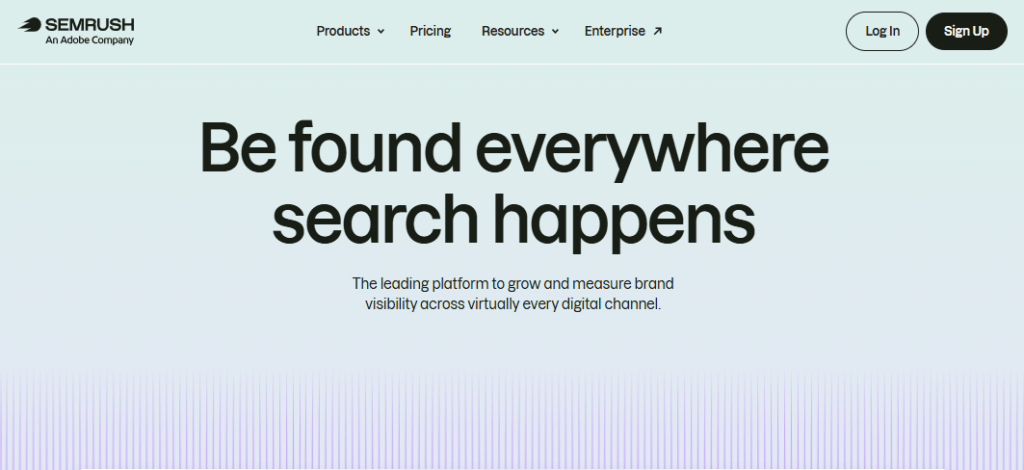
Semrush is one of the most comprehensive SEO platforms for keyword research, competitor analysis, and content optimization. It offers a collection of tools that help bloggers, affiliate marketers, businesses, and SEO professionals discover profitable keyword opportunities and understand their search competition.
Its Keyword Overview and Keyword Magic Tool provide insights into search volume, keyword difficulty, search intent, CPC, and related search terms.
Semrush also allows users to analyze competitors’ organic keywords and identify content gaps, making it a valuable solution for developing a complete SEO strategy.
Key features
- Keyword overview for analyzing individual search terms.
- Keyword Magic Tool for discovering keyword variations.
- Search volume and keyword difficulty estimates.
- Search intent classification.
- CPC and competitive advertising metrics.
- Question-based keyword suggestions.
- Keyword Gap for competitor comparisons.
- Organic research for analyzing competitor keywords.
- Country-specific keyword databases.
- Position tracking for monitoring keyword rankings.
How to use Semrush for keyword research
- Open Semrush and access the Keyword Overview tool.
- Enter your primary keyword, such as “best WordPress hosting.”
- Select your target country, such as the United States or India.
- Review the estimated search volume, keyword difficulty, search intent, and CPC.
- Open Keyword Magic Tool to discover related keywords.
- Apply filters to find relevant keywords with suitable search volume and difficulty.
- Explore question-based keywords to identify additional article topics.
- Use Keyword Gap to compare your website with competing domains.
For example, a blogger targeting the keyword “best WordPress hosting” can discover related searches such as “best WordPress hosting for beginners,” “cheap WordPress hosting,” and “managed WordPress hosting.”
The Keyword Magic Tool also helps organize keyword ideas into related groups, making it easier to plan content around specific topics.
Pricing
Semrush offers multiple SEO plans. Its official pricing page lists the Pro plan at $139 per month with monthly billing or $117.33 per month when billed annually, with the Guru and Business plans offering additional features and higher limits. Pricing and promotions may change.
Pros
- Comprehensive keyword research features.
- Useful competitor keyword analysis.
- Country-specific keyword databases.
- Keyword difficulty, intent, and CPC metrics.
- Helpful for professional SEO campaigns.
Limitations
- More expensive than basic keyword research tools.
- Beginners may find the interface overwhelming.
- Usage limits depend on the subscription plan.
- Some advanced features require higher-tier plans.
Who should use Semrush?
Semrush is a strong choice for bloggers, affiliate marketers, SEO agencies, and businesses that need keyword research, competitor analysis, and broader SEO tools in one platform.
For a deeper look at its features, pricing, advantages, and limitations, read our detailed Semrush review.
Recommendation: Semrush is our top recommendation for users who want an all-in-one keyword research and SEO platform.
2. Ahrefs
Best for Competitor Keyword Research

Ahrefs is a popular SEO platform widely used for competitor analysis, keyword research, backlink monitoring, and organic search optimization.
Its Keywords Explorer tool helps users discover thousands of keyword ideas and evaluate their search potential using metrics such as search volume, keyword difficulty, clicks, and traffic potential.
One of Ahrefs’ biggest strengths is its ability to analyze competing websites and identify the keywords driving their organic traffic.
This information helps bloggers and SEO professionals discover content gaps, understand competitor strategies, and identify opportunities to improve their own search rankings.
Key features
- Keywords Explorer for keyword discovery.
- Search volume estimates.
- Keyword difficulty scores.
- Clicks and traffic potential metrics.
- Related keyword suggestions.
- SERP overview and ranking page analysis.
- Site Explorer for competitor research.
- Organic keyword reports.
- Keyword clustering features on eligible plans.
How to use Ahrefs
- Open Keywords Explorer.
- Enter a seed keyword.
- Select the country you want to target.
- Review search volume, keyword difficulty, clicks, and traffic potential.
- Explore matching terms and related keyword ideas.
- Open the SERP overview to understand which websites currently rank.
- Use Site Explorer to analyze the keywords driving traffic to competing websites.
One useful feature is competitor analysis. You can examine a competing website to discover the keywords for which it receives estimated organic traffic. This can help you identify content gaps and topics worth researching for your own blog.
Pricing
Ahrefs offers several subscription options. Its official pricing page currently lists Lite at $129 per month, Standard at $249, and Advanced at $449. Features, usage credits, and limits differ by plan.
Pros
- Powerful competitor research.
- Detailed keyword and SERP information.
- Useful backlink analysis.
- Helpful keyword suggestions.
- Strong research capabilities for established websites.
Limitations
- Subscription costs can be high for beginners.
- Some reports and features consume usage credits.
- The interface can take time to learn.
- Search metrics are estimates rather than exact Google data.
Who should use Ahrefs?
Ahrefs is suitable for experienced bloggers, SEO consultants, agencies, and businesses that regularly analyze competitors, backlinks, and organic search opportunities. You can check my blog post on Best AHREFS Alternatives for better SEO strategy.
Recommendation: Choose Ahrefs if competitor keyword research and backlink analysis are major parts of your SEO strategy.
3. Google Keyword Planner
Best Free Keyword Research Tool
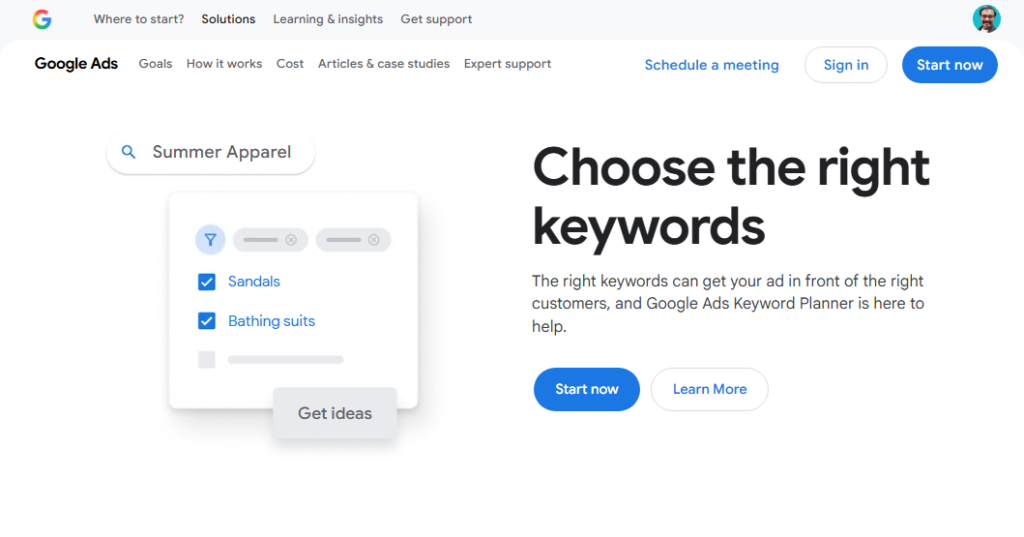
Google Keyword Planner is a keyword research tool provided through Google Ads that helps users discover search terms and understand advertising demand. Although it was primarily developed for advertisers, bloggers and SEO professionals can also use it to generate keyword ideas and explore estimated search volumes.
You can enter a seed keyword, website URL, location, and language to discover related search terms. The tool also provides historical search information, advertising competition, and suggested bid estimates.
It is a useful starting point for beginners who want to explore keyword opportunities without purchasing a dedicated SEO subscription.
Key features
- Discover new keyword ideas.
- Generate keyword suggestions from seed terms.
- Find keyword ideas using a website URL.
- Review historical search volume information.
- Explore competition levels for Google Ads.
- View advertising bid estimates.
- Target specific countries, regions, and languages.
- Organize keywords into groups.
How to use Google Keyword Planner
- Sign in to your Google Ads account.
- Open Keyword Planner.
- Select “Discover new keywords.”
- Enter a seed keyword, such as “SEO tools.”
- Choose your target location and language.
- Review the suggested keywords and available metrics.
- Download the keyword ideas for further analysis.
You can also enter a competitor’s website URL to discover keyword ideas related to its content.
Pricing
Google Keyword Planner is available without a separate subscription fee. However, access to certain account features and the level of search volume detail displayed may depend on your Google Ads account and activity.
Pros
- No separate keyword research subscription.
- Directly integrated with Google Ads.
- Useful for discovering keyword ideas.
- Supports geographic targeting.
- Provides advertising bid estimates.
Limitations
- Designed primarily for advertising research.
- Search volume information may be presented in ranges.
- Advertising competition is not organic keyword difficulty.
- Does not provide the same depth of competitor SEO analysis as paid platforms.
Who should use Google Keyword Planner?
It is useful for beginners, bloggers, small businesses, and advertisers who need basic keyword suggestions and advertising estimates.
Recommendation: Google Keyword Planner is an excellent starting point for free keyword research, but combine it with SERP analysis and other SEO tools when evaluating organic ranking opportunities.
4. Ubersuggest
Best for Beginners and Budget-Friendly Research
Ubersuggest is an SEO and keyword research platform designed to make search optimization easier for bloggers, beginners, freelancers, and small businesses.
It provides keyword suggestions, estimated search volume, SEO difficulty, CPC information, and competitor research through a relatively straightforward interface. Users can enter a keyword to discover related search phrases, explore content ideas, and examine competing websites.
Ubersuggest also includes additional SEO features such as backlink analysis and website audits. Its accessible interface and limited free usage options make it an attractive starting point for website owners who want to learn keyword research.
Key features
- Keyword suggestions.
- Search volume estimates.
- SEO difficulty metrics.
- Paid difficulty and CPC estimates.
- Related keyword ideas.
- Content ideas.
- Competitor domain analysis.
- Backlink information.
- Site audit features.
How to use Ubersuggest
- Enter a keyword in the Keyword Research section.
- Select your target country.
- Review search volume and SEO difficulty.
- Explore related keyword suggestions.
- Check content ideas to identify pages already attracting attention.
- Compare competing domains to discover additional opportunities.
Pricing
Ubersuggest offers Individual, Business, and Enterprise plans, with monthly, yearly, and lifetime payment options.
Its lifetime plans are listed at $290 (Individual), $490 (Business), and $990 (Enterprise) on the official pricing page.
A free plan and a 7-day free trial are also available; prices and currency may vary by location.
Pros
- Beginner-friendly interface.
- Useful keyword suggestions.
- Includes competitor research.
- Provides content ideas.
- Offers entry-level access options.
Limitations
- Some features have limited usage.
- Advanced SEO analysis may be less comprehensive than enterprise platforms.
- Data estimates should be validated against actual search results.
Who should use Ubersuggest?
Ubersuggest is a good option for new bloggers, freelancers, and small website owners who want an accessible keyword research platform without immediately investing in a more expensive SEO suite.
5. KWFinder
Best for Long-Tail Keyword Research
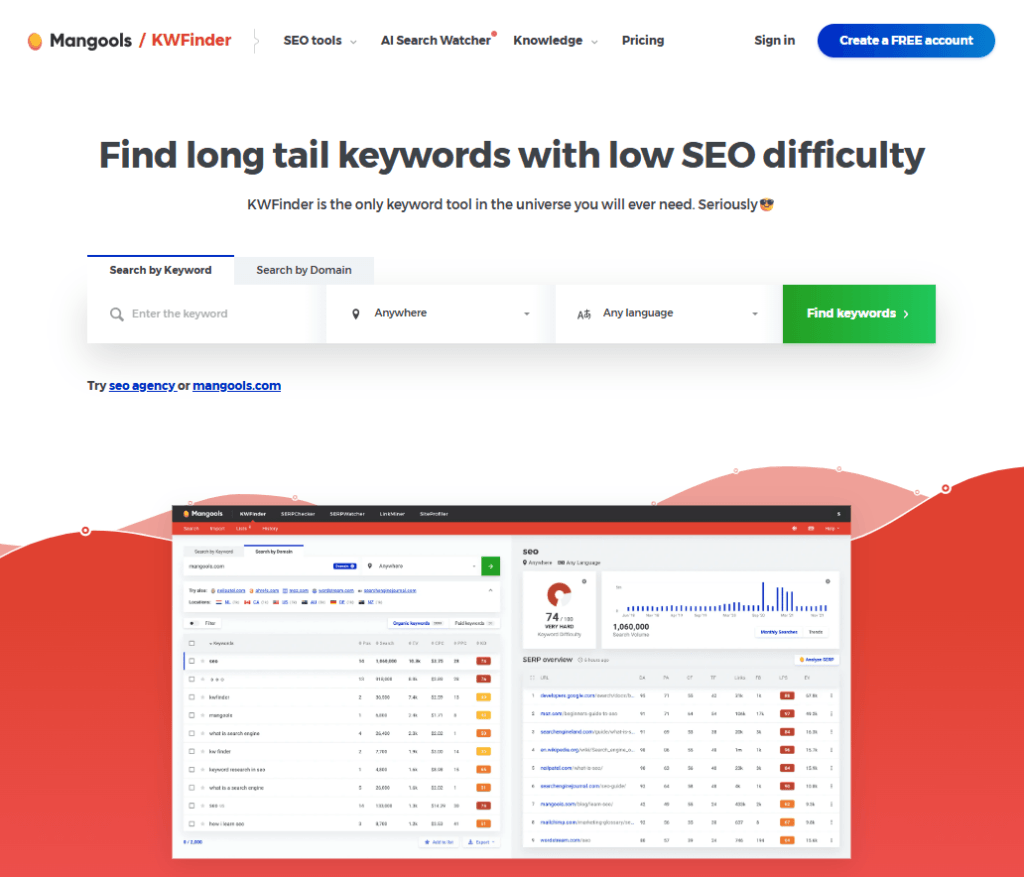
KWFinder is a keyword research tool from Mangools that focuses on helping users discover relevant keywords with potentially manageable search competition. It is particularly useful for bloggers, niche website owners, and affiliate marketers who want to identify long-tail keyword opportunities.
The platform provides keyword suggestions, estimated search volume, keyword difficulty scores, and SERP analysis to help users evaluate individual search terms.
You can also select specific countries and locations to research keywords for different audiences. Its clean interface makes KWFinder a practical option for users who want straightforward keyword research without navigating a complicated SEO platform.
Key features
- Long-tail keyword suggestions.
- Keyword difficulty scores.
- Search volume estimates.
- SERP analysis.
- Related keyword discovery.
- Location-based keyword research.
- Competitor keyword analysis.
- Integration with other Mangools tools.
How to use KWFinder
- Open KWFinder.
- Enter your primary keyword.
- Select your target country or location.
- Review the suggested keyword variations.
- Sort the results by keyword difficulty or search volume.
- Open the SERP analysis for promising keywords.
- Examine the ranking pages before selecting a target term.
For example, instead of targeting “WordPress SEO,” you could investigate more specific searches such as “WordPress SEO tips for beginners” or “how to improve WordPress SEO.”
Pricing
KWFinder is included in Mangools subscription bundles. Mangools offers Basic, Premium, and Agency plans, with different daily keyword lookup and suggestion limits.
- Basic: $37.70/month (billed annually) or $61/month (monthly billing).
- Premium: $52.70/month (billed annually) or $81/month (monthly billing).
- Agency: $97.70/month (billed annually) or $141/month (monthly billing). All plans include Mangools SEO tools and AI Search Watcher Pro, with different usage limits
Pros
- Easy-to-understand interface.
- Useful long-tail keyword suggestions.
- Keyword difficulty metrics.
- SERP analysis.
- Location-specific keyword research.
Limitations
- Daily lookup limits depend on the subscription.
- Not as comprehensive as some all-in-one SEO platforms.
- Advanced workflows may require other Mangools tools.
Who should use KWFinder?
KWFinder is a good choice for bloggers, niche website owners, and smaller businesses looking for relevant long-tail keywords with manageable competition. You can find more details about this tool in KWFinder Review.
6. Moz Keyword Explorer
Best for Keyword Prioritization
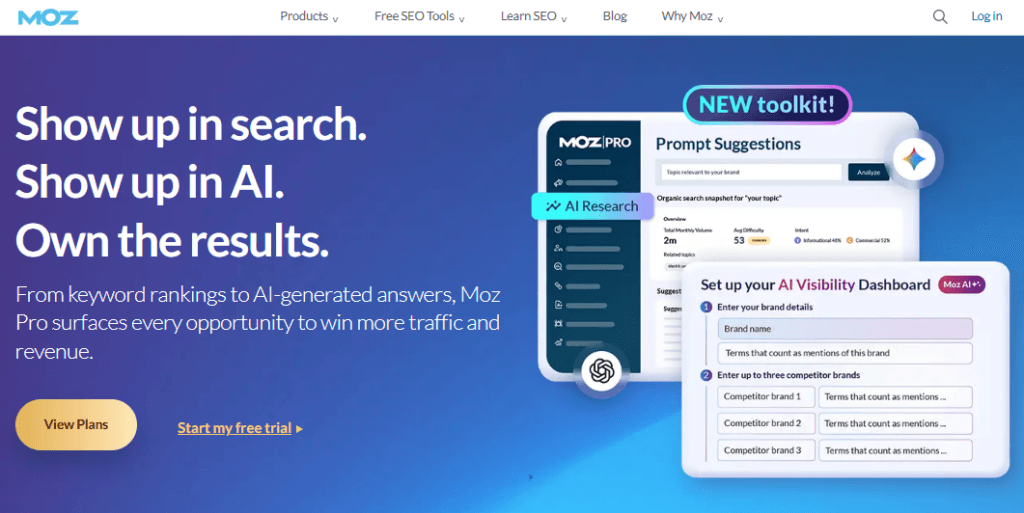
Moz Keyword Explorer is a keyword research tool included in the Moz SEO platform. It helps marketers discover keyword opportunities and evaluate which search terms deserve priority in their content strategy.
The tool provides keyword suggestions, estimated search volume, difficulty scores, organic click-through rate estimates, and a Priority score that combines different research metrics.
Users can also explore related keywords and examine search engine results to understand the competition. Moz Keyword Explorer is particularly useful for bloggers and SEO professionals who want a structured way to evaluate keyword opportunities before investing time in creating new content.
Key features
- Keyword suggestions.
- Search volume estimates.
- Keyword difficulty.
- Organic CTR estimates.
- Keyword priority score.
- SERP analysis.
- Keyword lists and research organization.
How to use Moz Keyword Explorer
- Open Keyword Explorer.
- Enter your target keyword.
- Select your preferred search location.
- Review search volume and difficulty.
- Check the organic CTR and priority metrics.
- Explore related keyword suggestions.
- Save promising terms for your content plan.
Pricing
Moz offers limited free access and paid Moz Pro plans. Available research limits and features depend on the subscription.
- Standard: $99/month or $79/month with annual billing.
- Medium: $179/month or $143/month with annual billing.
- Large: $299/month or $239/month with annual billing. An entry-level Starter option is also available for $49/month, while Enterprise pricing is available on request
Pros
- Helpful keyword prioritization metrics.
- Easy-to-understand keyword research interface.
- Useful SERP insights.
- Suitable for keyword planning.
Limitations
- Some research features require a paid plan.
- Database coverage and estimates may differ from competing tools.
- Advanced competitor workflows may require additional tools.
Who should use Moz Keyword Explorer?
Moz Keyword Explorer is suitable for bloggers, marketers, and SEO professionals who want to evaluate and prioritize keyword opportunities.
7. LowFruits
Best for Low-Competition Keywords
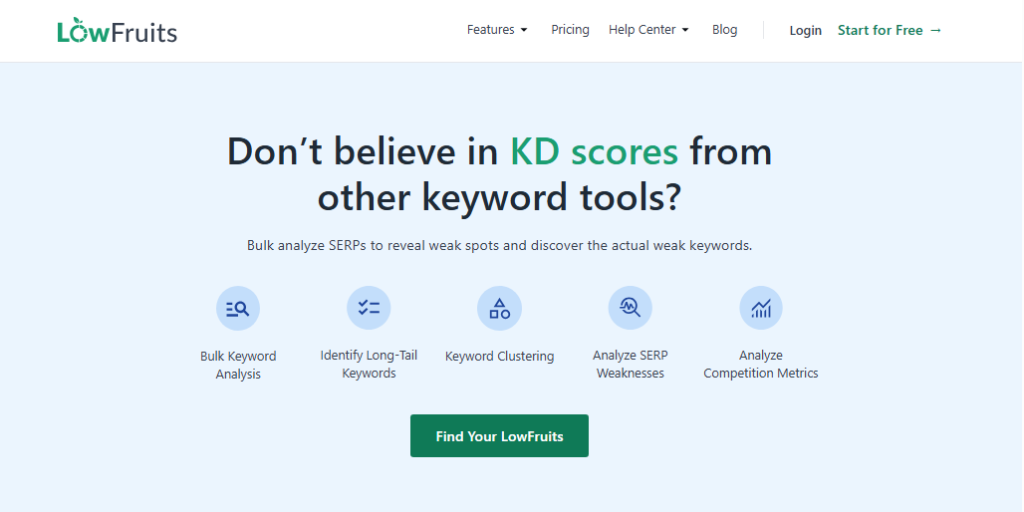
LowFruits is a specialized keyword research platform designed to help bloggers and niche website owners discover potentially low-competition search opportunities. Rather than relying entirely on traditional keyword difficulty scores, it examines search engine results to identify weaker competing websites that may present ranking opportunities.
Its features include long-tail keyword discovery, autocomplete suggestions, SERP analysis, competitor keyword extraction, and keyword clustering.
This approach can be particularly useful for newer websites that struggle to compete with established domains for broad search terms.
LowFruits helps users focus their research on specific queries where their content may have a realistic opportunity to compete.
Key features
- Long-tail keyword discovery.
- Google autocomplete keyword suggestions.
- SERP analysis.
- Identification of weak websites in search results.
- Competitor keyword extraction.
- Sitemap extraction.
- Keyword rank tracking.
- SERP score analysis.
How to use LowFruits
- Enter a seed keyword or topic.
- Generate keyword suggestions.
- Review the SERP analysis for promising terms.
- Look for search results containing weaker or less authoritative pages.
- Examine the competing content.
- Prioritize relevant keywords where your website could provide a better answer.
This approach can be helpful for smaller websites that cannot easily compete with established websites for broad, highly competitive keywords.
Pricing
LowFruits offers subscription plans and pay-as-you-go credits. Its official pricing page lists a Standard subscription at $29.90 per month or $20.75 per month when billed annually, and a Premium subscription at $79.90 monthly or $62.45 per month when billed annually. Credit limits and features differ by plan.
Pros
- Specialized in low-competition keyword discovery.
- Useful for niche websites.
- Includes competitor keyword extraction.
- Offers credit-based purchasing.
- Helpful SERP analysis.
Limitations
- Not a complete replacement for an all-in-one SEO platform.
- Credit consumption needs to be monitored.
- A weak-looking search result does not guarantee that a new page will rank.
Who should use LowFruits?
LowFruits is particularly useful for niche bloggers, affiliate marketers, and smaller websites looking for specific search terms with potentially weaker competition.
8. SE Ranking
Best All-in-One SEO Platform

SE Ranking is an all-in-one SEO platform that combines keyword research, competitor analysis, rank tracking, backlink monitoring, and website auditing.
It is designed for bloggers, digital marketers, agencies, and businesses that want to manage multiple SEO activities from one dashboard. Its keyword research features help users discover related search terms, evaluate search volume and keyword difficulty, and explore competitor ranking opportunities.
You can also track selected keywords and monitor changes in search performance over time. SE Ranking is worth considering if you want more than a basic keyword suggestion tool and need an integrated solution for managing your website’s SEO strategy.
Key features
- Keyword research.
- Keyword suggestions.
- Search volume and difficulty metrics.
- Competitor keyword analysis.
- Keyword rank tracking.
- Backlink analysis.
- Website auditing.
- On-page SEO analysis.
How to use SE Ranking
- Open the keyword research section.
- Enter a keyword and choose a search engine and location.
- Review search volume and difficulty.
- Explore similar and related keyword suggestions.
- Analyze competitor keywords.
- Add selected terms to your keyword tracking project.
Pricing
SE Ranking offers multiple subscription plans, with pricing and limits based on projects, tracked keywords, users, and research features. Its official pricing page lists Core at $129 monthly or $103.20 per month with annual billing.
Pros
- Combines multiple SEO tools.
- Useful competitor analysis.
- Keyword tracking and research.
- Website audit capabilities.
- Suitable for agencies and businesses.
Limitations
- Some advanced features require higher plans.
- The number of projects and tracked keywords is limited by subscription.
- New users may need time to understand the platform.
Who should use SE Ranking?
SE Ranking is a good option for freelancers, agencies, and businesses that need keyword research alongside rank tracking and website optimization.
9. AnswerThePublic
Best for Question-Based Keyword Research
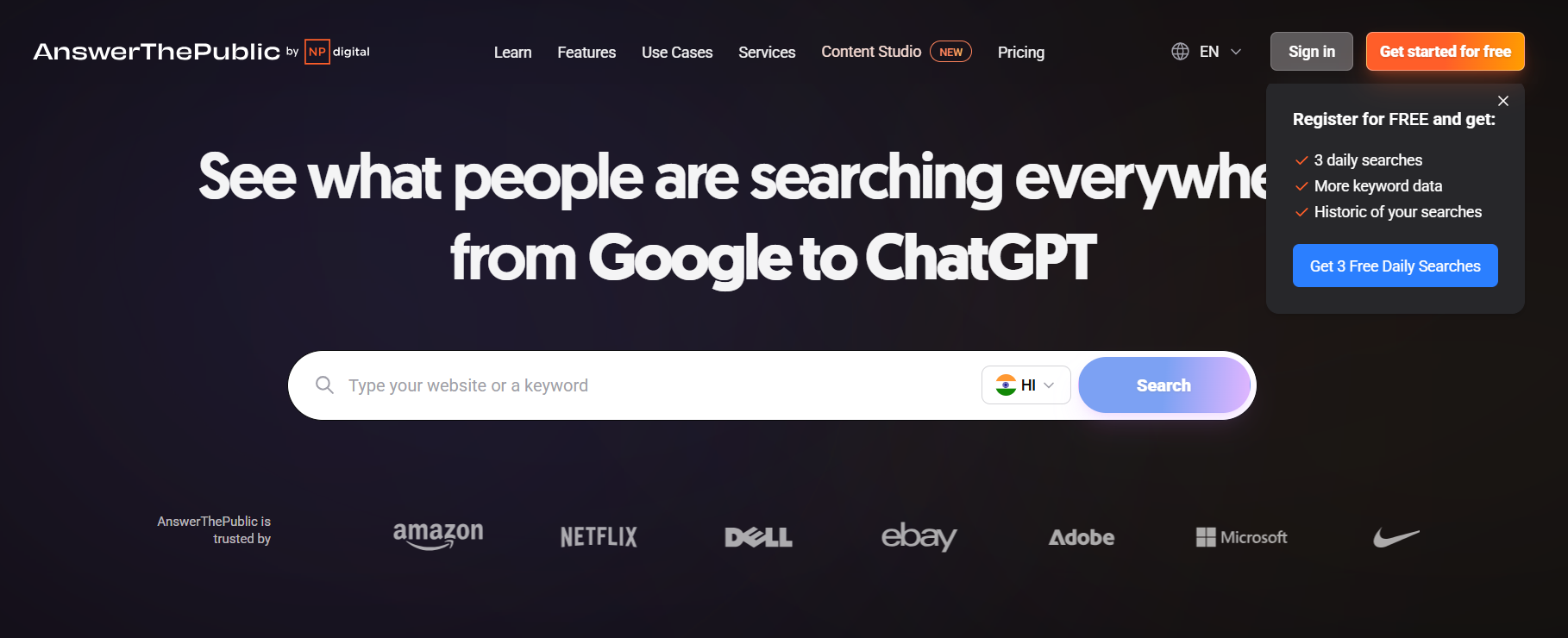
AnswerThePublic is a keyword discovery and content research tool that helps users understand the questions people ask about a particular topic.
It collects search suggestions and organizes them into categories such as questions, comparisons, prepositions, and related searches.
This makes it useful for bloggers, content writers, and marketers who want to create informative articles that address specific audience needs.
For example, researching a topic such as WordPress hosting can reveal questions about pricing, security, speed, and beginner-friendly providers. These insights can help you develop article outlines, supporting content, and relevant FAQ sections.
Key features
- Question-based keyword suggestions.
- Related search phrases.
- Search suggestions organized by topic.
- Content idea discovery.
- CPC and search volume information on eligible plans.
- Data exports on supported plans.
How to use AnswerThePublic
- Open AnswerThePublic.
- Enter a broad keyword, such as “keyword research.”
- Select a country and language where available.
- Review the generated questions and related search phrases.
- Group similar questions into content topics.
- Use the best questions in your article headings and FAQ sections after checking search intent.
For example, researching “WordPress hosting” may reveal questions about hosting costs, speed, security, backups, and beginner-friendly providers.
Pricing
AnswerThePublic provides limited free access and paid subscription plans. Its official pricing page lists different search limits, prompt suggestions, and additional features depending on the plan.
- Starter: $13.33/month (billed annually) – 100 searches per month and 1 user.
- Growth: $66/month (billed annually) – 200 searches per month and up to 3 users.
- Business: $132.66/month (billed annually) – 300 searches per month and up to 10 users. answerthepublic.com
A free plan with up to 3 searches per day is also available. Monthly subscriptions include a 7-day free trial.
Pros
- Useful for discovering questions.
- Helps generate blog post ideas.
- Supports content planning.
- Useful for FAQ research.
Limitations
- Not a complete keyword difficulty analysis platform.
- Some advanced searches and exports require payment.
- Questions should be validated against actual search demand.
Who should use AnswerThePublic?
It is suitable for bloggers, content creators, and marketers who want to understand the questions people ask about a particular topic.
10. KeywordTool.io
Best for Autocomplete Keyword Suggestions
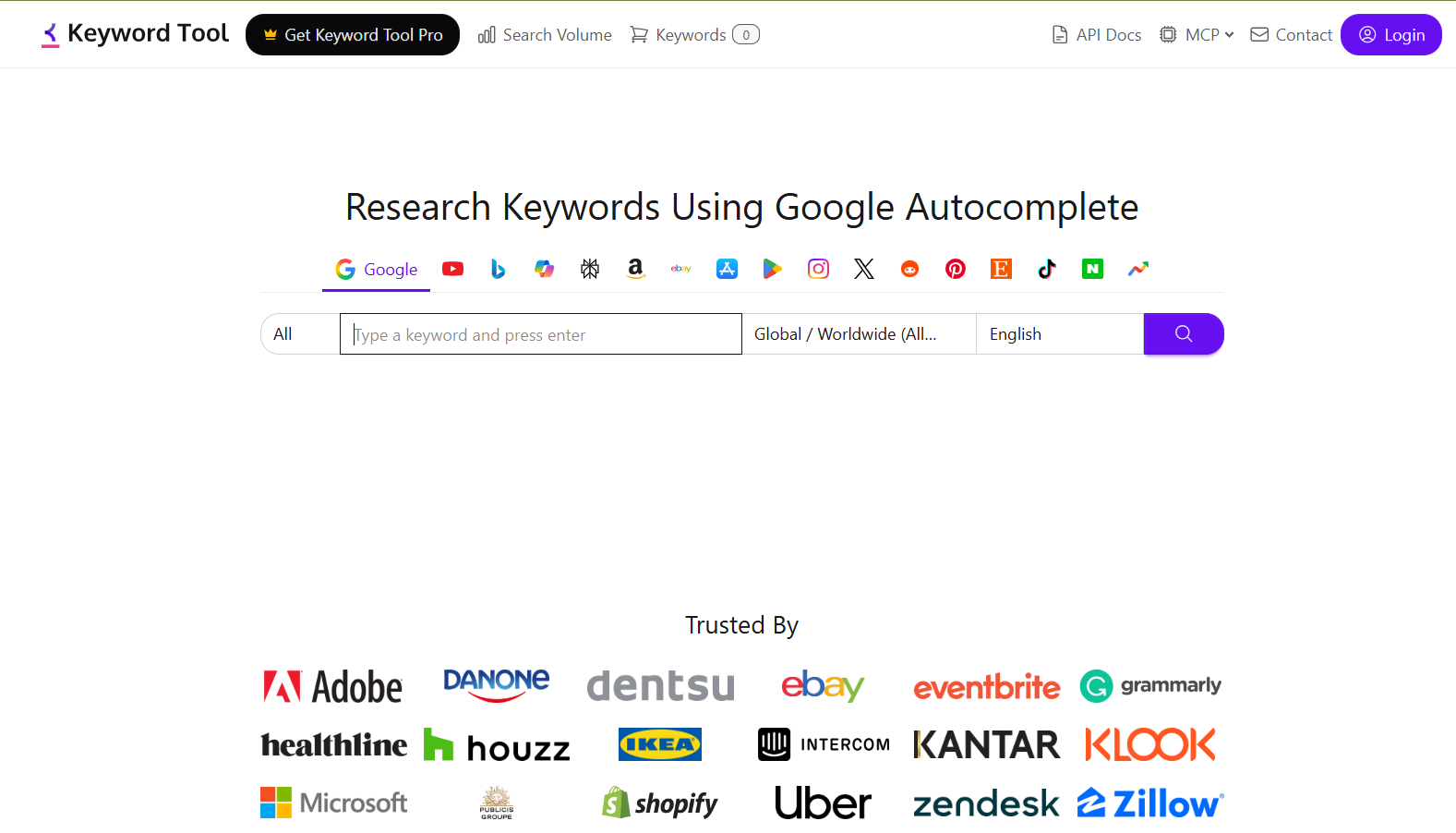
KeywordTool.io is a keyword research platform that uses search autocomplete suggestions to discover related phrases and long-tail keyword ideas.
It supports multiple platforms, including Google, YouTube, Bing, Amazon, and other search environments, making it useful for different types of content creators.
Users can enter a seed keyword, select a country and language, and generate a list of related search suggestions. Its paid features provide additional information such as search volume and CPC estimates.
KeywordTool.io is particularly useful for bloggers, YouTubers, affiliate marketers, and businesses that want to expand their keyword lists beyond traditional Google searches.
Key features
- Google autocomplete keyword suggestions.
- YouTube keyword research.
- Bing keyword suggestions.
- Amazon keyword ideas.
- Long-tail keyword discovery.
- Related search phrases.
- Search volume and CPC information on eligible plans.
How to use KeywordTool.io
- Open KeywordTool.io.
- Choose your target platform, such as Google or YouTube.
- Enter a seed keyword.
- Select the target country and language.
- Review the suggested search phrases.
- Export or save relevant keyword ideas when available.
- Validate search volume and competition using additional research.
Pricing
KeywordTool.io offers free keyword suggestion access and paid plans with additional metrics, search limits, and export options.
- Starter: $68/month – 50 daily requests, 50,000 keyword volume lookups per day, and 12 months of historical data.
- Growth: $148/month – 100 daily requests, 100,000 keyword volume lookups per day, and 24 months of historical data.
- Scale: $308/month – 200 daily requests,
- Agency: $628/month – 400 daily requests; both include up to 48 months of historical data.
A free version is available for keyword suggestions, and all paid plans include a 30-day money-back guarantee
Pros
- Useful for long-tail keyword suggestions.
- Supports multiple platforms.
- Simple research workflow.
- Helpful for content idea discovery.
Limitations
- Some advanced metrics require paid access.
- Autocomplete suggestions are not guaranteed to have significant search volume.
- Does not replace detailed SERP analysis.
Who should use KeywordTool.io?
It is useful for bloggers, YouTubers, affiliate marketers, and businesses that need keyword suggestions across different search platforms.
11. Keywords Everywhere
Best for Quick Keyword Metrics
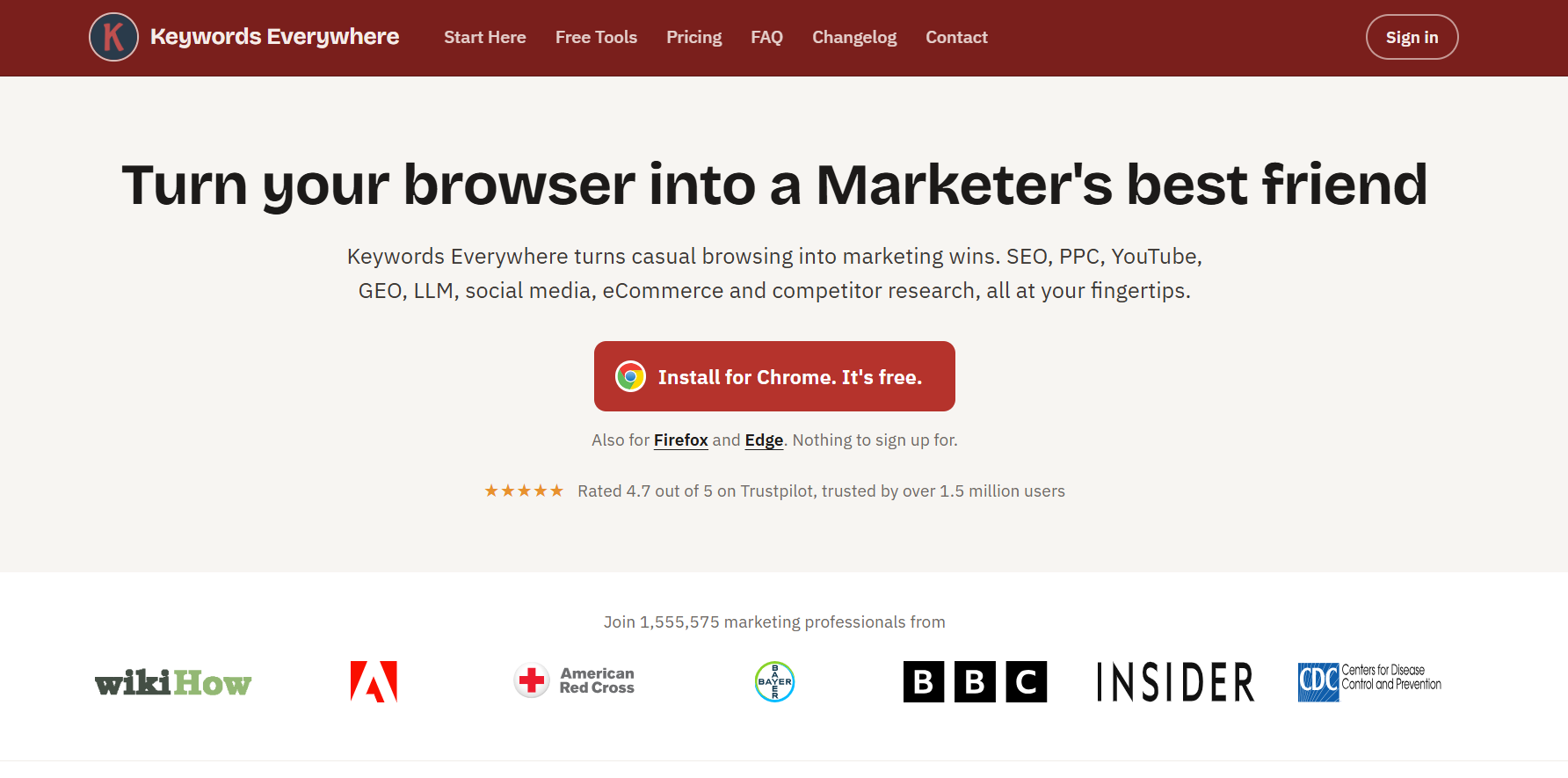
Keywords Everywhere is a browser extension that makes keyword research more convenient by displaying search-related metrics while browsing supported search engines and websites.
It helps users discover estimated search volume, CPC, advertising competition, and related keyword suggestions without constantly switching between different SEO applications.
Once configured, the extension can display useful keyword information directly alongside search results, making everyday research faster.
Its credit-based system provides access to paid keyword data features. Keywords Everywhere is a practical option for bloggers, content writers, freelancers, and SEO professionals who frequently research topics and need quick keyword insights during their daily workflow.
Key features
- Search volume information.
- CPC estimates.
- Advertising competition metrics.
- Related keyword suggestions.
- Long-tail keyword ideas.
- Metrics displayed within supported search interfaces.
- Historical trends on eligible features.
How to use Keywords Everywhere
- Install the browser extension.
- Open its settings and configure your account.
- Activate the extension using the required credits.
- Search for a keyword in Google.
- Review the available keyword metrics.
- Explore related keywords and additional suggestions.
Pricing
Keywords Everywhere uses a credit-based system for many of its keyword data features
- Bronze: $84/year – 100,000 credits and 1 user seat.
- Silver: $168/year – 400,000 credits and 3 user seats.
- Gold: $480/year – 2 million credits and 10 user seats.
All plans are billed annually, and credits remain valid for one year. Higher-tier plans include additional features such as SEO Minion, Premium ChatGPT Prompts, and Keyword Keg.
Pros
- Convenient browser-based workflow.
- Quick access to keyword metrics.
- Related keyword suggestions.
- Useful for everyday research.
Limitations
- Requires credits for paid data features.
- Metrics are estimates.
- It is not a complete SEO suite.
Who should use Keywords Everywhere?
It is useful for bloggers, freelancers, and SEO professionals who frequently perform quick keyword checks while researching topics online.
12. AlsoAsked
Best for People Also Ask Research
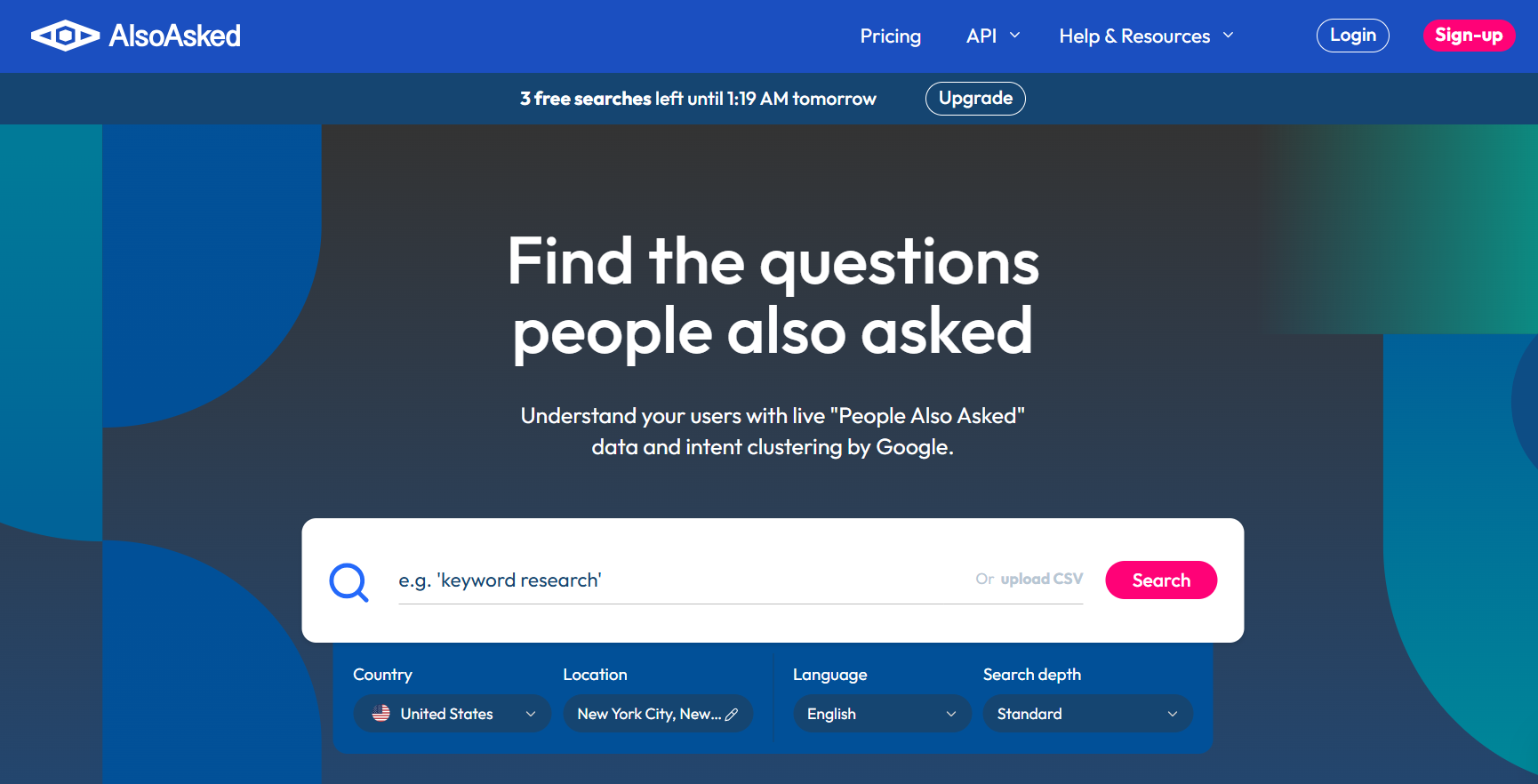
AlsoAsked is a content research tool that helps users discover related questions from Google’s People Also Ask results. Instead of simply providing a list of keywords, it organizes questions into connected groups to show how different search queries relate to one another.
This makes it useful for developing detailed article outlines, identifying supporting topics, and understanding the additional information readers may expect from a page.
Bloggers and SEO writers can use AlsoAsked to discover relevant questions for tutorials, product comparisons, and informational articles. Its question-based research approach can also help improve content coverage and identify useful FAQ opportunities.
Key features
- People Also Ask question discovery.
- Related question clusters.
- Topic relationship visualization.
- Location and language targeting.
- Search exports.
- Bulk searches on eligible plans.
How to use AlsoAsked
- Enter your primary topic.
- Select your preferred location and language.
- Generate related questions.
- Explore the connected question groups.
- Identify questions that deserve separate sections or supporting articles.
- Use relevant questions to improve your article outline.
For example, a search for “keyword research tools” may uncover related questions about free tools, beginner tools, search volume, keyword difficulty, and competitor research.
Pricing
AlsoAsked offers limited free search credits and paid plans. Its official pricing page lists Basic at $12 per month, Lite at $23 per month, and Pro at $47 per month, with different monthly credit limits and features.
Pros
- Useful for FAQ research.
- Shows relationships between questions.
- Helps develop detailed article outlines.
- Supports location-based research.
Limitations
- Focuses on question discovery rather than complete keyword analysis.
- Search credits depend on the plan.
- Not every discovered question deserves a separate article section.
Who should use AlsoAsked?
AlsoAsked is a good choice for content creators, SEO writers, and bloggers who want to build helpful, question-focused content.
13. Google Search Console
Best for Finding Existing Website Keywords
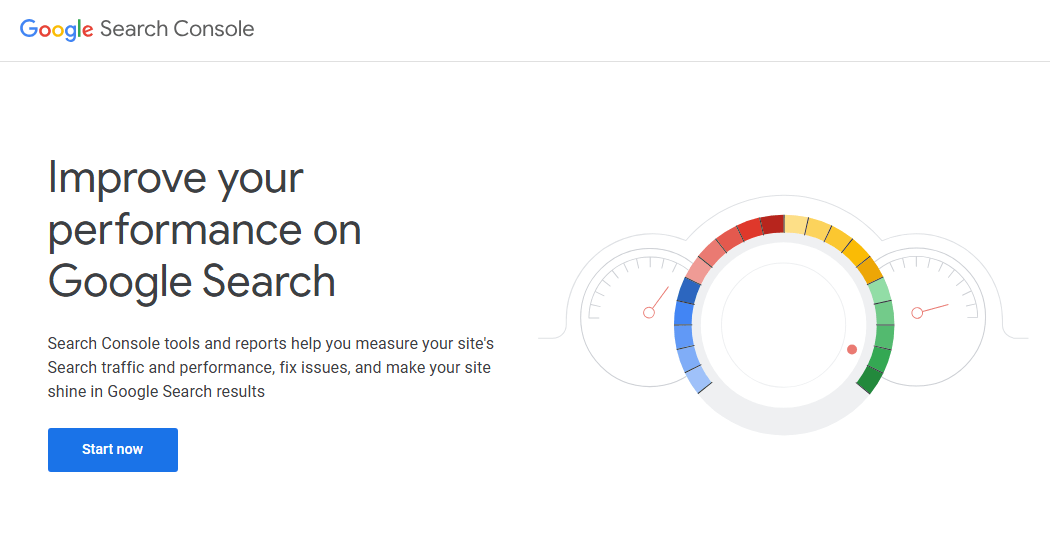
Google Search Console is a free website performance tool from Google that provides valuable information about how your pages appear in Google Search.
Its Performance report shows the search queries generating impressions and clicks for your website, along with click-through rates and average search positions.
This makes it especially useful for discovering keyword opportunities from content you have already published.
You can identify pages receiving impressions but few clicks, find queries where your content ranks outside the top positions, and discover related searches worth covering.
Unlike traditional keyword research platforms, Search Console provides first-party performance data for your verified website.
Key features
- Search queries generating impressions.
- Clicks and impressions.
- Average click-through rate.
- Average search position.
- Page-level search performance.
- Country and device filters.
- Search performance comparisons.
How to use Google Search Console for keyword research
- Open Google Search Console.
- Select your website property.
- Navigate to the Performance report.
- Open the Queries tab.
- Sort queries by impressions.
- Identify relevant queries receiving impressions but few clicks.
- Review queries where your pages rank between positions 8 and 30.
- Improve existing content to better address those search queries.
For example, if a page receives thousands of impressions for a keyword but has a low CTR, review its title tag, meta description, search intent, and current ranking position.
You can also identify related queries that deserve new supporting articles or additional sections in existing content.
Pricing
Google Search Console is free.
Pros
- Provides first-party website search performance data.
- Helps identify existing keyword opportunities.
- Useful for improving CTR.
- Supports page and country analysis.
- Excellent for content updates.
Limitations
- Does not provide complete competitor keyword research.
- Only shows performance data for your own verified properties.
- Does not provide conventional keyword difficulty scores.
- Some queries are omitted or anonymized.
Who should use Google Search Console?
Every website owner, blogger, and SEO professional should use Google Search Console. It is especially valuable when updating existing articles and identifying keywords for which a website already receives impressions.
14. Google Trends
Best for Trending and Seasonal Keyword Research
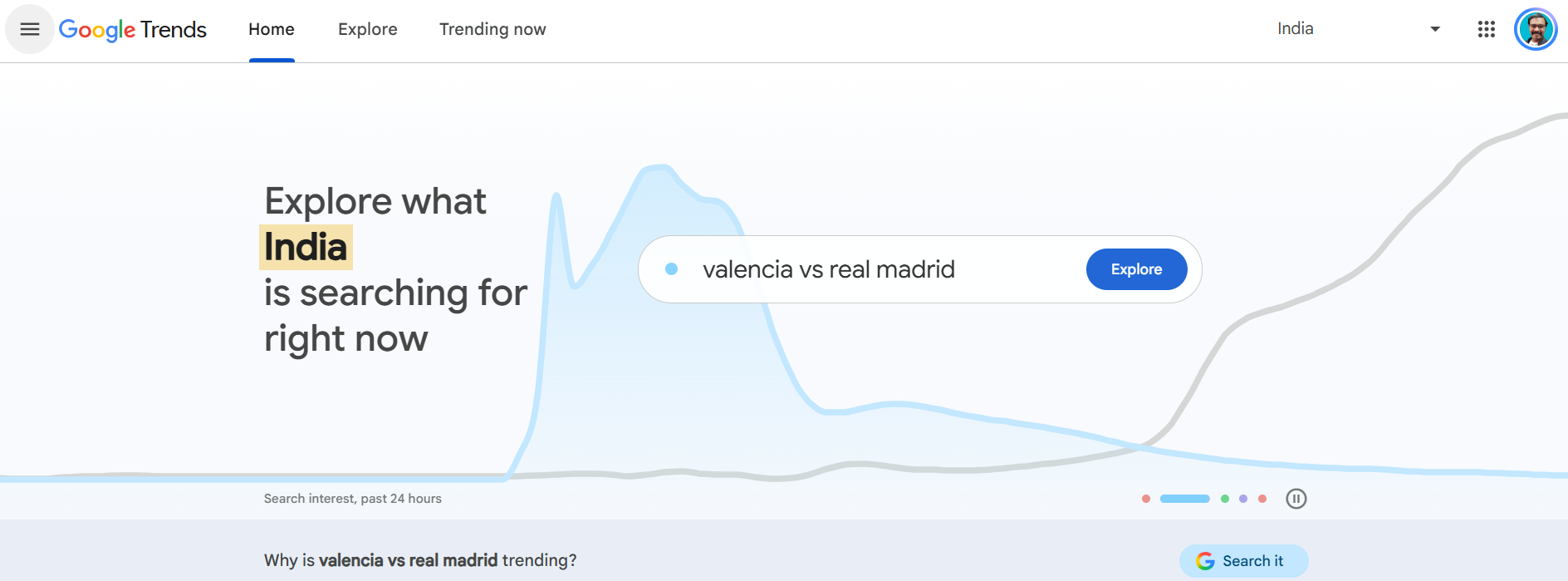
Google Trends is a free research tool that helps users understand how search interest changes over time.
It allows you to compare multiple keywords, explore geographic interest, discover related queries, and identify topics that are becoming more popular.
This information is particularly useful for bloggers, news publishers, affiliate marketers, and businesses that publish seasonal or time-sensitive content.
For example, you can compare search interest in different hosting deals, software releases, or shopping events before planning an article.
Although Google Trends does not provide exact monthly search volume, it is valuable for understanding keyword popularity and identifying emerging content opportunities.
Key features
- Search interest over time.
- Keyword comparison.
- Geographic search interest.
- Related topics and queries.
- Rising search terms.
- Seasonal trend analysis.
- Exportable trend data.
How to use Google Trends
- Open Google Trends.
- Enter your primary keyword.
- Select the country you want to analyze.
- Choose a relevant time range.
- Compare multiple keywords.
- Review related queries and rising topics.
- Identify seasonal patterns before planning content.
For example, you can compare search interest for “Black Friday hosting deals” and “web hosting discounts” to understand when interest increases.
Pricing
Google Trends is free to use.
Pros
- Free keyword trend research.
- Useful for seasonal content planning.
- Supports country-specific comparisons.
- Helps discover rising topics.
- Simple interface.
Limitations
- Does not provide exact monthly search volume.
- Trend scores are relative, not absolute search counts.
- Does not provide traditional keyword difficulty metrics.
Who should use Google Trends?
Google Trends is useful for bloggers, news publishers, marketers, and businesses that publish seasonal or time-sensitive content.
15. Keyword Surfer
Best for Quick Keyword Research in Google

Keyword Surfer is a browser extension designed to provide quick keyword insights while users browse Google search results.
It helps content creators explore estimated search volume and related keyword suggestions without opening a separate SEO research platform.
This makes it convenient for bloggers and writers who frequently search for new article topics or examine competing pages.
By displaying keyword information alongside search results, it can support initial topic research and help identify related phrases worth investigating.
Although it does not replace advanced SEO platforms such as Semrush or Ahrefs, Keyword Surfer can be a useful addition to a lightweight keyword research workflow.
Key features
- Search volume estimates.
- Related keyword suggestions.
- Search result insights.
- Keyword ideas within Google.
- Quick competitor research.
How to use Keyword Surfer
- Install the Keyword Surfer browser extension.
- Open Google.
- Search for your target keyword.
- Review the available keyword information.
- Explore related search suggestions.
- Use the information to identify additional topics for research.
Keyword Surfer has historically offered a free browser extension.
- AI Search Analytics – $82/month: Track your brand’s visibility across ChatGPT, Gemini, Google AI Overviews, and other AI models. Billed yearly, saving $156.
- Standard – $99/month: Align your team with a unified workflow and start growing your visibility in AI search. Billed yearly, saving $240.
- Pro – $182/month: Get mentioned and cited across every major AI model, with daily tracking and content at scale. Billed yearly, saving $444.
- Peace of Mind – $299/month: Own your brand’s story in AI search with unlimited optimization, API access, and VIP support. Billed yearly, saving $720.
Pros
- Quick keyword insights.
- Convenient browser workflow.
- Helpful related keyword suggestions.
- Easy to use.
Limitations
- Limited compared with full SEO platforms.
- Search metrics are estimates.
- Not designed for advanced competitor analysis.
Who should use Keyword Surfer?
It is useful for beginners, bloggers, and content writers who want quick keyword insights while searching Google. You can find more details about this in Surfer SEO Review.
Best Free Keyword Research Tools
If you are just starting a blog or working with a limited budget, you can begin keyword research without purchasing an expensive SEO subscription.
Here are the best free keyword research tools to consider.
| Free Keyword Research Tool | Best Use | Main Limitation |
|---|---|---|
| Google Keyword Planner | Keyword ideas and advertising estimates | Search volume detail may be limited |
| Google Search Console | Existing website keywords | Requires a verified website |
| Google Trends | Trending and seasonal topics | No exact search volume |
| Keyword Surfer | Quick keyword insights | Limited advanced analysis |
| Ubersuggest | Basic keyword suggestions | Free usage limits |
| AnswerThePublic | Question-based content ideas | Limited free searches |
| Semrush | Limited keyword research | Subscription limits |
| Ahrefs Webmaster Tools and free tools | Selected website SEO insights | Not full paid keyword research access |
My recommendation: Beginners should start with Google Keyword Planner, Google Search Console, and Google Trends. These tools provide a useful foundation for keyword discovery, website performance analysis, and trend research.
You can add a paid platform when you need more detailed competitor research, keyword difficulty metrics, or larger keyword databases.
Best Paid Keyword Research Tools
Paid keyword research tools are useful when you need more advanced data, larger keyword lists, competitor analysis, historical metrics, and professional SEO workflows.
| Paid Tool | Best For | Main Advantage |
|---|---|---|
| Semrush | Overall SEO research | Keyword research and competitor analysis |
| Ahrefs | Competitor research | Organic keyword and backlink analysis |
| KWFinder | Long-tail keywords | Keyword difficulty and SERP insights |
| Moz Keyword Explorer | Keyword prioritization | Difficulty and priority metrics |
| LowFruits | Low-competition keywords | SERP weakness analysis |
| SE Ranking | All-in-one SEO research | Keyword research and rank tracking |
| KeywordTool.io | Autocomplete suggestions | Multi-platform keyword ideas |
| Keywords Everywhere | Quick keyword metrics | Browser-based research |
Before choosing a paid subscription, consider how frequently you perform keyword research, how many websites you manage, and whether you need features beyond keyword suggestions.
For example, a beginner blogger may not need an expensive enterprise SEO plan. However, an affiliate marketer managing multiple websites may benefit from advanced competitor research and keyword gap analysis.
Best Keyword Research Tools for Beginners
Choosing your first keyword research tool can be confusing because professional SEO platforms include many advanced features.
If you are new to blogging or SEO, focus on tools that are easy to understand and help you discover relevant keywords without unnecessary complexity.
These are my recommendations for beginners:
- Google Keyword Planner: Best for discovering keyword ideas and understanding advertising estimates without paying for a separate keyword research subscription.
- Ubersuggest: Best for beginners who want keyword suggestions, basic competitor research, and content ideas through a straightforward interface.
- KWFinder: Best for bloggers who want to discover long-tail keywords and evaluate their difficulty using SERP analysis.
- Google Trends: Best for understanding whether a topic is becoming more or less popular and identifying seasonal opportunities.
- Google Search Console: Best for website owners who want to discover the actual queries generating impressions and clicks for their existing content.
Beginner tip: Do not choose keywords based only on high search volume. Start with relevant topics, examine search intent, and review the websites currently ranking in Google.
Best Tools for Competitor Keyword Research
Competitor keyword research helps you understand which search terms bring organic traffic to competing websites.
It can also reveal content gaps—keywords your competitors rank for but your website does not target effectively.
The following tools are particularly useful:
| Tool | Competitor Research Feature | Best Use |
|---|---|---|
| Semrush | Organic Research and Keyword Gap | Finding competitor ranking keywords |
| Ahrefs | Site Explorer and Keywords Explorer | Organic traffic and keyword analysis |
| SE Ranking | Competitor Research | Comparing domains and keywords |
| Ubersuggest | Traffic and keyword analysis | Basic competitor discovery |
| LowFruits | Competitor keyword extraction | Finding niche content opportunities |
A practical competitor keyword research workflow
- Identify three to five websites competing for your target audience.
- Enter each domain into Semrush or Ahrefs.
- Find the keywords driving estimated organic traffic.
- Identify keywords that your competitors rank for but your website does not.
- Review the search results for each keyword.
- Check whether your website can provide a more useful and relevant answer.
- Prioritize keywords based on relevance, intent, competition, and business value.
For example, if you run a blogging website, you could analyze competing blogs to discover topics related to WordPress hosting, SEO tools, affiliate marketing, and blogging platforms.
Do not copy competitor articles. Use competitor research to identify missing topics and create more helpful content.
Best Tools for Long-Tail Keyword Research
Long-tail keywords are specific search phrases that often contain three or more words. They usually express a clearer search need than broad keywords.
For example:
- Broad keyword: WordPress hosting
- Long-tail keyword: Best WordPress hosting for beginners
- More specific keyword: Affordable managed WordPress hosting for small businesses
Long-tail keywords can be useful for smaller websites because they allow content creators to target more specific search needs.
| Tool | Best Long-Tail Keyword Feature |
|---|---|
| Semrush | Keyword Magic Tool |
| KWFinder | Long-tail suggestions and difficulty |
| LowFruits | Autocomplete and SERP weakness analysis |
| AnswerThePublic | Question-based keyword discovery |
| KeywordTool.io | Autocomplete suggestions |
| Google Keyword Planner | Related keyword ideas |
| Google autocomplete | Search phrase discovery |
How to find long-tail keywords
- Start with a broad keyword related to your niche.
- Enter it into a keyword suggestion tool.
- Collect related phrases and questions.
- Filter out irrelevant keywords.
- Review search intent and ranking pages.
- Prioritize phrases that match your website’s expertise and audience.
- Group closely related keywords into content topics.
For a new blog, targeting a specific keyword with a clear search intent can be more practical than immediately competing for a broad, highly competitive term.
How to Choose the Right Keyword Research Tool
The best keyword research tool depends on your website, experience, budget, and SEO objectives. Before purchasing a subscription, evaluate the following factors.
- Keyword database and geographic coverage: Choose a tool that supports the countries and search markets you want to target. If your website attracts readers from the United States and India, compare keyword metrics using the appropriate country databases rather than relying on one global estimate.
- Search volume accuracy: Search volume is an estimate, not an exact count of future visitors. Compare keyword data across tools and validate promising terms using Google Search Console, Google Trends, and the actual search results.
- Keyword difficulty: Keyword difficulty can help you prioritize opportunities, but each platform calculates it differently. Never assume a KD score from one tool is directly comparable with another tool’s score.
- Search intent analysis: A good keyword research workflow should help you understand whether a searcher wants information, a specific website, a product comparison, or a purchase. For example, “what is web hosting” has informational intent, while “best web hosting providers” has commercial investigation intent.
- Competitor keyword research: If you want to understand your competitors’ SEO strategies, choose a tool with domain analysis, organic keyword reports, and keyword gap features.
- Long-tail keyword suggestions: Look for tools that provide related phrases, questions, autocomplete suggestions, and keyword variations. These can help you discover more specific content opportunities.
- SERP analysis: Reviewing the current Google results is essential. Check the types of pages ranking, their content depth, search intent, website strength, and whether the results leave unanswered questions.
- Pricing and usage limits: Compare monthly and annual billing, keyword lookup limits, export allowances, project limits, user seats, and trial conditions.
Do not purchase a plan simply because it has the largest keyword database. Choose one that fits your actual research workload.
How to Do Keyword Research Using Semrush
Semrush is one of the best keyword research tools for bloggers, affiliate marketers, and SEO professionals who want to discover profitable keywords and improve their organic search visibility. It combines keyword discovery, search volume analysis, keyword difficulty, search intent, CPC data, and competitor research in one platform.
With Semrush, you can find thousands of keyword ideas, identify low-competition opportunities, analyze competing websites, and discover content gaps that your website can target.

⭐⭐⭐⭐⭐ 4.9/5 (600+ Reviews)
Discover profitable keywords, analyze competitors, and improve your website’s SEO with Semrush.
What you can do:
- Find high-potential keywords.
- Analyze competitor strategies.
- Discover backlink opportunities.
- Track keyword rankings.
- Audit your website’s SEO.
Whether you are starting a new blog post or updating an existing article, the following step-by-step process will help you perform effective keyword research using Semrush.
Step 1: Open Semrush Keyword Overview
First, log in to your Semrush account and navigate to the Keyword Overview tool under the SEO section.
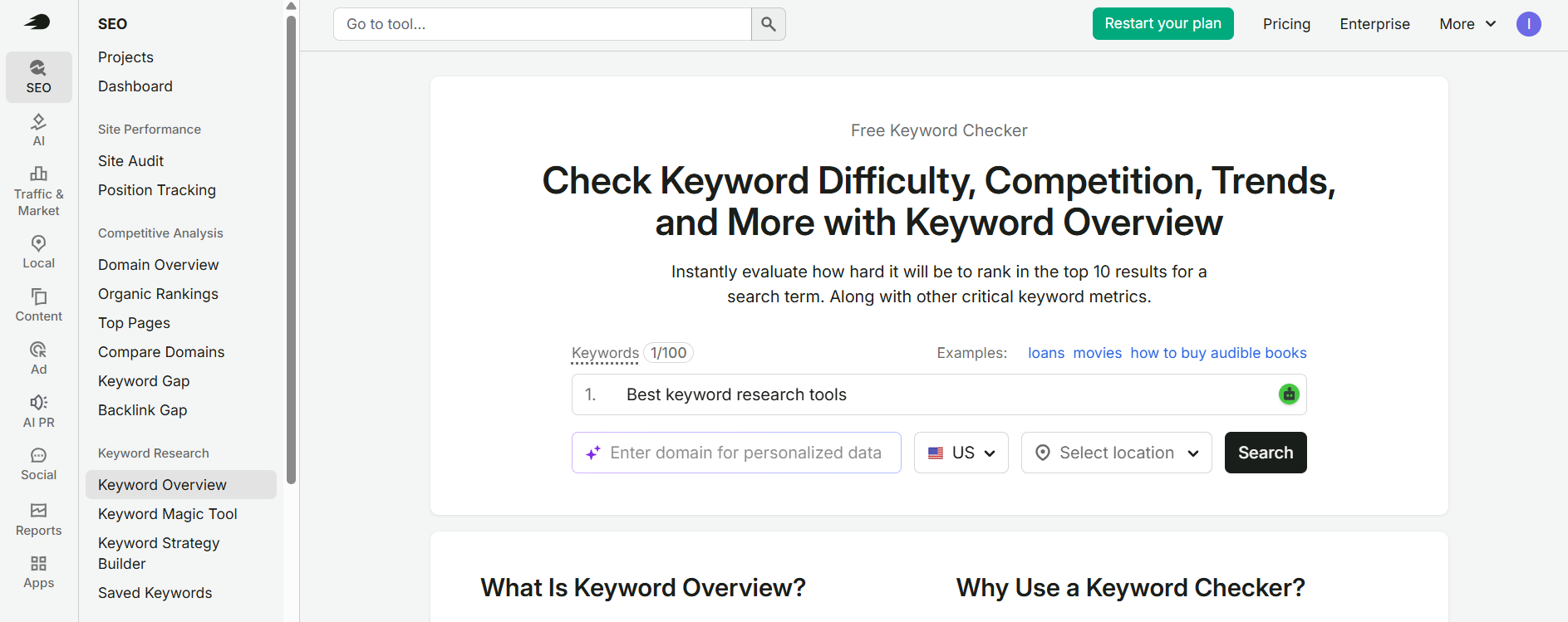
Enter a seed keyword related to your content topic. For example, if you are planning to publish an article about keyword research software, enter:
Seed keyword: Best keyword research tools
Select your target country from the database options. Semrush allows you to investigate keyword metrics for different geographic markets.
For example, you can select:
- United States (USA)
- India
- United Kingdom (UK)
- Canada
- Australia
If your blog targets readers from both the USA and India, research these countries separately. Search volume, keyword difficulty, CPC, and search intent opportunities may differ between markets.
Pro tip: Start with a broad but relevant seed keyword. You can use the resulting keyword suggestions to discover more specific search phrases.
[Insert screenshot: Semrush Keyword Overview showing the seed keyword and country selection]
Step 2: Analyze Search Volume, Keyword Difficulty, and Search Intent
After entering your seed keyword, Semrush displays an overview of its keyword metrics. These metrics help you evaluate whether a keyword is worth targeting.

Pay attention to the following information:
| Metric | What It Means | How to Use It |
|---|---|---|
| Search Volume | Estimated average monthly searches | Understand potential search demand |
| Keyword Difficulty (KD%) | Estimated organic ranking competition | Evaluate ranking opportunities |
| Search Intent | The likely purpose behind a search | Match your content with user expectations |
| CPC | Estimated advertising cost per click | Understand advertiser interest |
| Competitive Density | Competition among advertisers | Evaluate paid search competition |
| Trend | Changes in keyword search interest | Identify seasonal or changing demand |
Understanding Keyword Difficulty
- Keyword Difficulty (KD%) helps estimate how challenging it may be to rank organically for a particular search term.
- Semrush categorizes keyword difficulty into different levels. Lower difficulty scores may indicate more accessible opportunities, while higher scores generally indicate stronger organic competition.
- However, do not select keywords based only on their KD scores. Review the current Google search results, competing websites, content quality, and search intent before deciding.
Understanding CPC and Competitive Density
- CPC represents the estimated advertising cost per click associated with a keyword. Competitive Density measures competition among advertisers in paid search.
- Remember that CPC is not the amount a publisher will necessarily earn from Google AdSense or affiliate traffic. Actual publisher earnings depend on several factors, including audience location, ad demand, ad placement, and monetization model.
- [Insert screenshot: Semrush Keyword Overview showing search volume, KD, intent, CPC, and trend metrics]
Step 3: Discover Keyword Ideas Using the Keyword Magic Tool
One of Semrush’s most useful features is the Keyword Magic Tool. It helps you discover related keywords, long-tail search phrases, question keywords, and additional content opportunities from a single seed keyword.
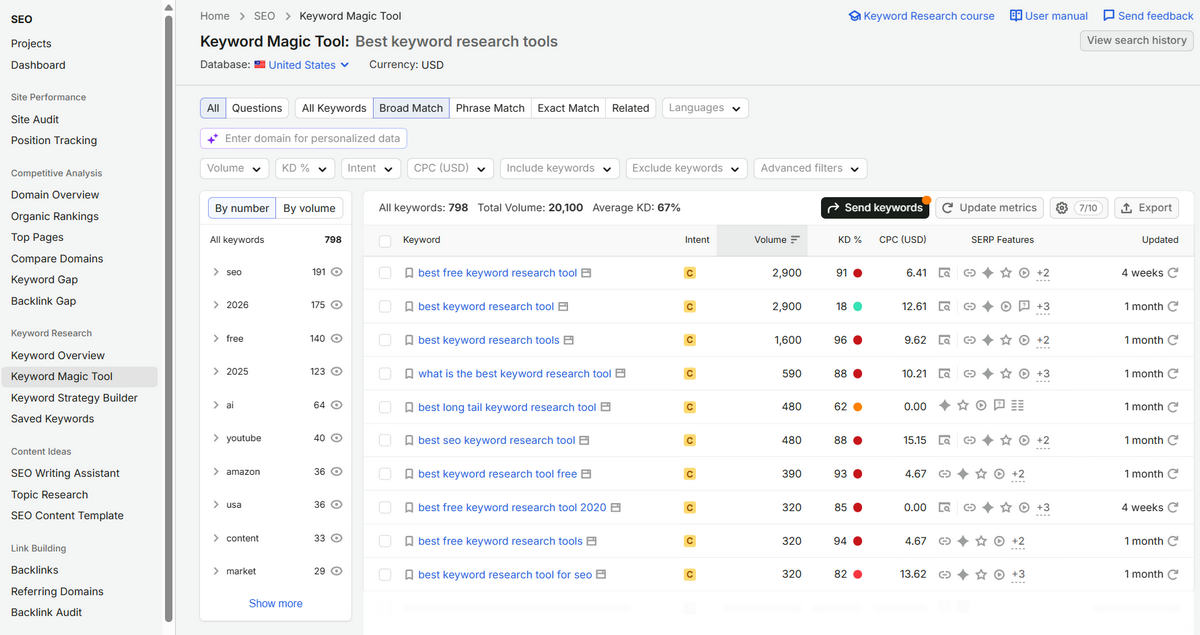
To use it:
- Open the Keyword Magic Tool from your Semrush dashboard.
- Enter your seed keyword, such as “best keyword research tools.”
- Select your target country.
- Click the search button to generate keyword suggestions.
- Review the related keyword ideas and available metrics.
- Use filters to narrow the results according to your content requirements.
Explore different keyword groups
Semrush organizes keyword suggestions into useful categories that help you discover different types of search phrases.
- Broad Match: Finds keyword variations containing your seed keyword and related terms.
- Phrase Match: Finds keywords containing your seed phrase in the same order.
- Exact Match: Finds closely matching keyword phrases.
- Related: Suggests semantically related keyword opportunities.
- Questions: Identifies question-based searches that can inspire tutorials, supporting sections, and FAQs.
Use filters to find better keyword opportunities
You can narrow the keyword suggestions using available filters, including:
- Search volume.
- Keyword Difficulty (KD%).
- CPC.
- Competitive Density.
- Search intent.
- Word count.
For example, if you are researching keywords for a new blog, you may initially focus on relevant long-tail keywords with manageable difficulty and suitable search demand.
Avoid applying arbitrary search volume or difficulty limits to every topic. A keyword with relatively low search volume can still be valuable if it closely matches your audience’s needs.
[Insert screenshot: Semrush Keyword Magic Tool showing keyword suggestions and filters]
Example keyword ideas
For the seed keyword “best keyword research tools,” you might investigate related searches such as:
| Keyword Idea | Search Intent | Content Opportunity |
|---|---|---|
| Best free keyword research tools | Commercial | Free tools comparison |
| Keyword research tools for beginners | Commercial | Beginner-friendly recommendations |
| Best paid keyword research tools | Commercial | Paid software comparison |
| Long-tail keyword research tools | Commercial | Long-tail research guide |
| How to find keywords for SEO | Informational | Step-by-step tutorial |
| Best tools for competitor keyword research | Commercial | Competitor research comparison |
These are example keyword ideas, not verified search volume or ranking opportunities. Check the actual metrics in your selected Semrush database before targeting them.
Step 4: Analyze Competitor Keywords Using Organic Research
Competitor keyword research helps you understand which search terms are bringing organic visibility to other websites in your niche.
Semrush’s Organic Research tool allows you to examine a competitor’s domain and explore its estimated organic keyword rankings.
Follow these steps:
- Open Organic Research in Semrush.
- Enter a competing website’s domain.
- Select the appropriate country database.
- Review the organic keywords report.
- Identify keywords that are relevant to your website.
- Examine the competitor’s ranking pages.
- Save promising keywords for further analysis.
What should you look for?
- Keywords generating estimated organic traffic.
- Keywords for which competitors rank in the top 10.
- Long-tail keywords with relevant search intent.
- Topics that your website has not covered.
- Existing competitor articles that could be improved upon.
For example, if you operate a blogging and SEO website, you can analyze competing blogs to discover opportunities related to WordPress, SEO software, affiliate marketing, keyword research, and website monetization.
Do not simply copy your competitors’ topics or articles. Use their keyword data to identify content gaps and create more useful resources for your readers.
[Insert screenshot: Semrush Organic Research showing competitor keywords and ranking pages]
Step 5: Find Content Gaps Using Semrush Keyword Gap
The Keyword Gap tool helps you compare your website’s keyword profile with competing domains. It can reveal search terms that your competitors rank for but your website does not currently target.
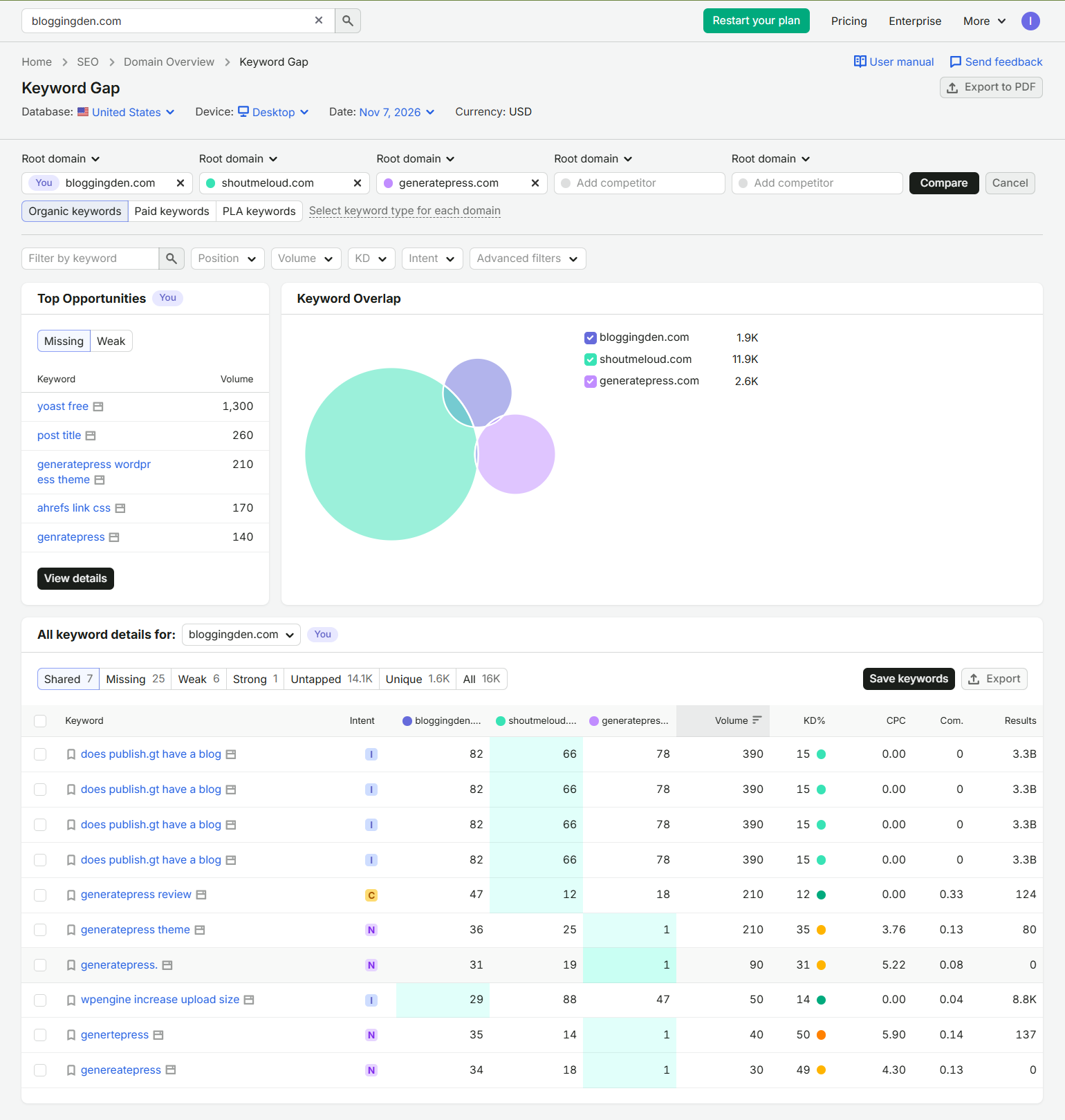
This is especially useful when planning new articles or expanding your existing content.
How to use Keyword Gap
- Open Keyword Gap in Semrush.
- Enter your website’s domain.
- Add up to four competing domains for comparison, subject to your plan’s limits.
- Select the target country database.
- Run the comparison.
- Review the keyword opportunities.
- Identify relevant keywords that are missing from your website.
Understand the keyword gap categories
- Missing: Competitors rank for these keywords, but your domain does not.
- Weak: Competitors have stronger rankings than your website.
- Untapped: Other competing domains rank for keywords that your website may not target.
- Strong: Your website performs better than the selected competitors for those terms.
- Shared: Multiple compared websites rank for the same keywords.
Use these reports to identify topics worth researching. Before creating a new article, check whether an existing page on your website already addresses the same search intent.
[Insert screenshot: Semrush Keyword Gap showing competitor domains and missing keyword opportunities]
Step 6: Select the Best Keywords for Your Blog Posts
After collecting keyword suggestions and competitor data, the next step is choosing the most suitable keywords for your content.
Do not automatically select the keywords with the highest search volume. Consider relevance, search intent, keyword difficulty, business value, and your website’s ability to compete.
Use the following checklist:
| Selection Factor | What to Check |
|---|---|
| Relevance | Does the keyword match your website niche? |
| Search Intent | Does your planned article satisfy the searcher’s needs? |
| Search Volume | Is there meaningful search demand? |
| Keyword Difficulty | Can your website realistically compete? |
| SERP Competition | Are the ranking pages relevant and competitive? |
| Business Value | Does the keyword support your blogging or affiliate goals? |
| Content Opportunity | Can you provide more useful information than existing results? |
Example: Choosing a target keyword
Suppose you are planning an article about keyword research software. You discover these keyword ideas:
| Keyword | Content Type | Recommended Action |
|---|---|---|
| Best keyword research tools | Main comparison | Primary keyword |
| Free keyword research tools | Supporting topic | Dedicated section |
| Keyword research tools for beginners | Supporting topic | Dedicated section |
| Best tools for competitor keyword research | Supporting topic | Dedicated section |
| How to do keyword research | Informational | Separate tutorial if intent differs |
Use one primary keyword for the main article and naturally include closely related secondary keywords where they fit.
Avoid creating multiple articles that target almost identical search intent. Instead, organize related keywords into topic clusters and connect supporting articles through relevant internal links.
Step 7: Build Your Keyword Research and Content Plan
Once you have selected your target keywords, organize them into a spreadsheet or content planning document.
Include the following columns:
| Keyword | Country | Search Volume | KD% | CPC | Search Intent | Target URL | Status |
|---|---|---|---|---|---|---|---|
| Best keyword research tools | USA | Verify in Semrush | Verify in Semrush | Verify in Semrush | Commercial | Existing article | Update |
| Free keyword research tools | India | Verify in Semrush | Verify in Semrush | Verify in Semrush | Commercial | Existing article | Optimize |
| Keyword research guide | USA | Verify in Semrush | Verify in Semrush | Verify in Semrush | Informational | Relevant guide | Review |
The values should be filled using your selected Semrush database rather than estimated or invented figures.
Final tip: Review your keyword plan regularly using Google Search Console. Once an article is published or updated, monitor its impressions, clicks, CTR, and average position to identify further optimization opportunities.
Why Use Semrush for Keyword Research?
Semrush is useful because it combines several keyword research activities in one platform. Instead of switching between multiple applications, you can discover keyword ideas, evaluate competition, examine competitor rankings, and identify content gaps from a single dashboard.
Its Keyword Overview, Keyword Magic Tool, Organic Research, and Keyword Gap features support different stages of the keyword research process.
If you want to learn more about its features, subscription options, advantages, and limitations, read our complete Semrush review.
My recommendation: Use Semrush to discover and organize keyword opportunities, but always validate your final choices by examining Google’s actual search results and understanding what your audience wants.
How to Choose the Best Keywords for Your Website
Finding keyword ideas is only the beginning. You also need to select the right keywords for your website and content strategy.
Follow these steps before creating a new article.
- Choose a relevant topic: Start with a topic closely related to your website niche. A keyword may have high search volume, but it is not useful if it attracts the wrong audience.
- Understand search intent: Search Google using your target keyword. Examine the top-ranking pages to understand whether users expect tutorials, comparisons, product reviews, definitions, or other content formats.
- Evaluate keyword difficulty: Use a keyword research tool to estimate competition. Then examine the actual SERP to understand the strength and relevance of competing pages.
- Consider search volume: Search volume helps estimate demand, but it should not be the only selection factor. A highly specific keyword with lower search volume may attract more relevant visitors.
- Check the business value: For affiliate websites, consider whether the keyword relates to products or services that match your audience. For informational blogs, prioritize relevance and the usefulness of the topic.
- Review existing content:Before creating a new page, check whether you already have an article targeting the same search intent. Updating an existing page may be better than publishing a competing article.
- Build topic clusters: Group related keywords into a main pillar article and supporting articles. Connect them using relevant internal links to help readers explore the subject.
For more guidance, follow our complete SEO guide for beginners.
Common Keyword Research Mistakes to Avoid
Even when using professional keyword research software, bloggers can make mistakes that reduce the effectiveness of their SEO strategy.
- Choosing keywords only by search volume: High-volume keywords are not automatically the best opportunities. Consider relevance, intent, competition, and business value.
- Ignoring search intent: A page may target the correct keyword but still fail to satisfy users if its content format does not match what searchers expect.
- Targeting overly competitive keywords: New websites should not build their entire strategy around broad, highly competitive search terms. Look for specific topics where they can provide useful information.
- Treating keyword difficulty as an exact measurement: KD scores are estimates calculated using different methods. Always review the actual search results.
- Ignoring country-specific data: Search volume and competition can vary significantly between the United States, India, the United Kingdom, and other countries. Select the correct database for your target audience.
- Creating multiple pages for the same search intent: Publishing several articles targeting nearly identical keywords can create unnecessary content overlap. Consolidate or differentiate pages based on their actual search intent.
- Ignoring Google Search Console: Your existing search performance data can reveal keyword opportunities that traditional keyword research tools may not highlight. Review queries with high impressions and low clicks before creating new content.
- Publishing keyword lists without useful content: Adding keywords to an article does not guarantee rankings. Focus on answering the searcher’s question clearly and providing information that genuinely helps.
What Is a Keyword in SEO?
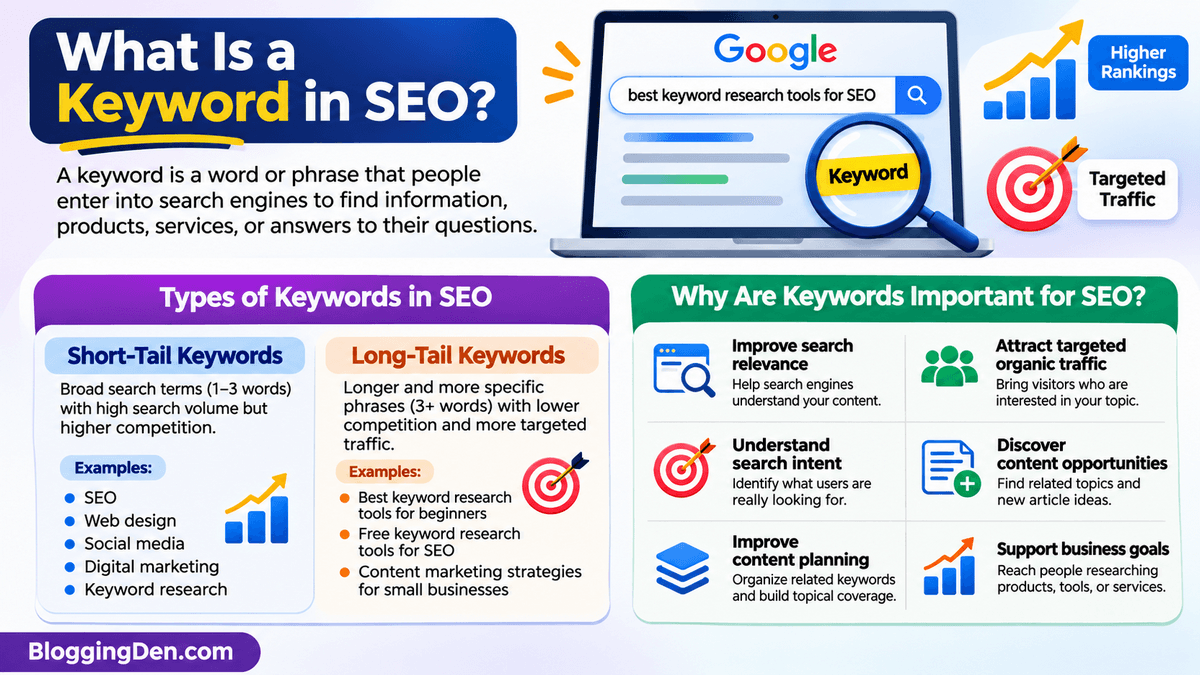
A keyword is a word, phrase, or search term that people enter into search engines such as Google to find information, products, services, or answers to their questions. In SEO, keywords help search engines understand the subject of a webpage and determine whether its content is relevant to a user’s search query.
For example, if someone searches for “best keyword research tools for SEO,” Google looks for webpages that provide useful information about keyword research software, their features, pricing, and comparisons.
Choosing the right keywords is an essential part of search engine optimization. By identifying relevant search terms and understanding their search intent, you can create content that attracts targeted visitors, answers users’ questions, and improves your website’s organic search visibility.
Types of Keywords in SEO
Understanding different types of keywords helps you develop an effective keyword research strategy. The two common categories are short-tail keywords and long-tail keywords.
1. Short-Tail Keywords
Short-tail keywords are broad search phrases that usually contain one to three words. They generally have higher search volumes because they cover broad topics and attract a wide range of search queries. However, they are often highly competitive and may have less specific search intent.
Examples:
- SEO
- Web design
- Social media
- Digital marketing
- Keyword research
For example, someone searching for “SEO” might want an SEO definition, optimization techniques, SEO tools, or professional SEO services. Therefore, understanding the exact search intent can be difficult.
2. Long-Tail Keywords
Long-tail keywords are longer and more specific search phrases that usually contain three or more words. They often have lower individual search volumes but can attract more targeted visitors because they communicate a clearer search requirement.
Examples:
- Best keyword research tools for beginners
- Free keyword research tools for SEO
- Content marketing strategies for small businesses
- Local SEO strategies for beginners
- Best social media management tools for businesses
For example, someone searching for “best free keyword research tools for SEO” is likely looking for specific software recommendations rather than general information about SEO.
Long-tail keyword research is particularly useful for new blogs and niche websites because it helps identify specific search opportunities that may be more achievable than broad, highly competitive keywords.
Why Are Keywords Important for SEO?
Keywords connect your website’s content with the information people are searching for online. A well-planned keyword research strategy helps you understand your audience, organize your content, and identify opportunities to improve organic search performance.
Here are some important reasons why keywords matter in SEO:
- Improve search relevance: Relevant keywords help search engines understand the main topic of your webpage and its relationship to users’ search queries.
- Attract targeted organic traffic: Choosing keywords that match your audience’s interests can bring visitors who are more likely to find your content useful.
- Understand search intent: Keyword analysis helps identify whether users are looking for information, product comparisons, specific websites, or services.
- Discover content opportunities: Keyword research reveals related searches, questions, and topics that you can cover through new articles or existing content updates.
- Improve content planning: Grouping related keywords helps you organize articles into topic clusters and build topical coverage.
- Support business goals: Commercial and transactional keywords can help affiliate marketers and businesses reach people researching products or preparing to make purchasing decisions.
Remember that using keywords repeatedly does not guarantee better rankings. Instead of focusing only on keyword density or search volume, create helpful content that satisfies search intent and provides meaningful information to readers.
Frequently Asked Questions About Keyword Research Tools
What is the best keyword research tool for SEO?
Semrush is our top overall recommendation because it combines keyword discovery, search volume, keyword difficulty, search intent, competitor analysis, and keyword gap research. However, Ahrefs is also a strong option for competitor analysis, while Google Keyword Planner is a useful free starting point for basic keyword discovery.
Which is the best free keyword research tool?
Google Keyword Planner is one of the best free options for discovering keyword ideas and reviewing advertising estimates. Google Trends and Google Search Console are also valuable. Together, these tools help you research topics, understand search interest, and identify queries already bringing impressions to your website.
Is Semrush better than Ahrefs for keyword research?
Both platforms offer powerful keyword research and competitor analysis features. Semrush provides a broad SEO toolkit with Keyword Magic Tool and Keyword Gap, while Ahrefs is well known for Keywords Explorer, Site Explorer, and backlink analysis. The better choice depends on your research workflow, preferred interface, budget, and required features.
Can I do keyword research without paid tools?
Yes. You can start keyword research using Google Keyword Planner, Google Trends, Google Search Console, Google autocomplete, and other free resources. These tools help you discover search phrases and understand website performance. Paid platforms become more useful when you need extensive competitor research, advanced keyword metrics, or larger exports.
What keyword research tool is best for beginners?
Google Keyword Planner, Ubersuggest, and KWFinder are useful choices for beginners. Google Keyword Planner offers a free starting point, Ubersuggest provides an accessible research interface, and KWFinder helps evaluate long-tail keyword opportunities. Start with one tool and learn search intent and SERP analysis before purchasing advanced subscriptions.
How do I find low-competition keywords?
Start with a broad topic and use a tool such as LowFruits, KWFinder, or Semrush to discover specific keyword variations. Check their SERPs, examine the competing websites, and look for relevant searches where the existing results do not fully satisfy user intent. No difficulty score guarantees that a keyword will be easy to rank for.
How can I find my competitors’ keywords?
You can use Semrush Organic Research, Keyword Gap, Ahrefs Site Explorer, or SE Ranking to analyze competitor domains. These tools show estimated organic keywords and ranking pages. Compare several competitors, identify missing topics, and evaluate each opportunity before creating content. Competitor data is estimated, so validate important findings.
Are free keyword research tools accurate?
Free keyword research tools are useful for discovering ideas and understanding search trends, but their metrics may have limitations. Search volume can be shown in ranges or estimates, and different platforms may report different figures. Combine multiple sources and examine actual Google results before making important content decisions.
What is the difference between keyword difficulty and search volume?
Search volume estimates how often people search for a keyword, usually per month. Keyword difficulty estimates how challenging it may be to rank organically for that term. A keyword can have high search volume but also strong competition, so evaluate both metrics alongside search intent and SERP quality.
How many keywords should I target in one blog post?
Focus on one primary keyword and a group of closely related secondary keywords that share the same search intent. There is no fixed ideal keyword count. Your article should cover the topic naturally and answer relevant questions without repeating phrases unnecessarily or creating separate sections for every minor variation.
Which keyword research tool is best for long-tail keywords?
KWFinder, Semrush Keyword Magic Tool, and LowFruits are strong options for discovering long-tail keywords. AnswerThePublic and KeywordTool.io are useful for question-based and autocomplete suggestions. Choose a tool based on your budget and validate each keyword by examining its relevance, search intent, and current search results.
Is Google Keyword Planner good for SEO?
Google Keyword Planner is useful for discovering keyword ideas and understanding advertising search estimates. However, it was primarily developed for Google Ads rather than organic SEO. It does not provide the same competitor analysis and organic keyword difficulty features as dedicated SEO platforms, so combine it with other research methods.
Final Verdict – Which Keyword Research Tool Should You Choose?
The best keyword research tools help you discover relevant search terms, understand competition, evaluate search intent, and plan content that meets your audience’s needs.
However, you do not need every tool listed in this guide. Choose one based on your website’s size, SEO experience, budget, and research requirements.
Here are our final recommendations:
| Requirement | Recommended Tool |
|---|---|
| Best overall keyword research | Semrush |
| Best competitor keyword research | Ahrefs |
| Best free keyword research | Google Keyword Planner |
| Best for existing website keywords | Google Search Console |
| Best for beginners | Ubersuggest |
| Best for long-tail keywords | KWFinder |
| Best for low-competition keywords | LowFruits |
| Best for question-based keywords | AnswerThePublic |
| Best for trending topics | Google Trends |
| Best all-in-one alternative | SE Ranking |
If you are a beginner, start with Google Keyword Planner, Google Trends, and Google Search Console. When your website grows and you need more advanced research, consider investing in Semrush or Ahrefs.
For BloggingDen readers who want to build a more systematic SEO workflow, my recommendation is to use Semrush for keyword discovery and competitor analysis, Google Search Console for real website performance, and Google Trends for understanding search interest.
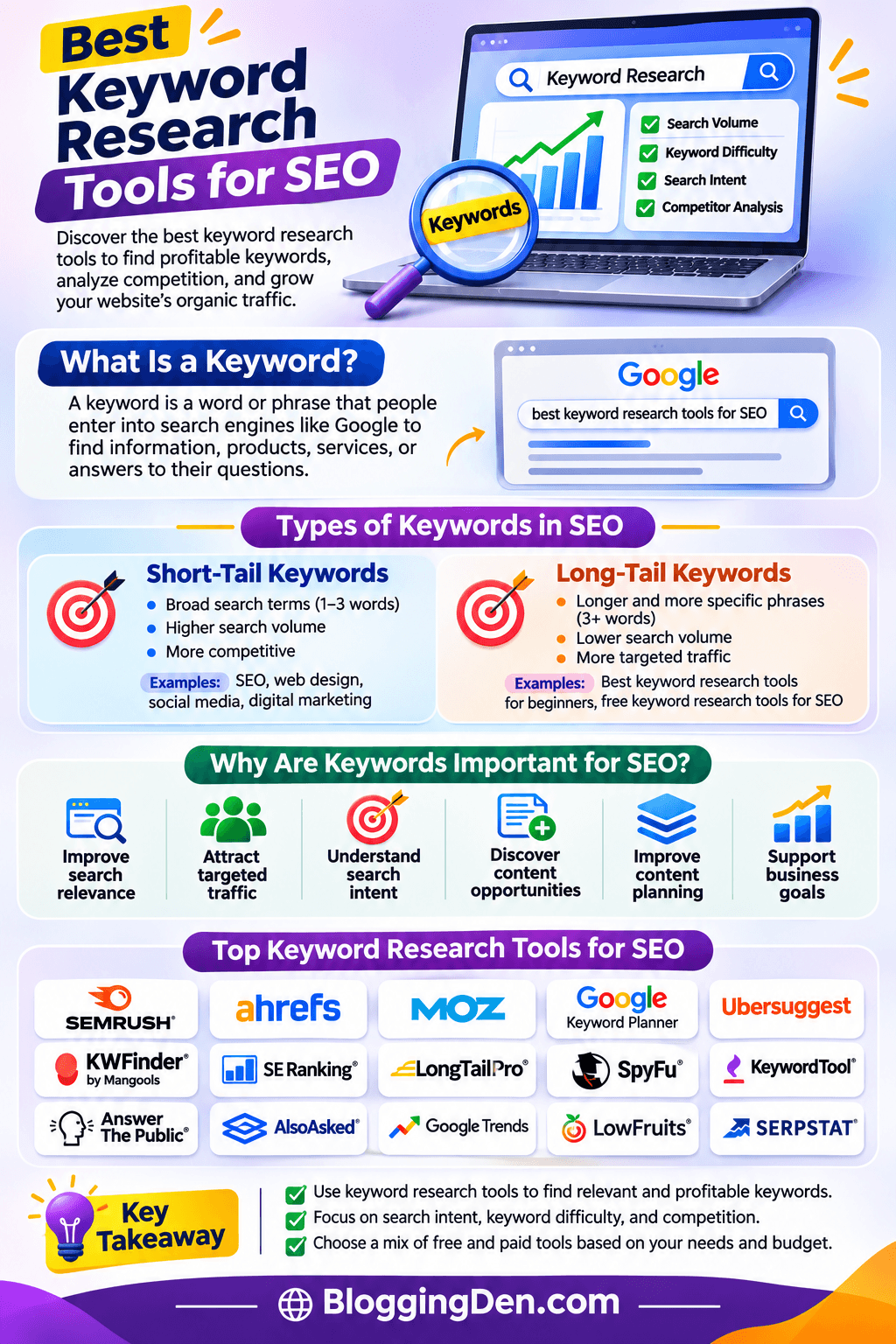
Remember that keyword research is not just about finding high-volume search terms. The most valuable keywords are those that match your audience’s needs, fit your website’s expertise, and give you a realistic opportunity to create better content.